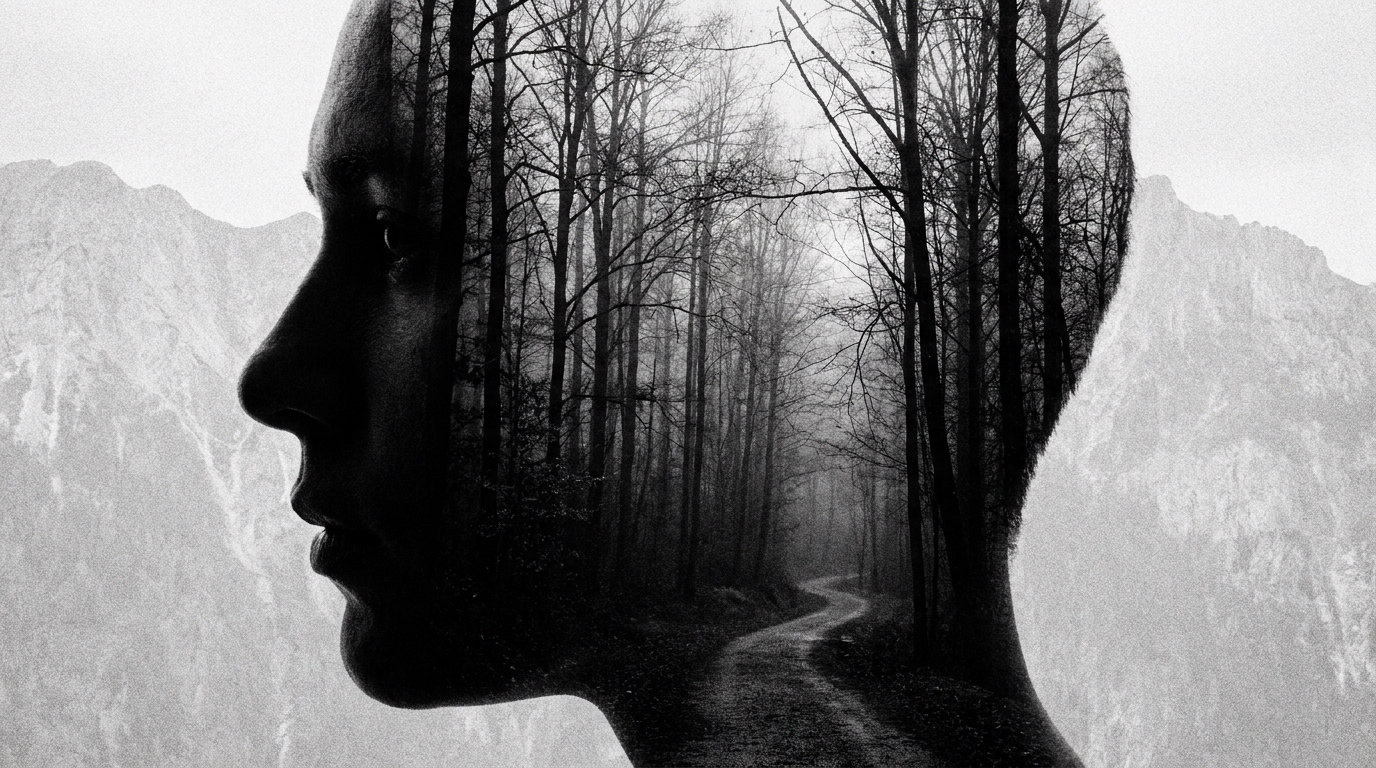
Image to Video
Animate a single supplied still image into a living clip.
[Attach: a portrait photo] Create a double exposure effect where the uploaded portrait is blended with sweeping landscape imagery — forest, ocean, or city skyline filling the silhouette in an artistic composite
Opens the Wavemaker composer with this style pre-selected.
Image to Video is an AI film & narrative video style — animate a single supplied still image into a living clip. Wavemaker generates the entire video for you — script, visuals, voiceover, and music — and assembles a finished, ready-to-share piece in minutes.
Pick Image to Video, describe your idea or paste a URL, and Wavemaker applies the style's tuned recipe (its look, pacing, framing, voice, and structure) to your content. You can attach your own image to feature your real product, person, or brand. Refine any scene in plain language, then export in the aspect ratio you need (vertical, square, or widescreen).
How to create a image to video video
-
Describe your video
Paste a link or type a one-line brief. Wavemaker reads it, pulls your brand, and plans the scenes, script, and pacing for you.
-
Pick a style
Choose one of the styles on this page. Each is a tuned recipe — look, cut rhythm, voice, and structure — applied automatically to your brief.
-
Generate and refine
Wavemaker writes the script, generates every shot and voiceover, and assembles a finished video. Tweak any scene in chat or on the canvas, then export.
Image to Video — FAQs
What is the Image to Video video style?
Image to Video is a film & narrative style on Wavemaker — animate a single supplied still image into a living clip. Selecting it steers the whole generation — look, cut rhythm, voice, and scene structure — toward that result, so you get a consistent Image to Video feel without configuring anything.
How do I make a Image to Video video?
Open the Wavemaker composer, choose Image to Video, describe your idea (or paste a link), and Wavemaker writes the script, generates the visuals and voiceover, and assembles the video. Tweak any scene in chat and export.
Can I feature my own product or subject?
Yes — attach an image and Image to Video uses your real product, person, or brand as a reference so it stays consistent across every scene instead of inventing a lookalike.
What aspect ratios can I export?
Vertical (9:16) for TikTok, Reels, and Shorts, square (1:1), and widescreen (16:9) for YouTube and the web. Some styles default to the ratio that performs best for their format.
Can characters stay consistent?
Yes — Wavemaker develops a reference for each recurring character and reuses it across scenes so they look the same throughout.
Does it write the story?
Describe the premise and Wavemaker writes a structured script with a hook, build, and payoff.
More Film & Narrative styles
-
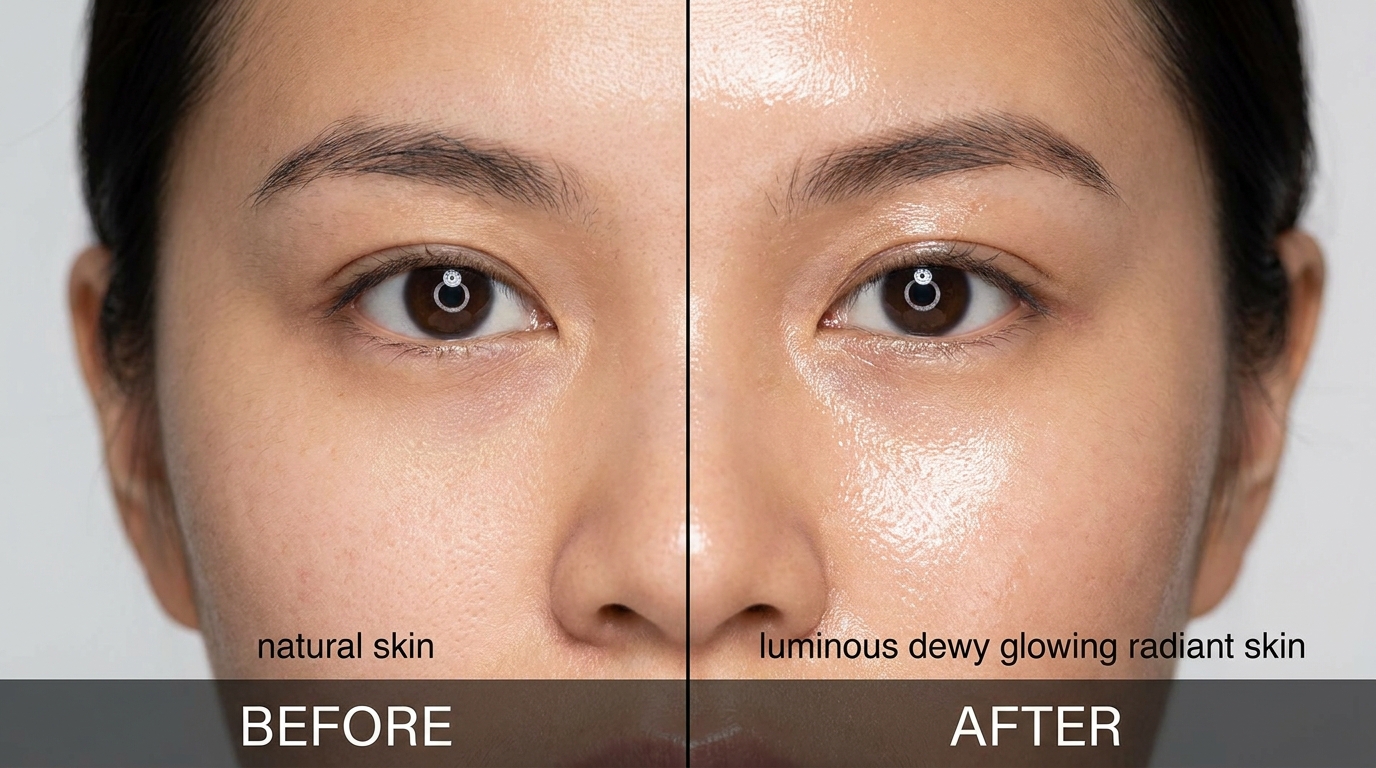 Before & After A before/after transformation reveal (renovation, makeover, glow-up).
 -
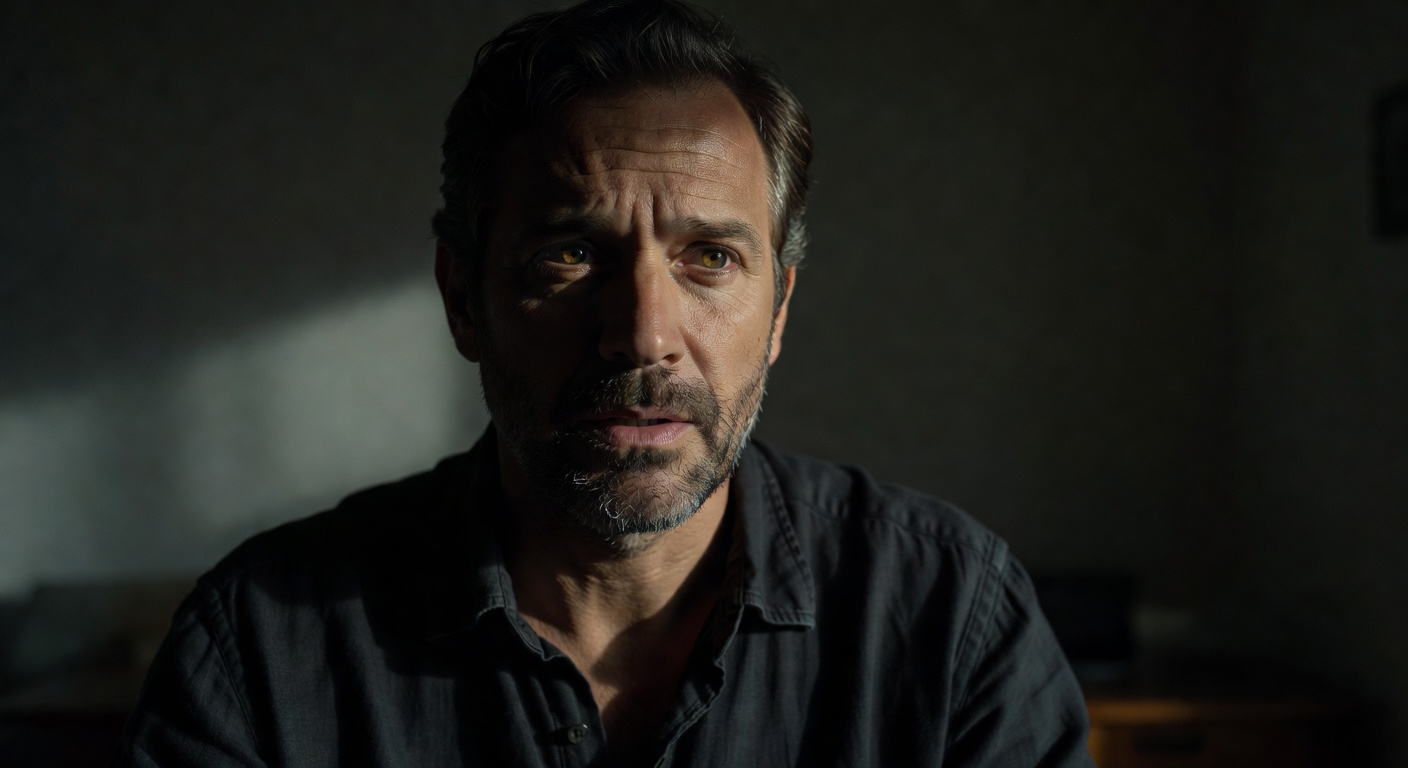 Character Monologue A single-character monologue delivered to camera (audiobook trailer, character intro, mascot).
 -
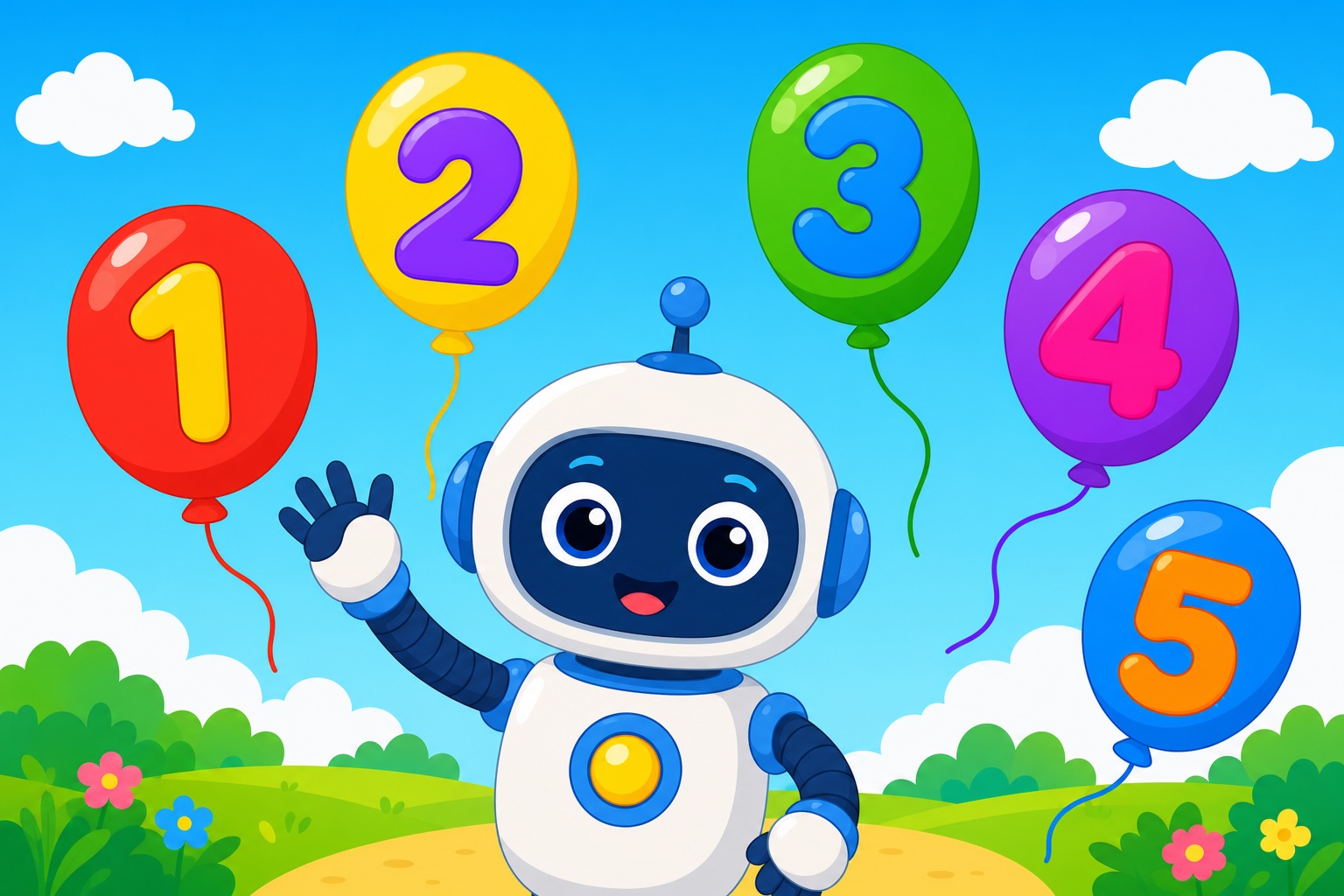 Kids' Content A children's video for young kids (counting, colors, gentle stories — bright, slow, safe).
 -
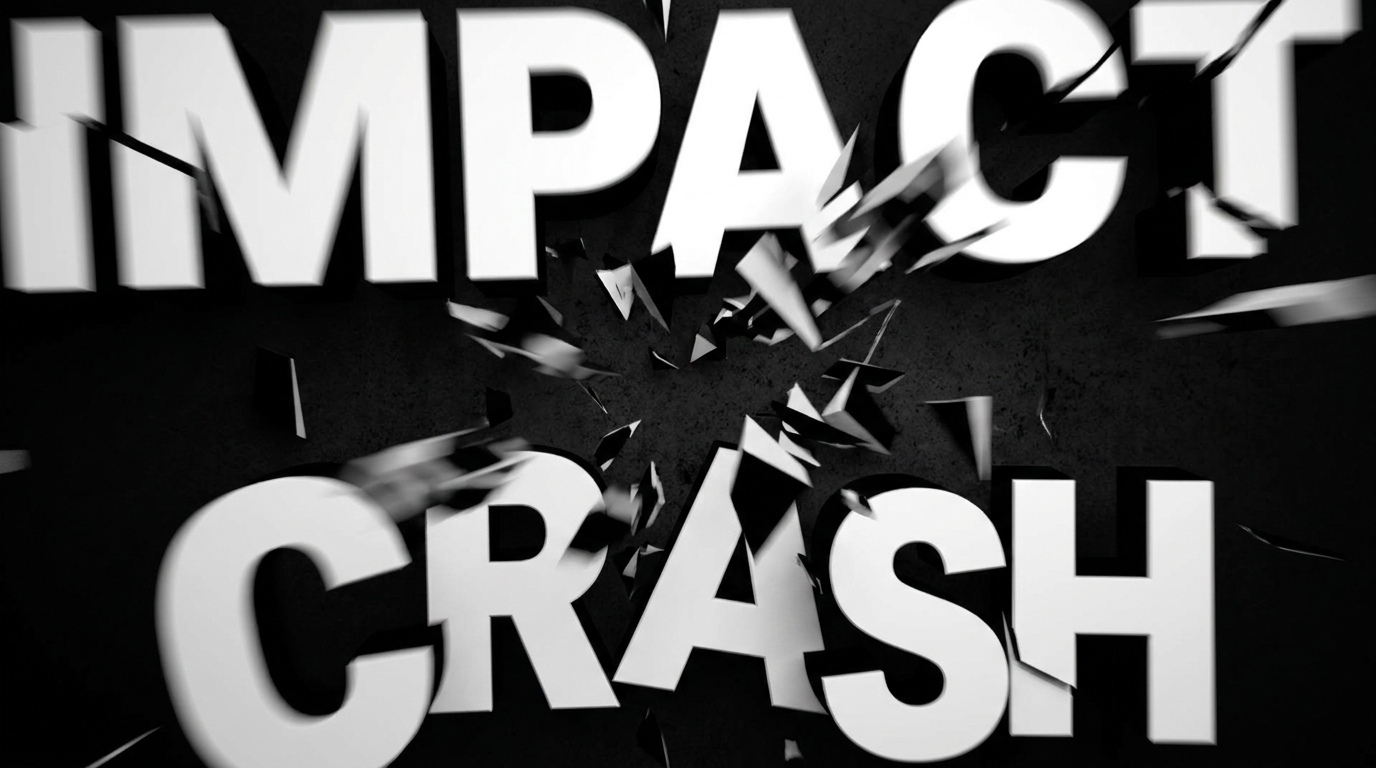 Kinetic Typography A kinetic-typography video (animated TEXT is the entire visual, synced to a punchy VO).
 -
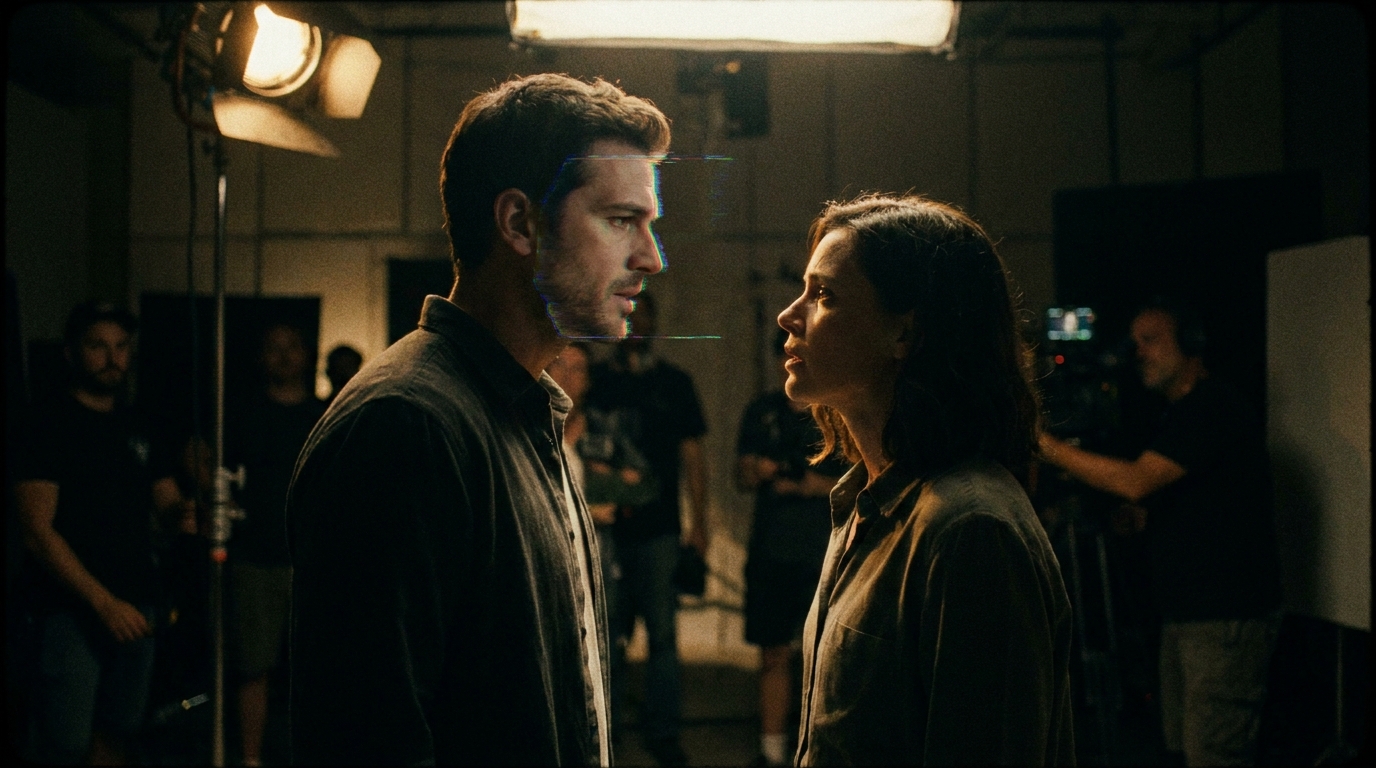 Movie Trailer A trailer/teaser promoting an actual film or show (builds anticipation for a title).
 -
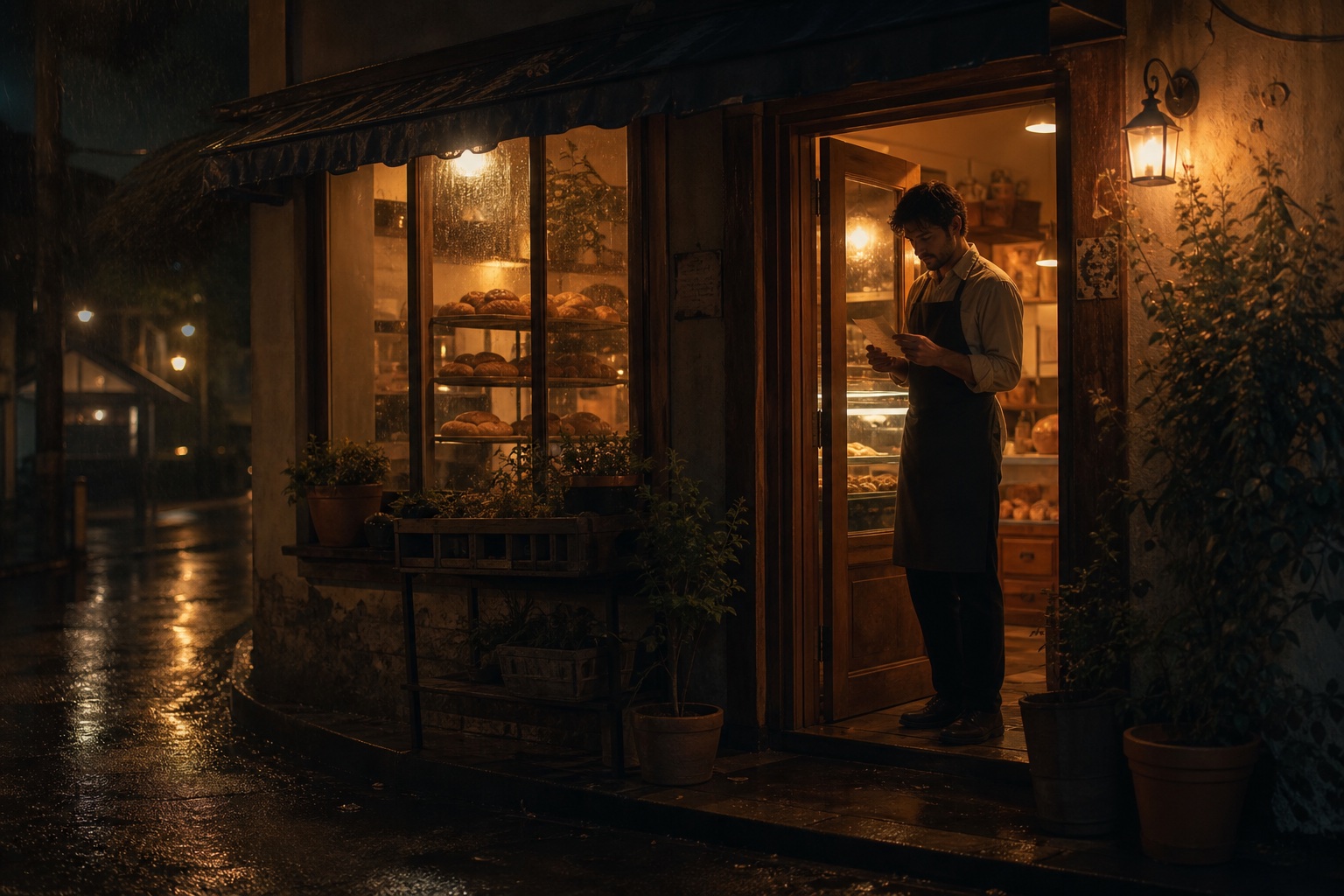 Short Film A complete narrative short film with characters, conflict, resolution.