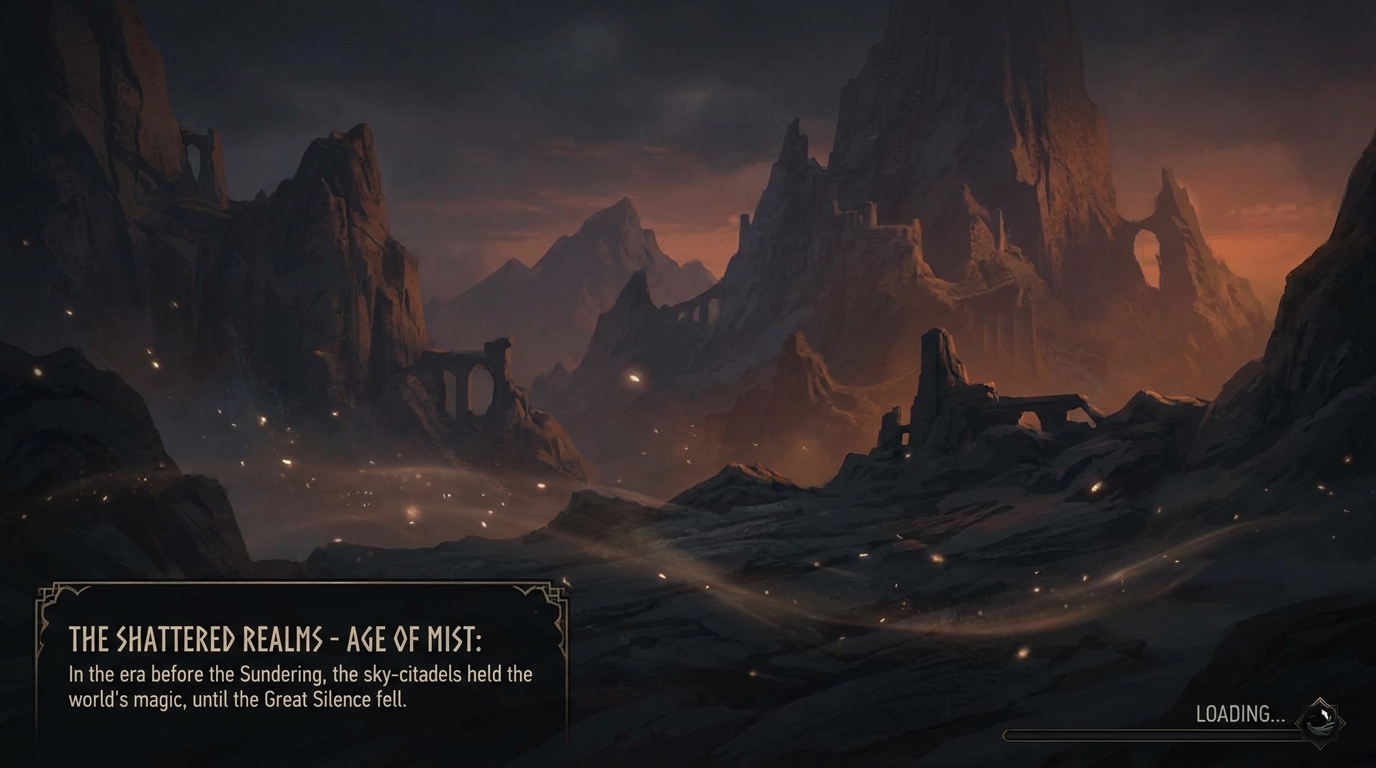
Ambient Loop
A seamless looping ambient background (lo-fi scene, nature loop, livestream backdrop).
Make a moody atmospheric loading screen animation — sweeping environmental concept art, particle effects drifting across the frame, progress bar and world-building lore text, cinematic score building
Opens the Wavemaker composer with this style pre-selected.
Ambient Loop is an AI music & audio video style — a seamless looping ambient background (lo-fi scene, nature loop, livestream backdrop). Wavemaker generates the entire video for you — script, visuals, voiceover, and music — and assembles a finished, ready-to-share piece in minutes.
Pick Ambient Loop, describe your idea or paste a URL, and Wavemaker applies the style's tuned recipe (its look, pacing, framing, voice, and structure) to your content. Refine any scene in plain language, then export in the aspect ratio you need (vertical, square, or widescreen).
How to create a ambient loop video
-
Describe your video
Paste a link or type a one-line brief. Wavemaker reads it, pulls your brand, and plans the scenes, script, and pacing for you.
-
Pick a style
Choose one of the styles on this page. Each is a tuned recipe — look, cut rhythm, voice, and structure — applied automatically to your brief.
-
Generate and refine
Wavemaker writes the script, generates every shot and voiceover, and assembles a finished video. Tweak any scene in chat or on the canvas, then export.
Ambient Loop — FAQs
What is the Ambient Loop video style?
Ambient Loop is a music & audio style on Wavemaker — a seamless looping ambient background (lo-fi scene, nature loop, livestream backdrop). Selecting it steers the whole generation — look, cut rhythm, voice, and scene structure — toward that result, so you get a consistent Ambient Loop feel without configuring anything.
How do I make a Ambient Loop video?
Open the Wavemaker composer, choose Ambient Loop, describe your idea (or paste a link), and Wavemaker writes the script, generates the visuals and voiceover, and assembles the video. Tweak any scene in chat and export.
What aspect ratios can I export?
Vertical (9:16) for TikTok, Reels, and Shorts, square (1:1), and widescreen (16:9) for YouTube and the web. Some styles default to the ratio that performs best for their format.
Can I upload my own song?
Yes — upload your track and Wavemaker analyzes its tempo and structure, then cuts the visuals to it.
Can it make a lyric video?
Describe or provide the lyrics and Wavemaker builds a synced lyric video timed to the song.
Will cuts land on the beat?
Wavemaker detects the BPM and aligns scene changes to the beat for a tight, musical edit.
More Music & Audio styles
-
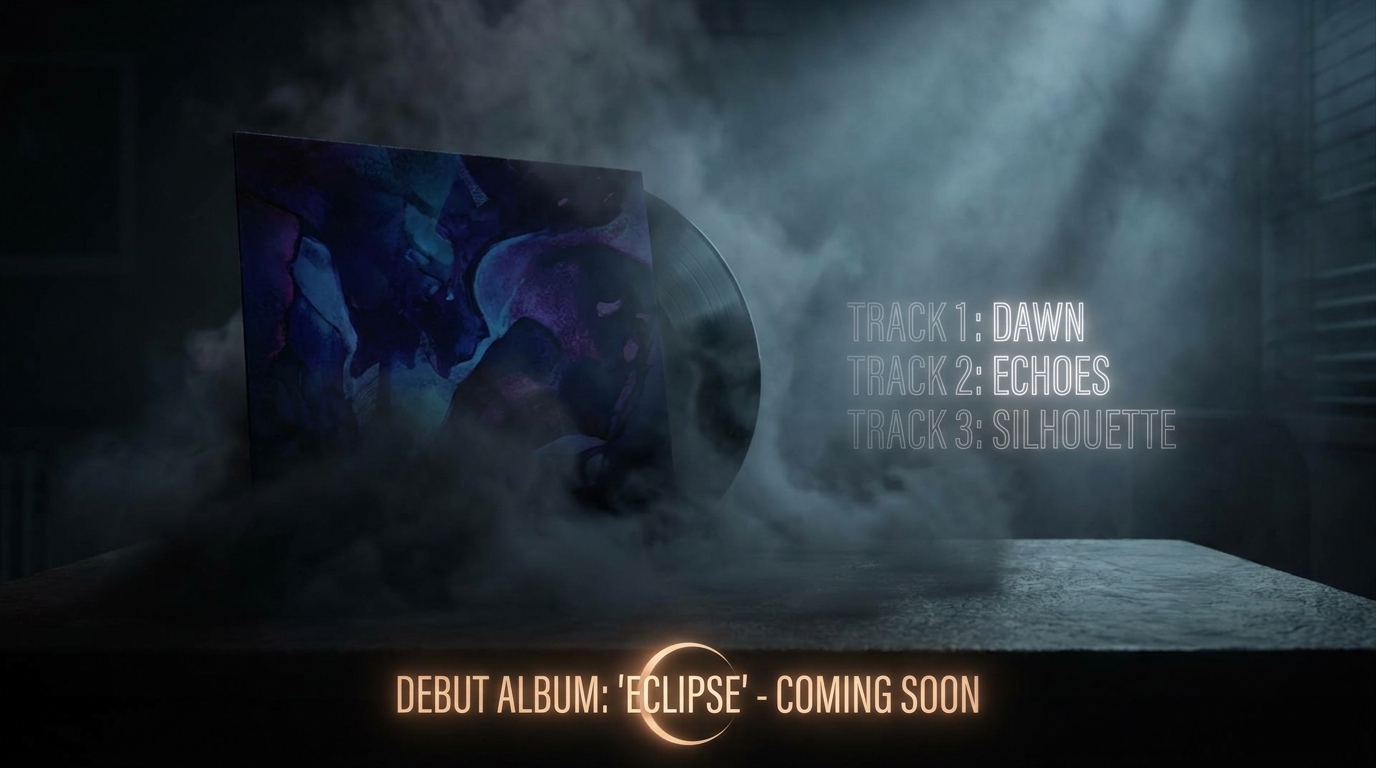 Album / Single Drop An album/single release announcement teaser (artist + title + date on the beat drop).
 -
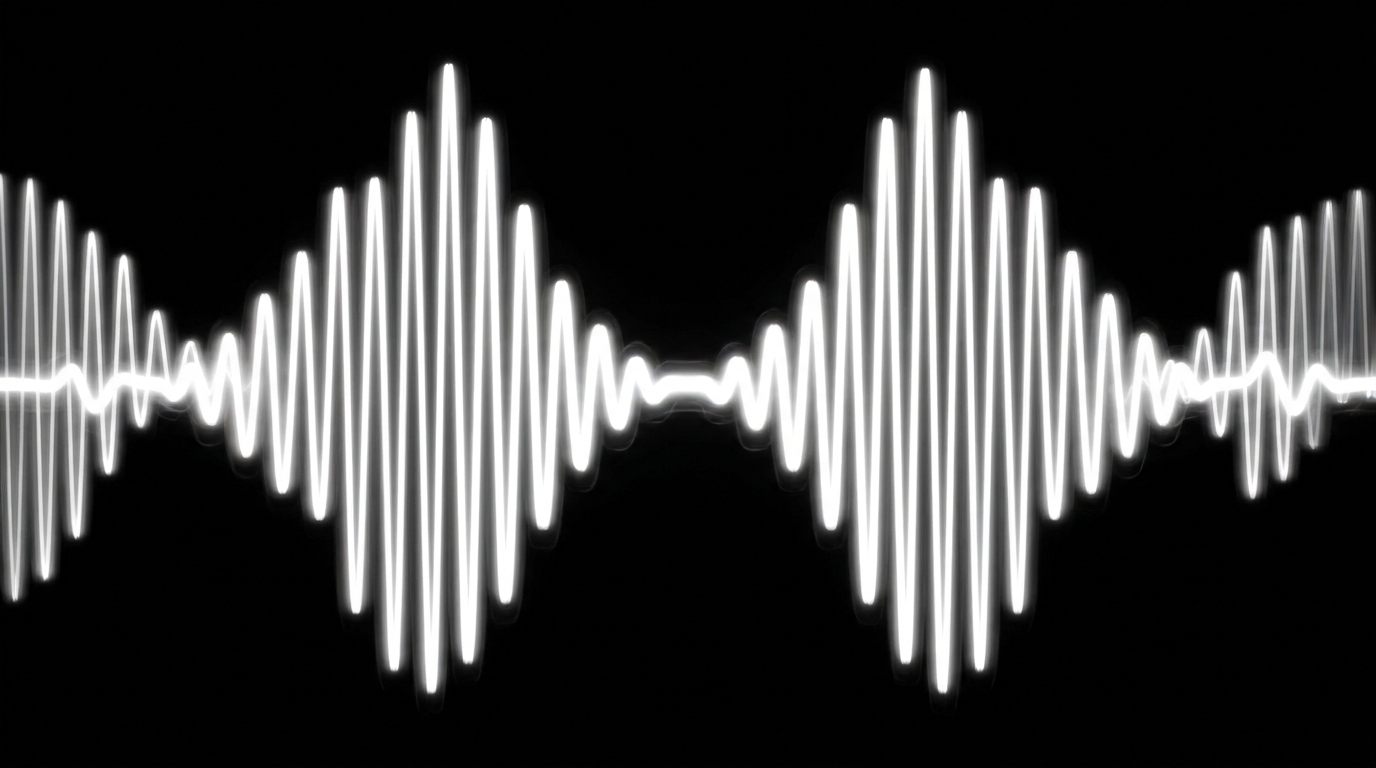 Audiogram Turn an audio quote/podcast moment into a captioned waveform social clip.
 -
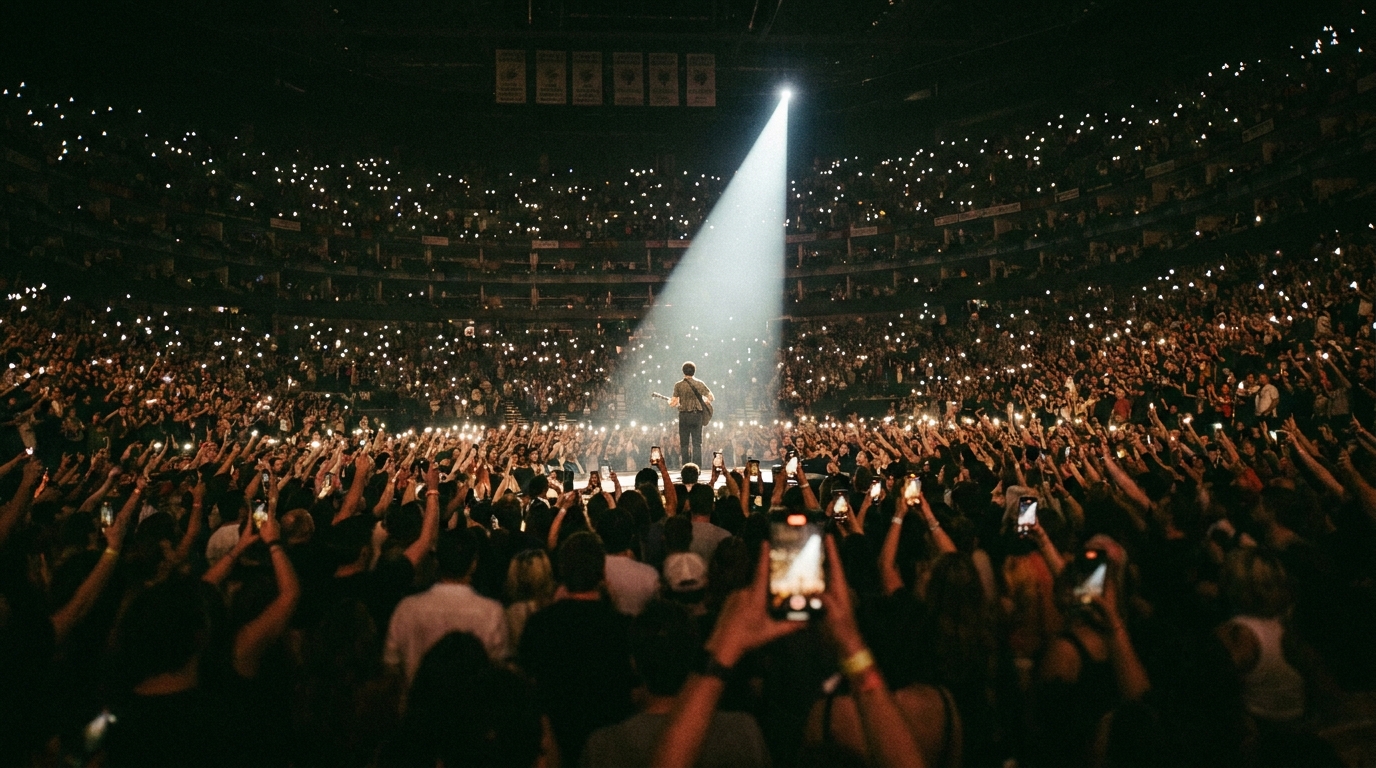 Concert Film A live concert / tour film (stage lights, crowd euphoria, performance energy).
 -
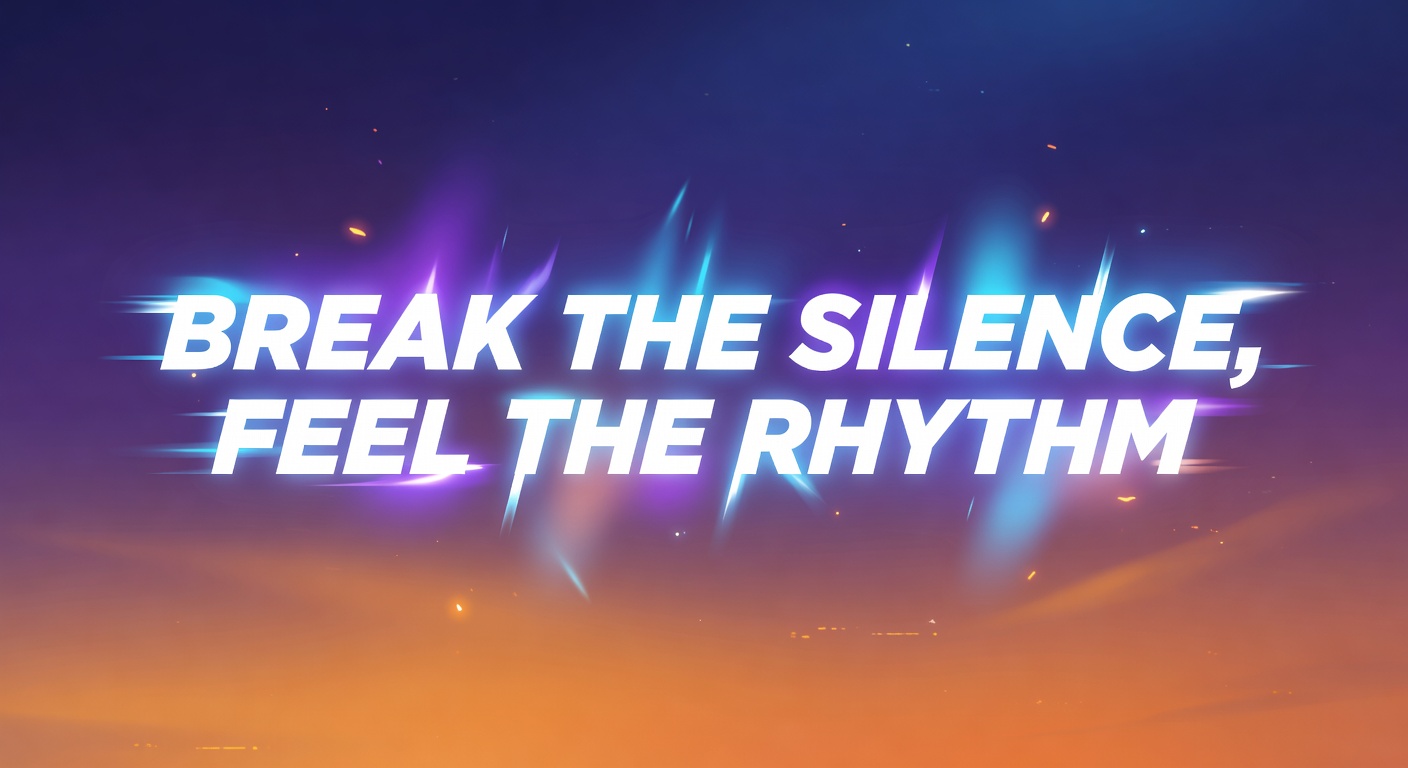 Lyric Video A lyric video where the song's words are the hero as animated typography.
 -
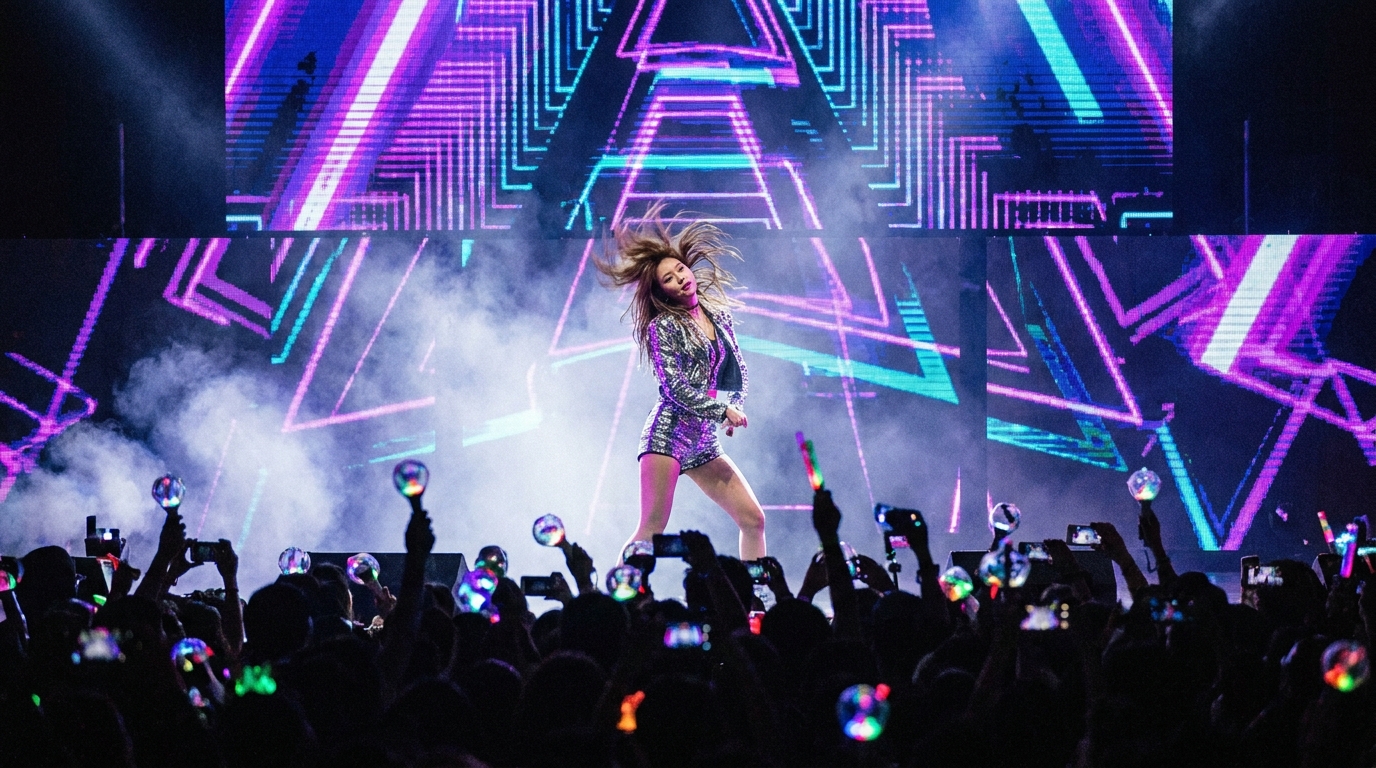 Music Video A music video (narrative or performance) cut to a song.
 -
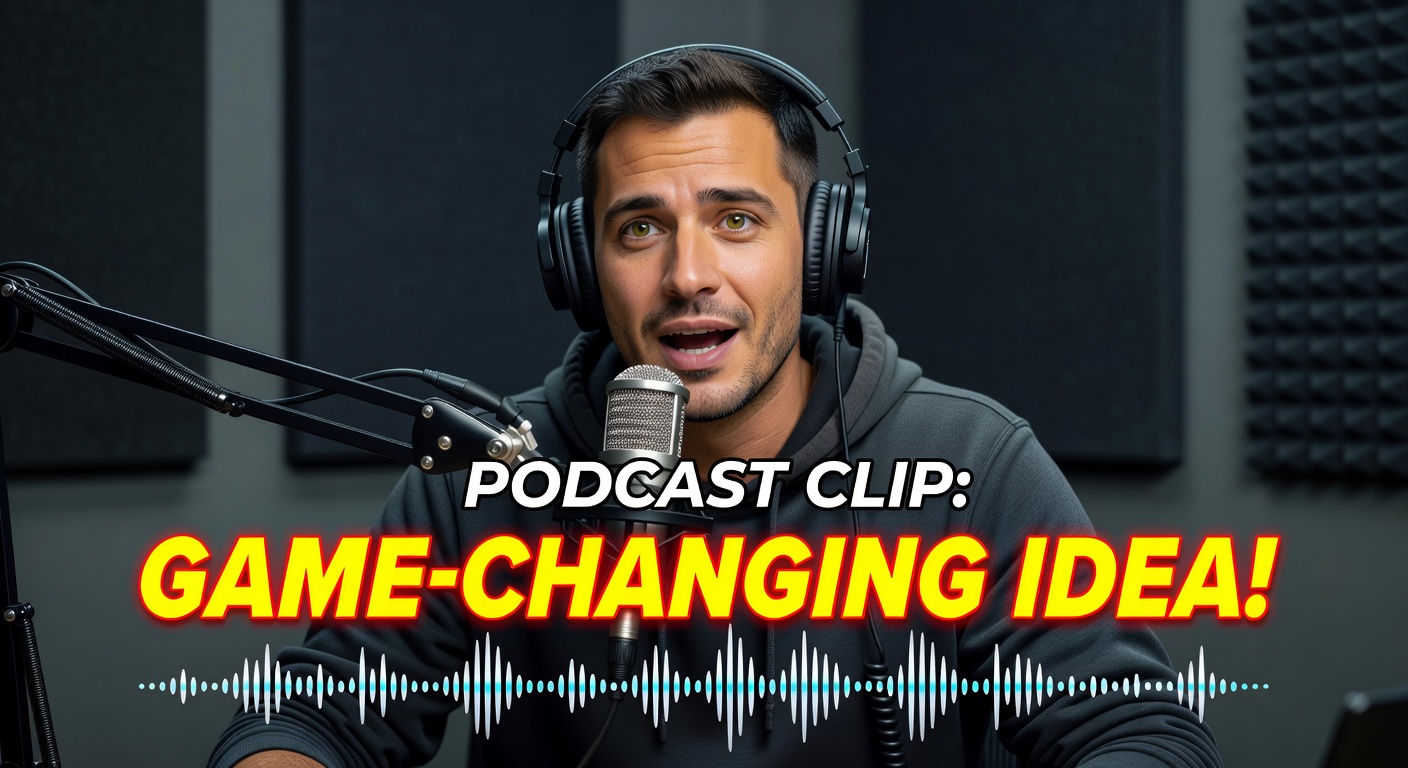 Podcast to Shorts Repurpose a long podcast/interview into short vertical clips.