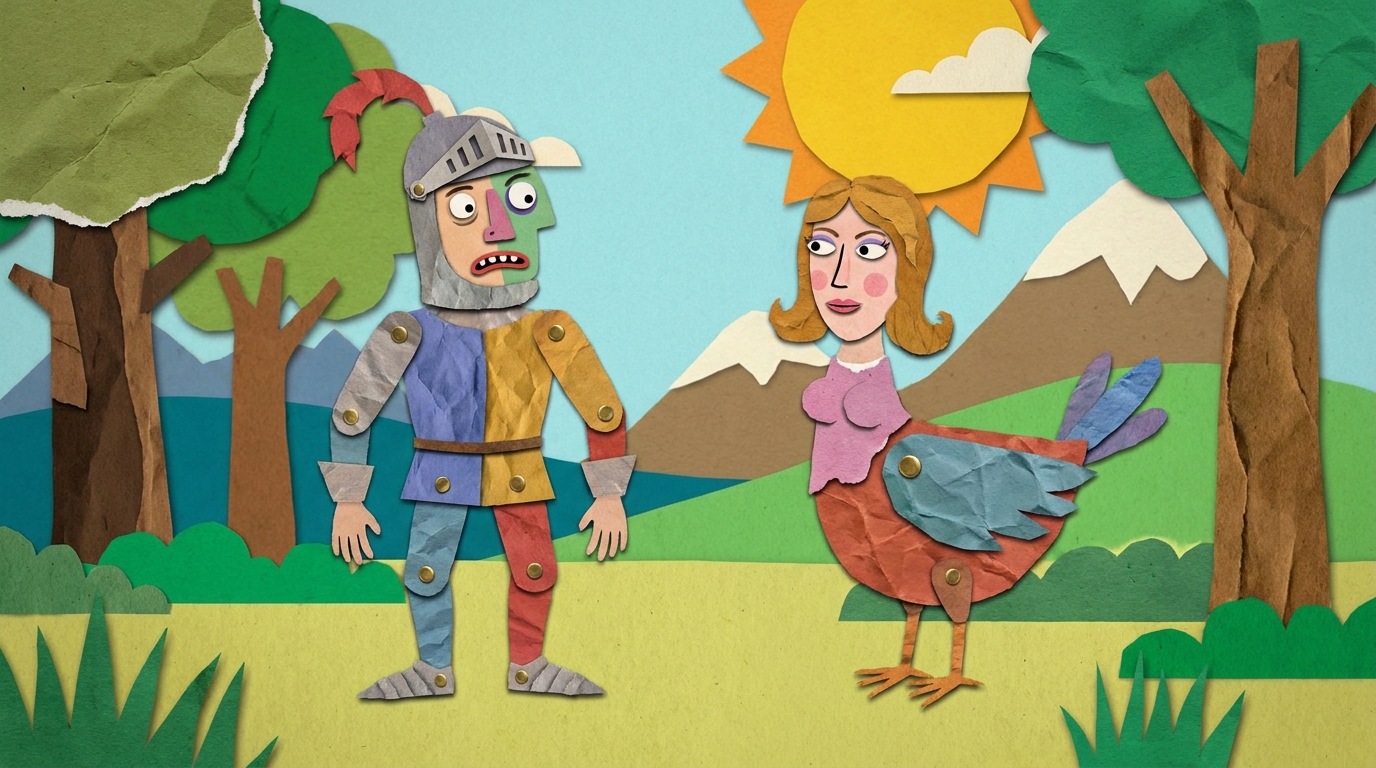
Paper Cutout
A layered construction-paper cut-out collage animation (Gilliam-style, flat 2D).
Make a cut-out paper animation with flat jointed characters sliding and jumping in a 2D plane, coloured paper backgrounds, and a bold graphic style reminiscent of early Terry Gilliam animation
Opens the Wavemaker composer with this style pre-selected.
Paper Cutout is an AI animation video style — a layered construction-paper cut-out collage animation (Gilliam-style, flat 2D). Wavemaker generates the entire video for you — script, visuals, voiceover, and music — and assembles a finished, ready-to-share piece in minutes.
Pick Paper Cutout, describe your idea or paste a URL, and Wavemaker applies the style's tuned recipe (its look, pacing, framing, voice, and structure) to your content. Refine any scene in plain language, then export in the aspect ratio you need (vertical, square, or widescreen).
How to create a paper cutout video
-
Describe your video
Paste a link or type a one-line brief. Wavemaker reads it, pulls your brand, and plans the scenes, script, and pacing for you.
-
Pick a style
Choose one of the styles on this page. Each is a tuned recipe — look, cut rhythm, voice, and structure — applied automatically to your brief.
-
Generate and refine
Wavemaker writes the script, generates every shot and voiceover, and assembles a finished video. Tweak any scene in chat or on the canvas, then export.
Paper Cutout — FAQs
What is the Paper Cutout video style?
Paper Cutout is a animation style on Wavemaker — a layered construction-paper cut-out collage animation (Gilliam-style, flat 2D). Selecting it steers the whole generation — look, cut rhythm, voice, and scene structure — toward that result, so you get a consistent Paper Cutout feel without configuring anything.
How do I make a Paper Cutout video?
Open the Wavemaker composer, choose Paper Cutout, describe your idea (or paste a link), and Wavemaker writes the script, generates the visuals and voiceover, and assembles the video. Tweak any scene in chat and export.
What aspect ratios can I export?
Vertical (9:16) for TikTok, Reels, and Shorts, square (1:1), and widescreen (16:9) for YouTube and the web. Some styles default to the ratio that performs best for their format.
What animation styles are available?
From flat 2D and illustrated looks to 3D and motion graphics — pick the style on this page that matches your project.
Can I have a recurring mascot?
Yes — Wavemaker develops a character reference and keeps your mascot consistent across every scene.
Good for explainers?
Animation is a strong fit for explainers where stylized visuals communicate more clearly than live footage.
More Animation styles
-
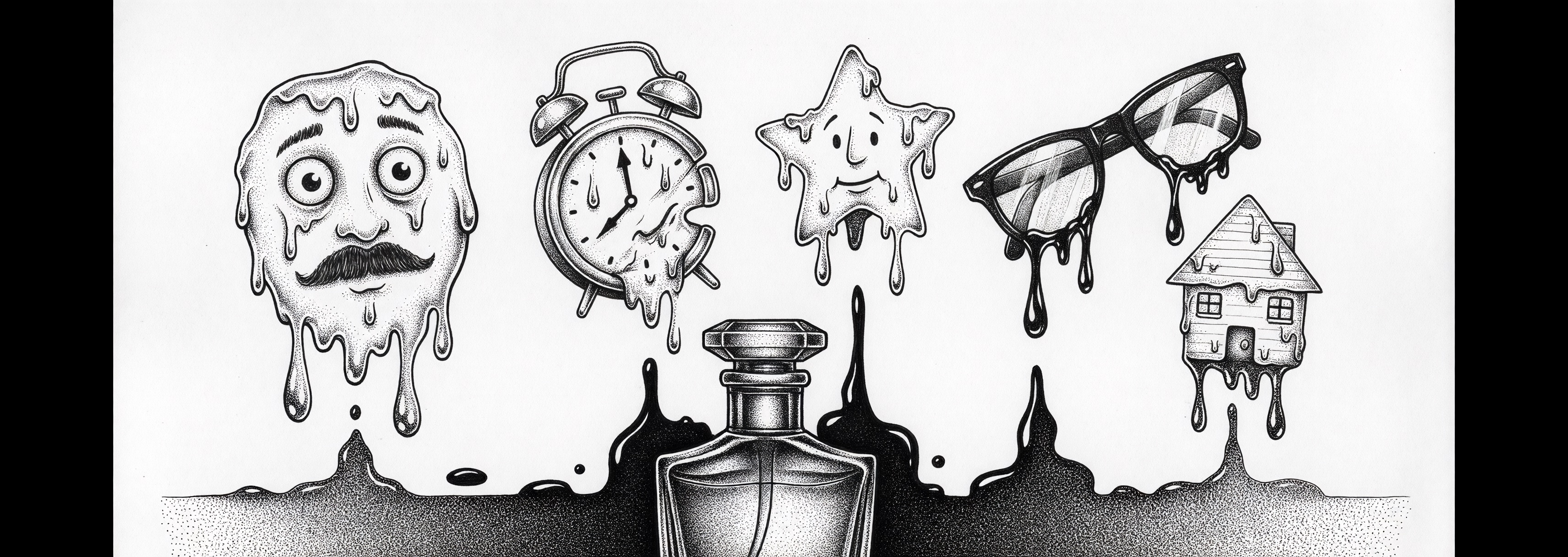 Animation Animation in ANY style where the look is a parameter, not a fixed treatment — flat 2D / cel cartoons (Rick and Morty, The Simpsons, South Park, adult-swim, Saturday-morning), or a general 'animated <thing>' request with no other specific medium treatment fitting. The default for animation when the user names a 2D/cartoon style or doesn't pin a CG-render look. (Reach for a more specific treatment ONLY when the user clearly wants exactly that medium: animation_3d for Pixar/CGI, anime, claymation, stop_motion, pixel_art, paper_cutout, comic_book, animated_explainer for flat-vector concept explainers.)
 -
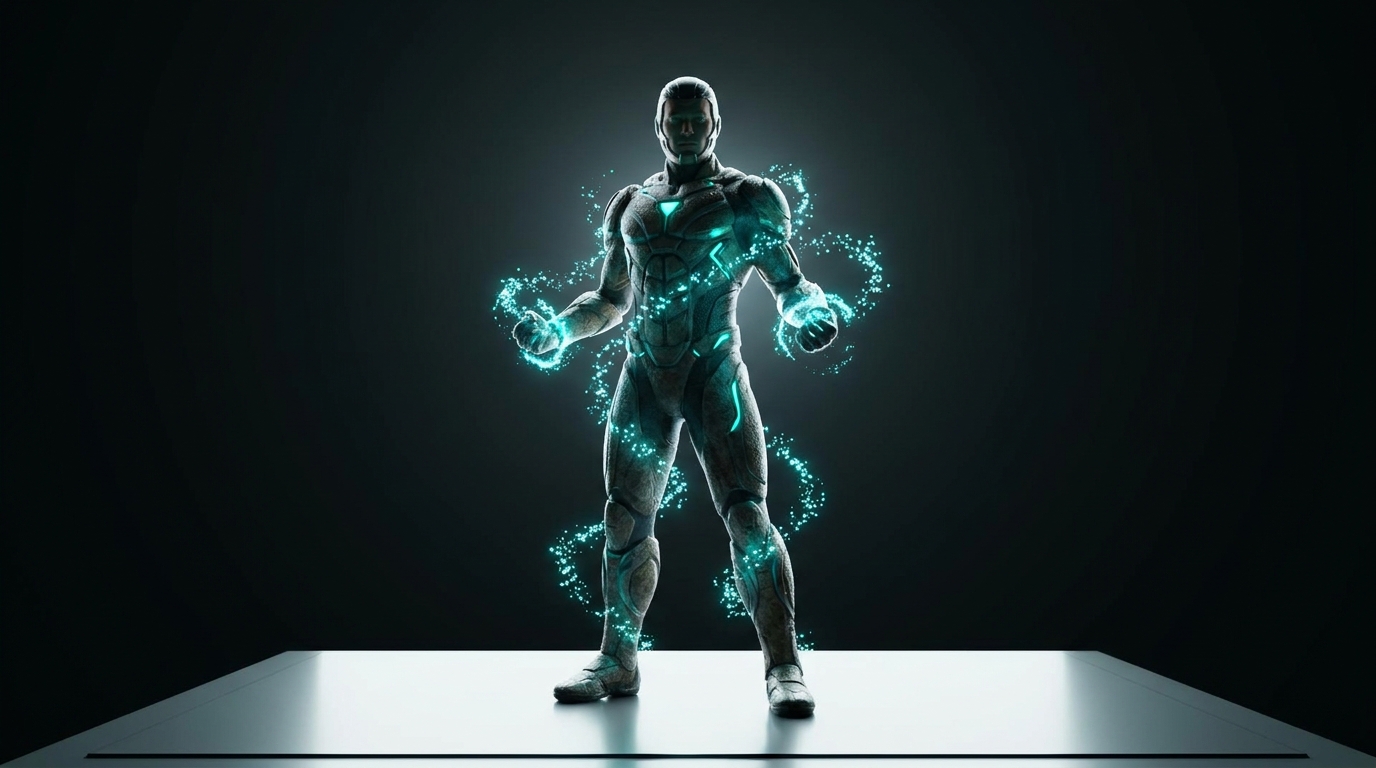 3D Animation An EXPLICITLY 3D / CGI-rendered animation (Pixar/DreamWorks-style or game-cinematic render) — the user specifically asked for a dimensional 3D render. NOT for flat 2D, cel, or generic cartoon styles (those use `animated`), and NOT photorealism.
 -
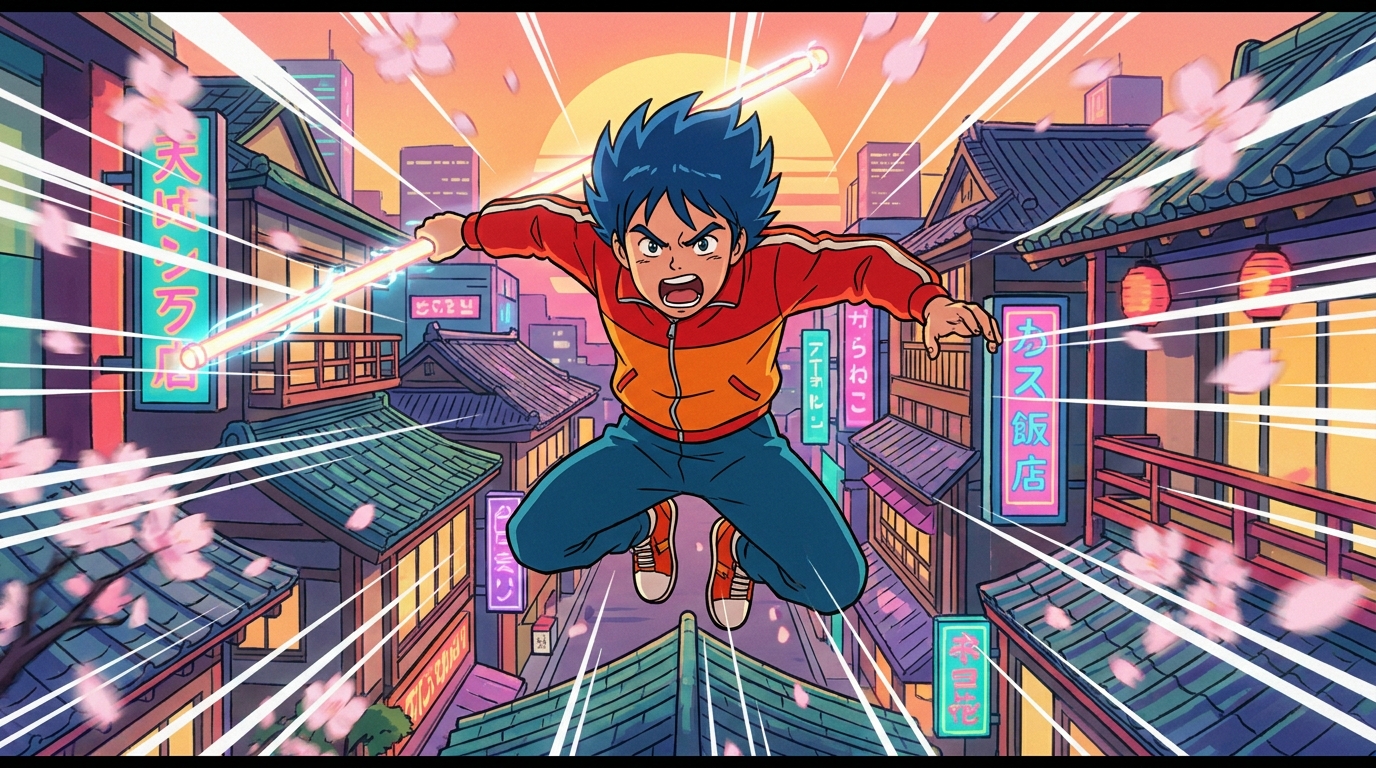 Anime A Japanese anime / manga animation-style video (cel-shaded, expressive, dynamic).
 -
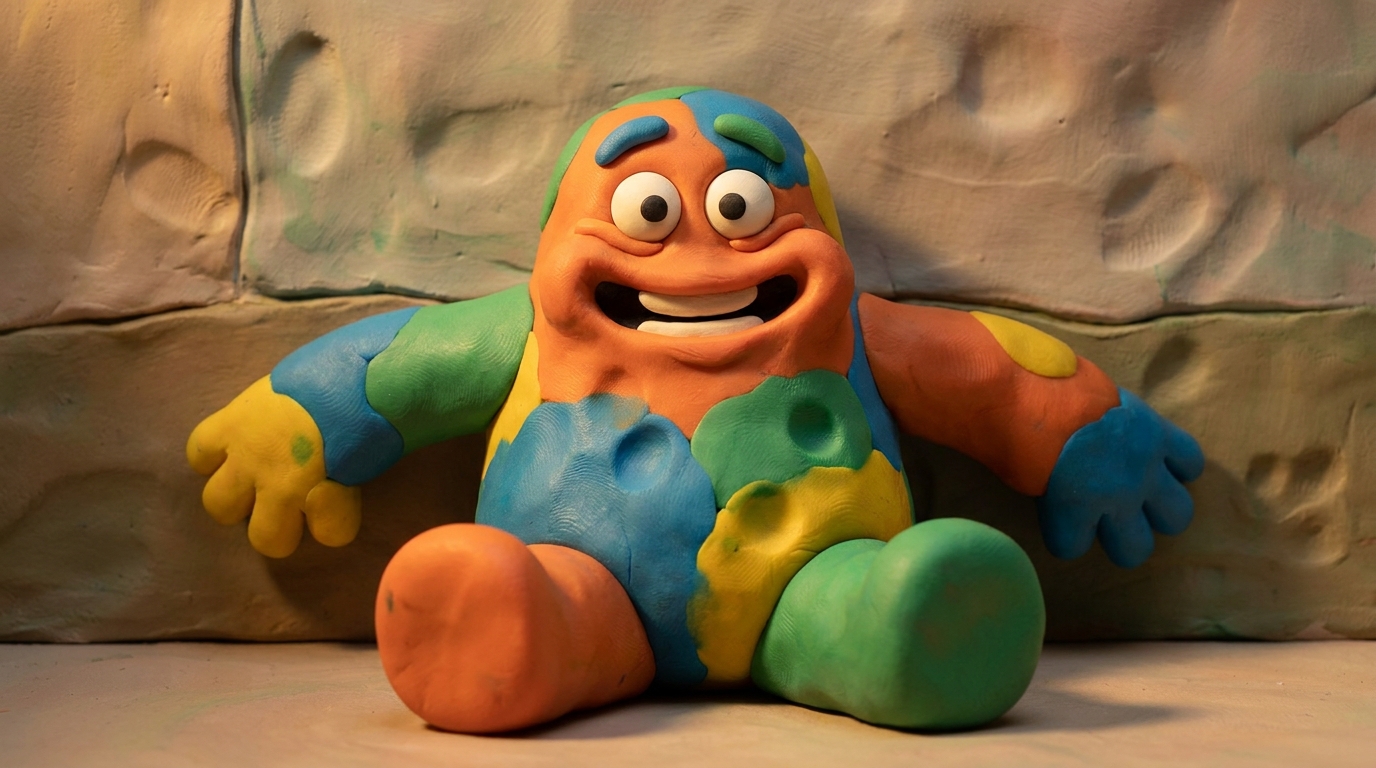 Claymation A claymation / modeling-clay stop-motion video (squidgy, tactile, handcrafted).
 -
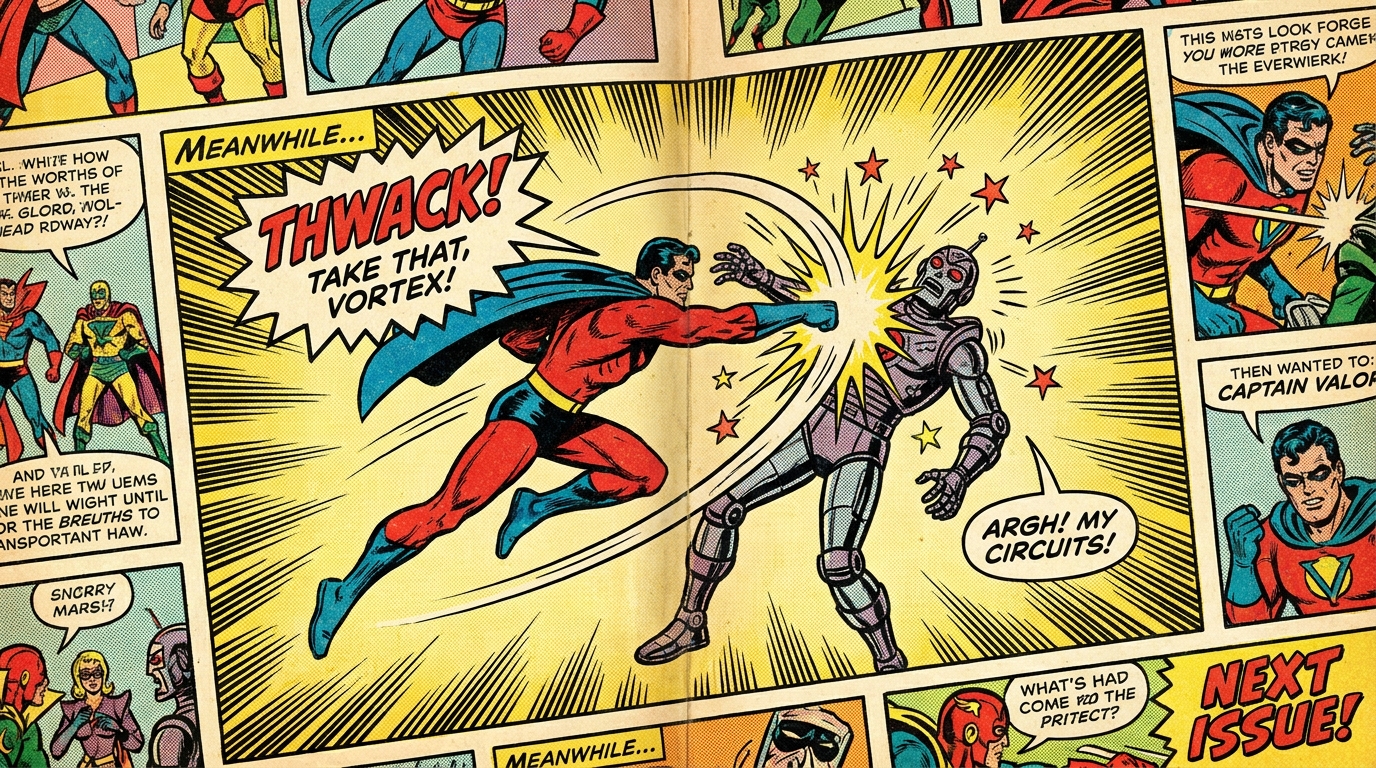 Comic Book A comic-book / graphic-novel-style video (ink outlines, halftone, speech bubbles).
 -
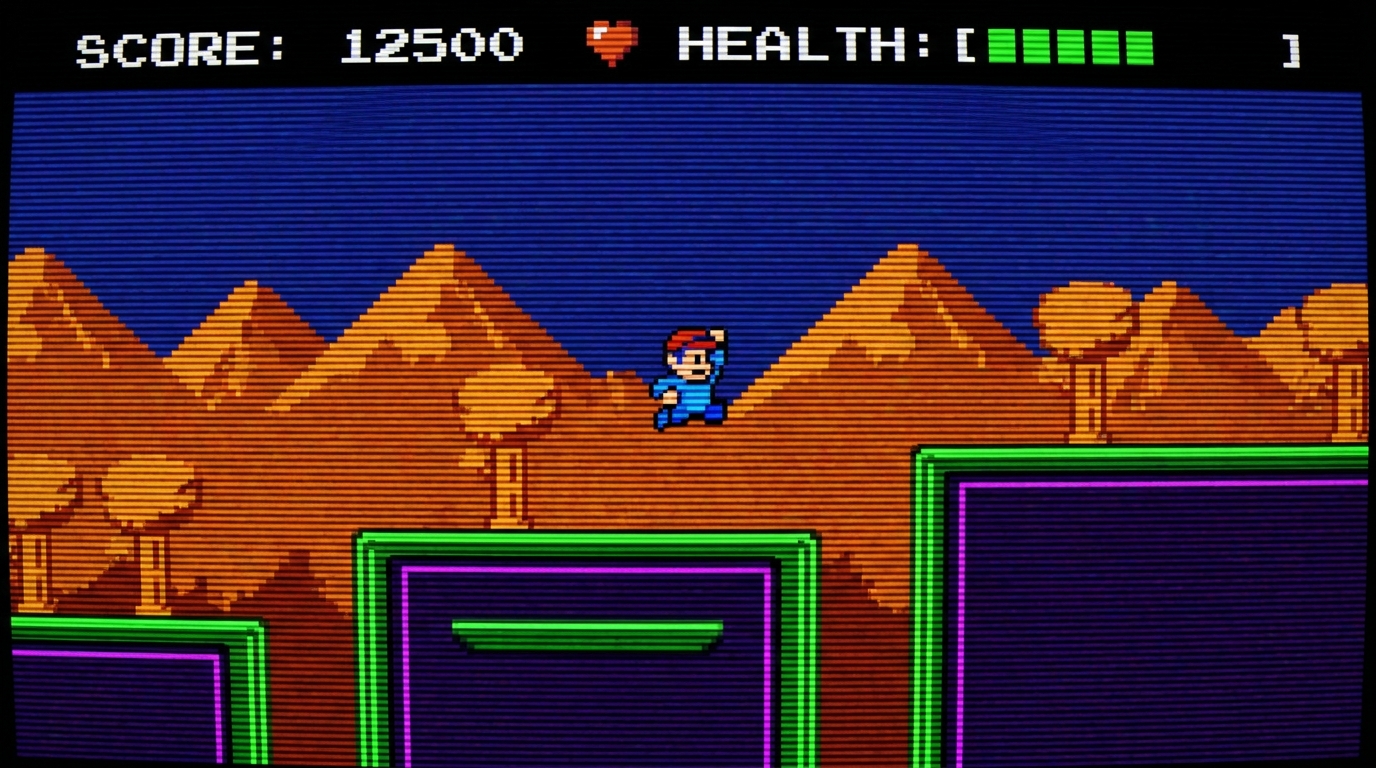 Pixel Art A retro 8-bit / 16-bit pixel-art video-game-style video (chiptune energy).