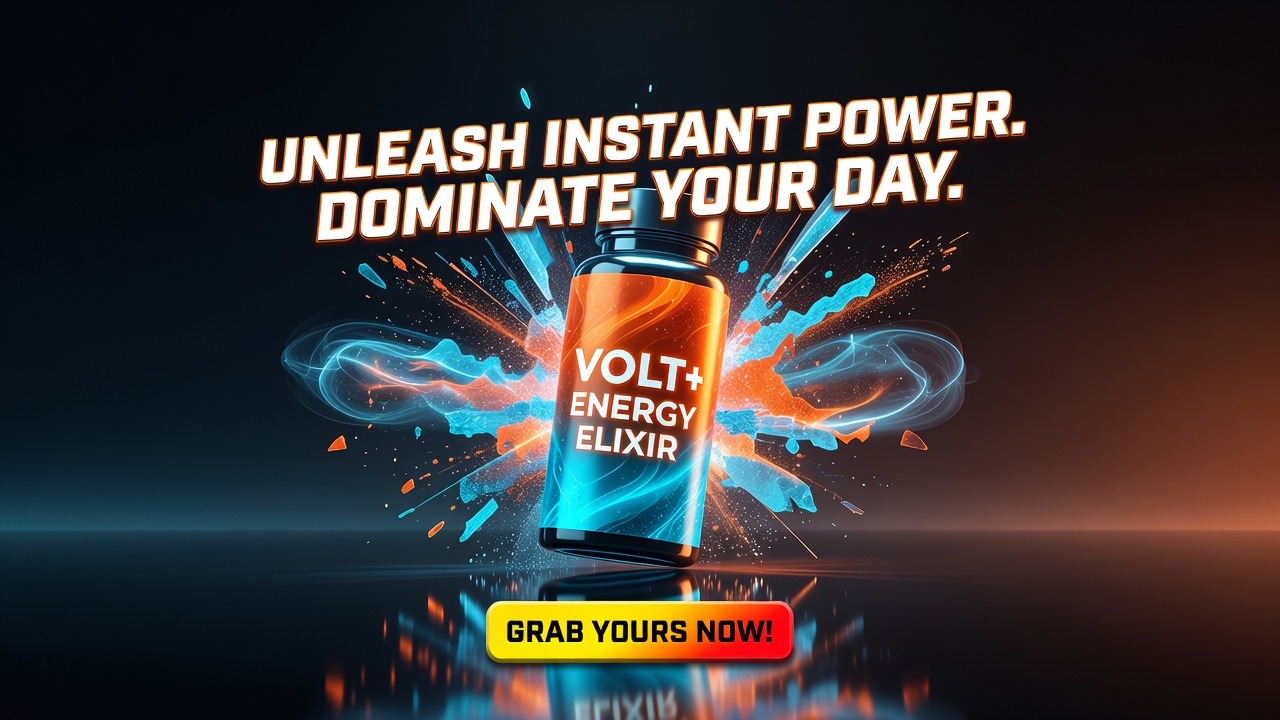
Product Demo Ad
A polished product demonstration ad: show the product solving a real problem / features in action.
Create a 15-30s scroll-stopping product ad — a relatable problem hook, the product shown solving it in fast benefit-driven beats, social proof, and a hard call to action with the price, built for paid social
Opens the Wavemaker composer with this style pre-selected.
Product Demo Ad is an AI ads & marketing video style — a polished product demonstration ad: show the product solving a real problem / features in action. Wavemaker generates the entire video for you — script, visuals, voiceover, and music — and assembles a finished, ready-to-share piece in minutes.
Pick Product Demo Ad, describe your idea or paste a URL, and Wavemaker applies the style's tuned recipe (its look, pacing, framing, voice, and structure) to your content. Refine any scene in plain language, then export in the aspect ratio you need (vertical, square, or widescreen).
How to create a product demo ad video
-
Describe your video
Paste a link or type a one-line brief. Wavemaker reads it, pulls your brand, and plans the scenes, script, and pacing for you.
-
Pick a style
Choose one of the styles on this page. Each is a tuned recipe — look, cut rhythm, voice, and structure — applied automatically to your brief.
-
Generate and refine
Wavemaker writes the script, generates every shot and voiceover, and assembles a finished video. Tweak any scene in chat or on the canvas, then export.
Product Demo Ad — FAQs
What is the Product Demo Ad video style?
Product Demo Ad is a ads & marketing style on Wavemaker — a polished product demonstration ad: show the product solving a real problem / features in action. Selecting it steers the whole generation — look, cut rhythm, voice, and scene structure — toward that result, so you get a consistent Product Demo Ad feel without configuring anything.
How do I make a Product Demo Ad video?
Open the Wavemaker composer, choose Product Demo Ad, describe your idea (or paste a link), and Wavemaker writes the script, generates the visuals and voiceover, and assembles the video. Tweak any scene in chat and export.
What aspect ratios can I export?
Vertical (9:16) for TikTok, Reels, and Shorts, square (1:1), and widescreen (16:9) for YouTube and the web. Some styles default to the ratio that performs best for their format.
Can I make an ad from just my website?
Yes. Paste your product or store URL and Wavemaker scrapes your brand, products, and copy, then builds the ad around them — no manual asset upload required.
Will it use my real product images?
When you provide a URL or upload photos, Wavemaker uses your real product as a reference so it stays consistent across every scene instead of inventing a lookalike.
More Ads & Marketing styles
-
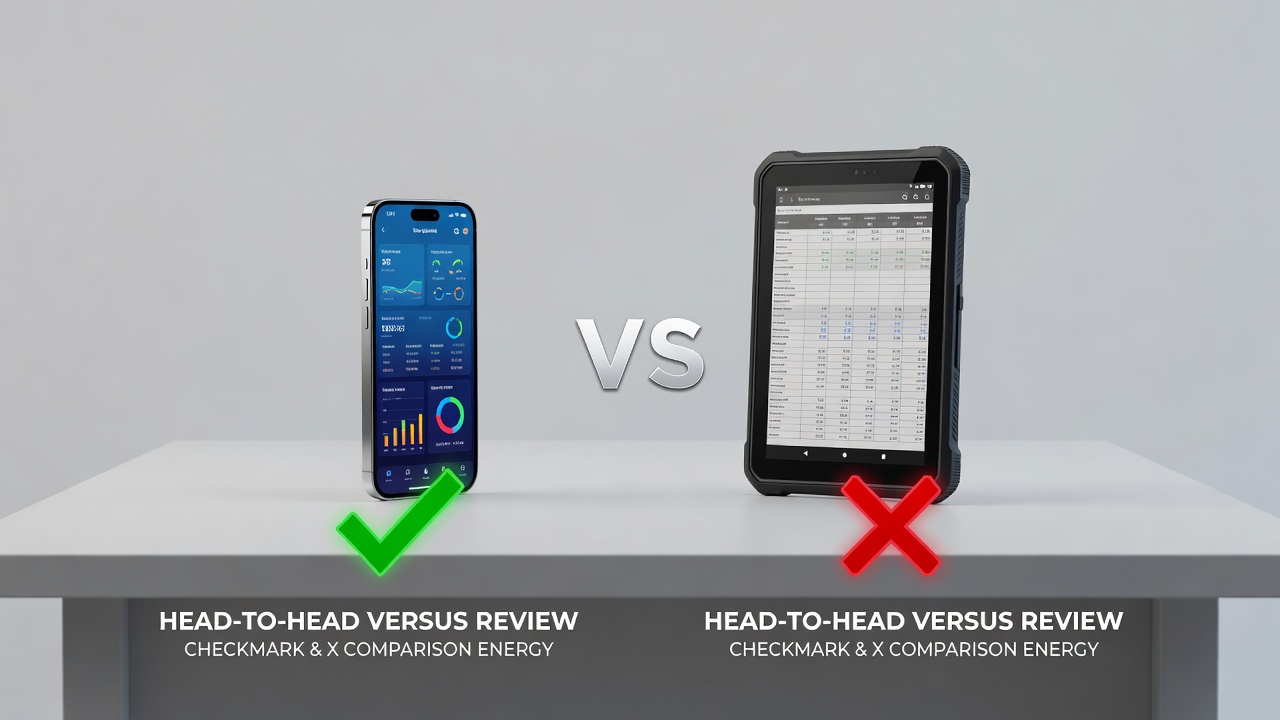 Comparison Review A head-to-head 'X vs Y' comparison review that lands a clear verdict.
 -
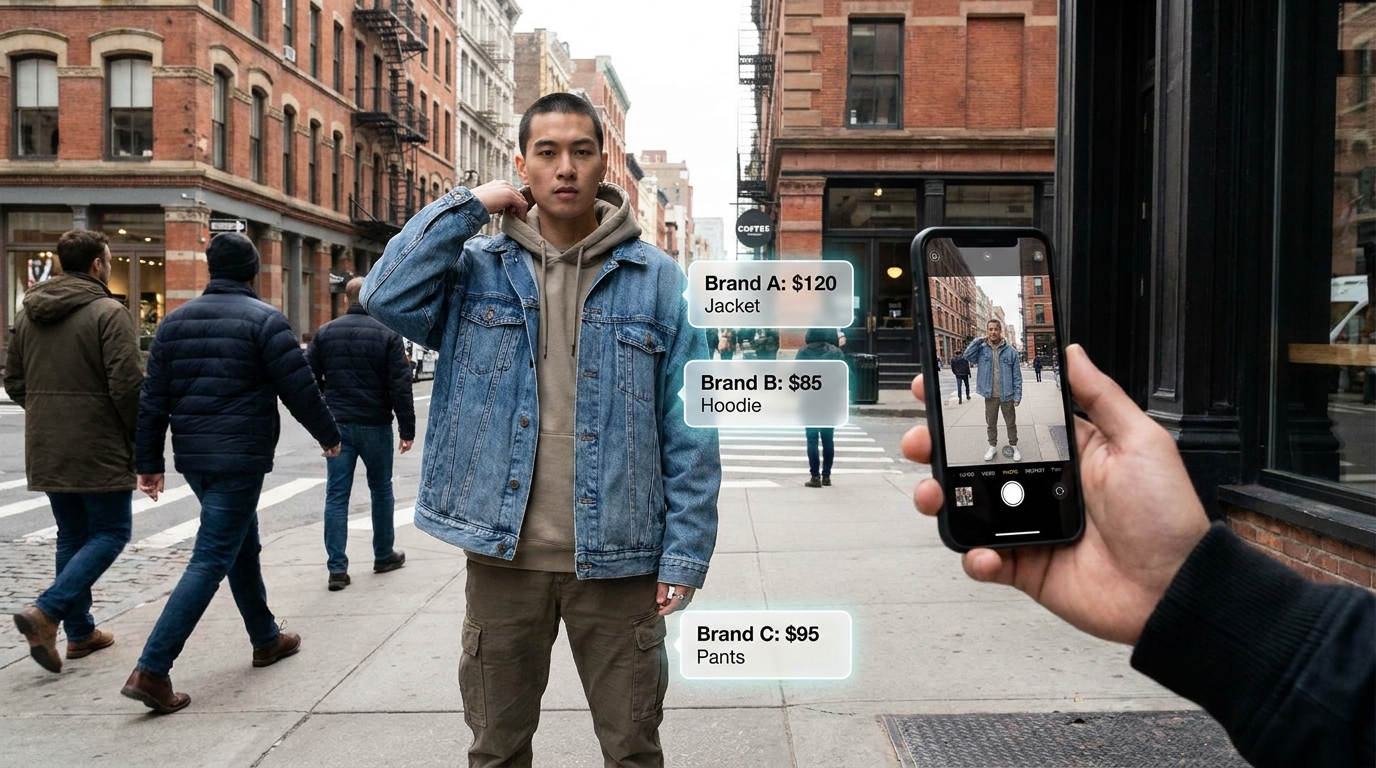 E-commerce Funnel A high-converting e-commerce product video from a product page/URL.
 -
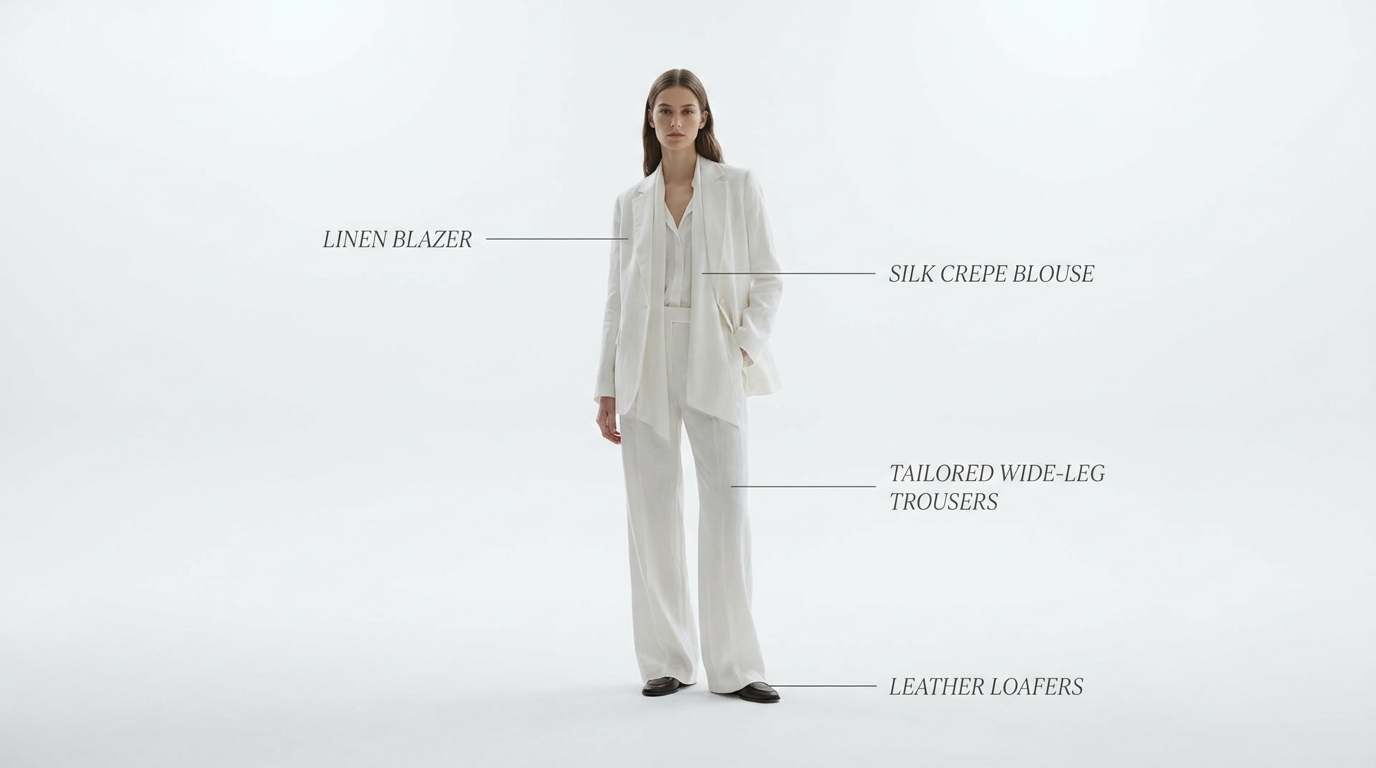 Fashion Lookbook An editorial fashion lookbook film (a collection as moving magazine editorial).
 -
 Flash Sale / Promo A short urgency-driven promo / flash-sale / limited-time offer / drop.
 -
 Giveaway / Contest A giveaway/contest announcement ('WIN this' + how to enter + deadline).
 -
 Local Business Ad A LOCAL service-business ad (dentist, restaurant, gym, plumber, salon) with a call/visit CTA.