
Talking Head
A direct-to-camera spokesperson/presenter speaking to the viewer.
Create a talking-head commercial with three real-looking people sharing authentic, unscripted-feeling reactions to a product — warmly lit, tightly framed, genuinely believable
Opens the Wavemaker composer with this style pre-selected.
Talking Head is an AI social & creator video style — a direct-to-camera spokesperson/presenter speaking to the viewer. Wavemaker generates the entire video for you — script, visuals, voiceover, and music — and assembles a finished, ready-to-share piece in minutes.
Pick Talking Head, describe your idea or paste a URL, and Wavemaker applies the style's tuned recipe (its look, pacing, framing, voice, and structure) to your content. Refine any scene in plain language, then export in the aspect ratio you need (vertical, square, or widescreen).
How to create a talking head video
-
Describe your video
Paste a link or type a one-line brief. Wavemaker reads it, pulls your brand, and plans the scenes, script, and pacing for you.
-
Pick a style
Choose one of the styles on this page. Each is a tuned recipe — look, cut rhythm, voice, and structure — applied automatically to your brief.
-
Generate and refine
Wavemaker writes the script, generates every shot and voiceover, and assembles a finished video. Tweak any scene in chat or on the canvas, then export.
Talking Head — FAQs
What is the Talking Head video style?
Talking Head is a social & creator style on Wavemaker — a direct-to-camera spokesperson/presenter speaking to the viewer. Selecting it steers the whole generation — look, cut rhythm, voice, and scene structure — toward that result, so you get a consistent Talking Head feel without configuring anything.
How do I make a Talking Head video?
Open the Wavemaker composer, choose Talking Head, describe your idea (or paste a link), and Wavemaker writes the script, generates the visuals and voiceover, and assembles the video. Tweak any scene in chat and export.
What aspect ratios can I export?
Vertical (9:16) for TikTok, Reels, and Shorts, square (1:1), and widescreen (16:9) for YouTube and the web. Some styles default to the ratio that performs best for their format.
Are these vertical by default?
Yes — Social & Creator styles default to 9:16 vertical, the native ratio for TikTok, Instagram Reels, and YouTube Shorts.
Do I get captions?
Word-synced dynamic captions are built in for these styles, since silent autoplay is the norm on social feeds.
Can it match a trend or audio?
Describe the trend or upload your own track and Wavemaker paces the cuts to it and writes copy that fits the format.
More Social & Creator styles
-
 ASMR A pure-sensory ASMR video where tactile trigger sound is the entire content.
 -
 Hype Edit A hype 'edit' (beat-synced phonk tribute: speed-ramps, aura, hard cuts on drops).
 -
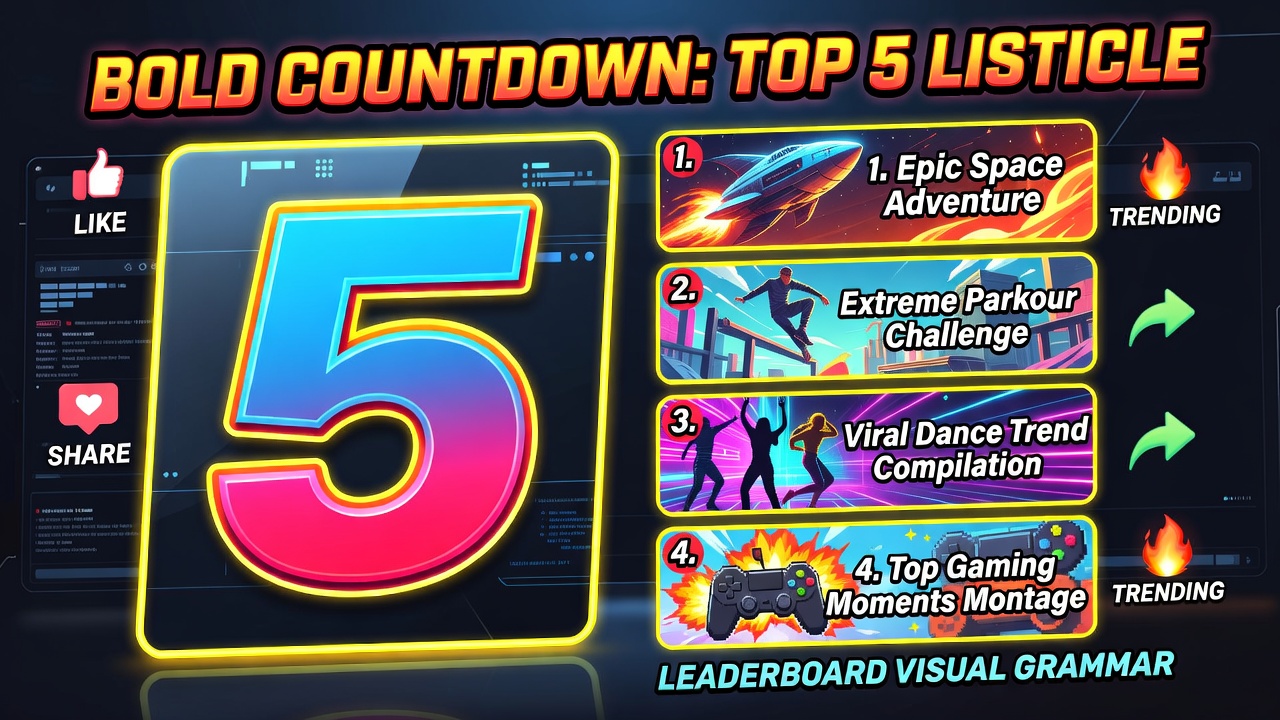 Listicle / Countdown A countdown/listicle ('Top 5...', 'X ranked') built around a numbered list.
 -
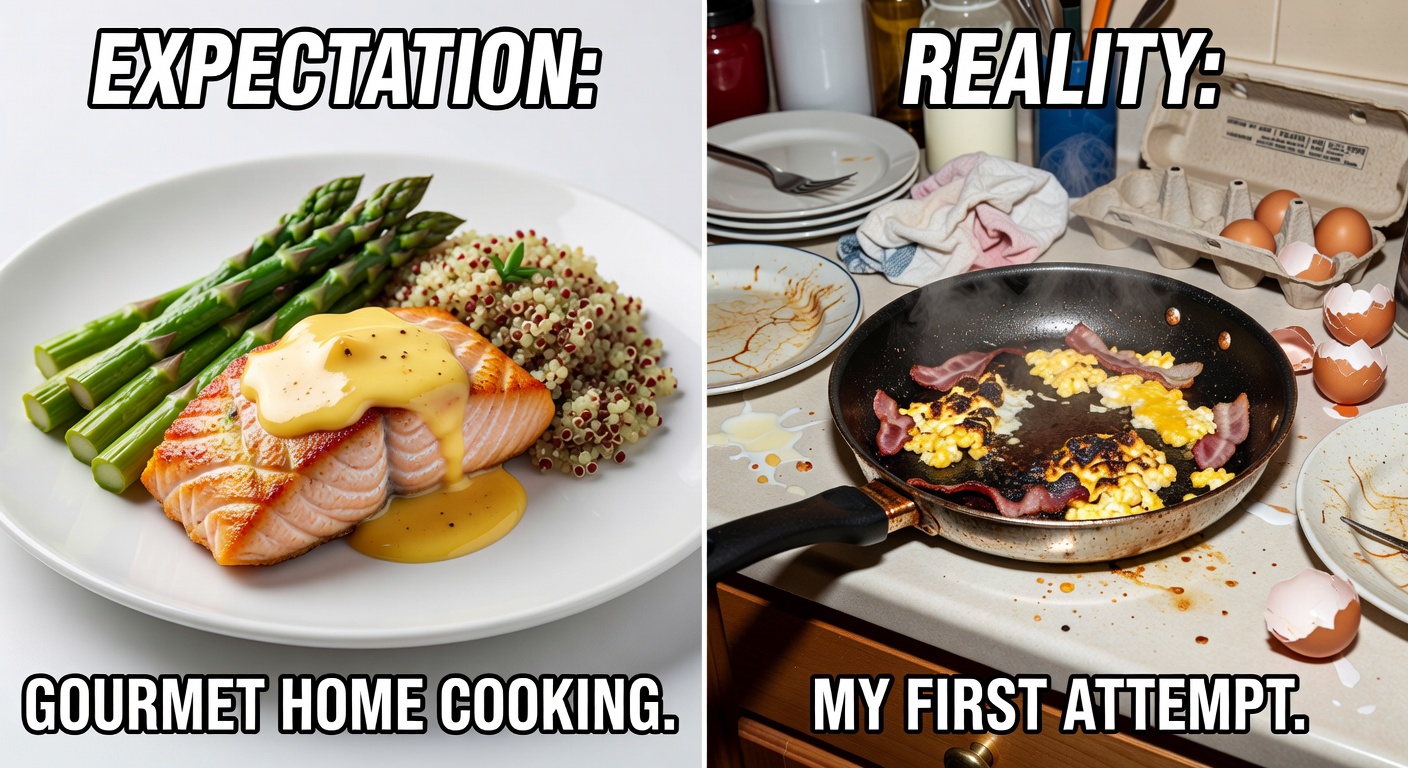 Meme Remix A short meme-format video on a recognizable internet structure (setup/punchline, POV, expectation vs reality).
 -
 Pet Content A pet/animal social video (the animal's personality is the show).
 -
 POV Skit A first-person POV scenario skit ('POV: you...') where the camera is the protagonist.