How to Keep Characters and Products Consistent Across Scenes
Character drift is the #1 tell of amateur AI video. Here's how subject references, anchor tokens, and reference-guided generation keep the same person, product, or logo identical from scene to scene.
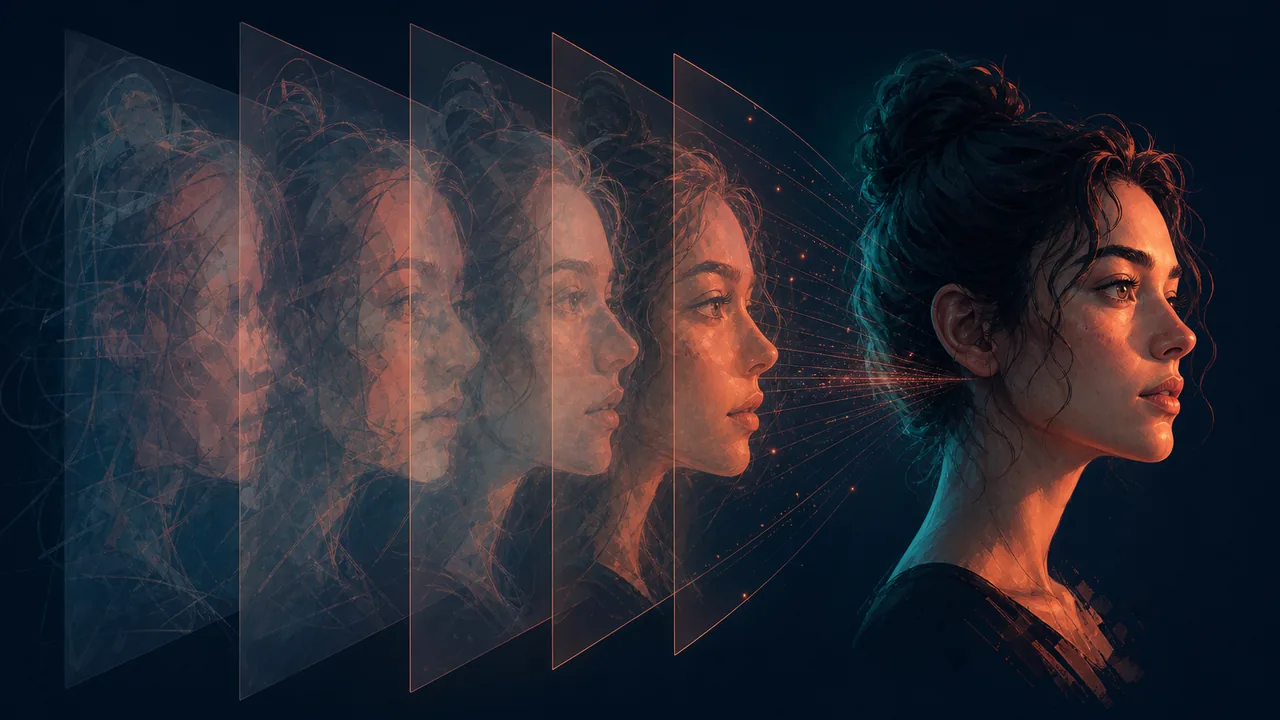
Watch enough AI video and you’ll spot the giveaway instantly: the “hero” is a slightly different person in every shot, the product’s logo morphs, the mascot’s colors drift. Consistency — keeping the same subject visually identical across scenes — is what separates a real production from a string of unrelated clips. Here’s how to get it.
Why drift happens
Most AI video tools generate each clip in isolation. The model has no memory that scene 4’s barista is the same person as scene 1’s, so it re-imagines her — different face, different apron, different hair. The same goes for products (a re-synthesized can with a garbled wordmark) and logos. Drift isn’t a prompt problem you can fully fix with adjectives; it’s an architecture problem that needs a reference system.
The three-layer fix
A pipeline that takes consistency seriously uses three reinforcing layers:
- Anchor tokens — a compact, canonical description of the subject (identity, defining features, wardrobe) that gets pasted into every prompt featuring them.
- A canonical reference image — one approved image of the subject that the model is shown when generating each scene, so it matches a fixed visual, not just words.
- Consistency review — an automated cross-scene check that flags identity, color, and style drift so it can be regenerated before it ships.
Wavemaker runs all three automatically. Here’s how to make the most of them.
Step 1: Develop each recurring subject
When a person, product, mascot, or logo appears in more than one scene, it should be a subject with its own reference — not re-generated each time. Two ways to seed it:
- From a real photo (best for products, logos, real people). Upload a clean photo or paste your product/brand URL so the real image is scraped. Real source pixels keep wordmarks and packaging accurate — a synthesized logo almost always garbles the text.
- From a description (for invented characters). Give a specific identity (“Maya, mid-20s barista, short curly hair, green apron”) and the pipeline develops a canonical reference and reuses it.
Step 2: Name subjects consistently in your brief
Use the same name every time you reference a subject (“Maya,” not “the barista” in one scene and “a worker” in another). Consistent naming lets the pipeline match the reference to the right scenes. Vague, varying references are what let drift back in.
Step 3: Prefer real photos for anything branded
For products, packaging, and logos, a real photo used as a reference beats any generated version — the model reproduces the actual shape, color, and text instead of approximating it. If you have a product page, that URL is the easiest way in (see Turn a Website URL Into a Branded Video).
Step 4: Let the consistency review catch what slips
Even with references, a scene can drift. A good pipeline reviews scenes against each other and flags identity/color/style problems, then regenerates the offenders. You don’t have to eyeball every frame — but you can read the per-scene review verdicts and ask for a targeted fix: “scene 3’s product label is wrong — regenerate it.”
Step 5: Reuse identities across a campaign
Consistency isn’t just within one video. Recurring identities live in your subject library, so the same mascot or spokesperson can anchor an entire campaign — video after video — without re-developing them each time. This is how you build a recognizable visual world instead of one-off clips.
Don’t forget voice
Visual consistency has an audio twin. Design a narrator voice once and it’s reused; in multi-character dialogue, each character gets a distinct, contrasting voice that stays stable across scenes — so the same character doesn’t suddenly sound different in shot six.
The payoff
Consistency is a force multiplier: it’s what makes AI video usable for real brand work, recurring characters, and campaigns rather than one-off experiments. Develop your subjects once, name them consistently, lean on real photos for anything branded, and let the review loop clean up the rest.
Try it with a recurring character or product → — or learn the prompt craft in 12 Prompting Tips for Better AI Video.
Frequently asked questions
- Why do characters change between scenes in AI video?
- Most tools generate each clip independently, so the model re-invents faces, wardrobe, and products every time. The fix is a subject-reference system: capture a canonical reference for each recurring subject once, then inject it into every scene that features it.
- How do I keep the same product looking identical across shots?
- Develop the product as a subject from a real photo (upload one or paste your product URL so it's scraped) and let the pipeline use it as a reference in every scene. Real source photos beat synthesized approximations for logos, wordmarks, and packaging.
- Can I reuse a character across multiple videos?
- Yes. Recurring identities live in your subject library and can be imported into new videos or workspaces, so a mascot or spokesperson stays consistent across an entire campaign.
- What about voice consistency?
- Design a voice once and the pipeline reuses it; for multi-character dialogue each character gets a distinct, contrasting voice that persists across scenes.