Cinematic Looks Video Styles
12 AI cinematic looks styles. Each one is a tuned recipe — click a style to see an example and start creating.
Distinct cinematic aesthetics applied to any subject — film-stock grades, specific director-inspired moods, vintage textures, and high-end commercial looks. The Cinematic Looks styles are about the LOOK first.
Pick the aesthetic you want and Wavemaker bakes it into every shot — consistent grade, lighting, and texture — so your whole video shares one deliberate, premium visual identity.
-
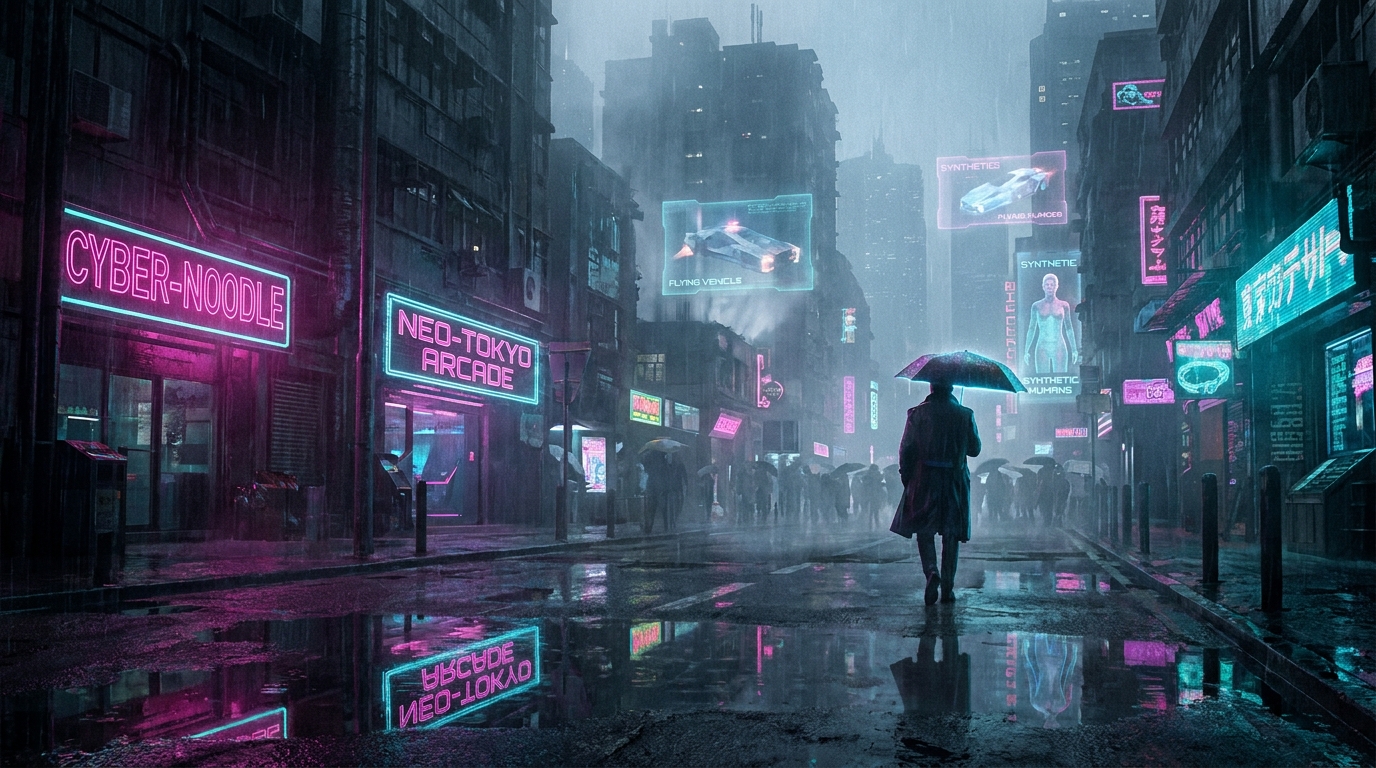 Cyberpunk A cyberpunk LOOK (neon-noir rain-slicked dystopian night city).
 -
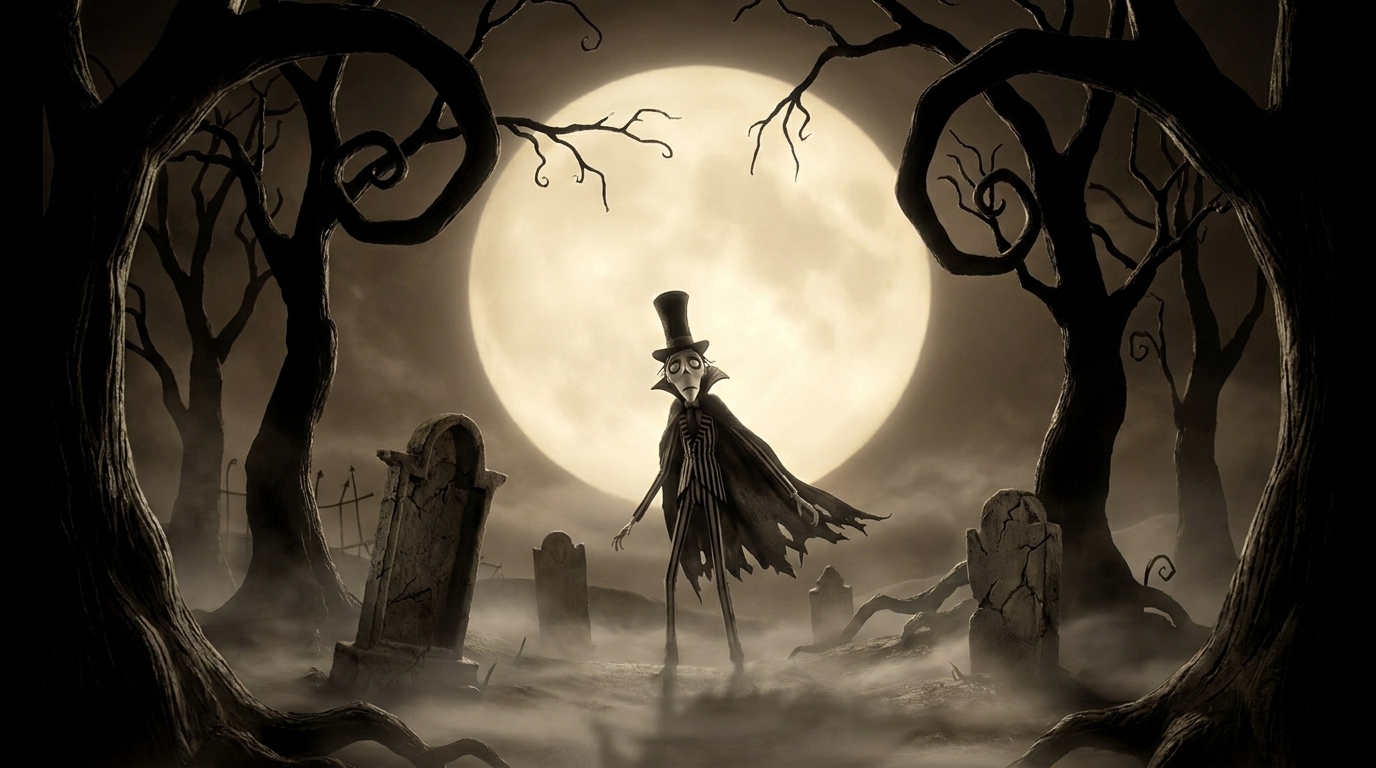 Dark Fairy Tale A dark-fairy-tale LOOK (gothic storybook: moonlit forest, beauty with menace).
 -
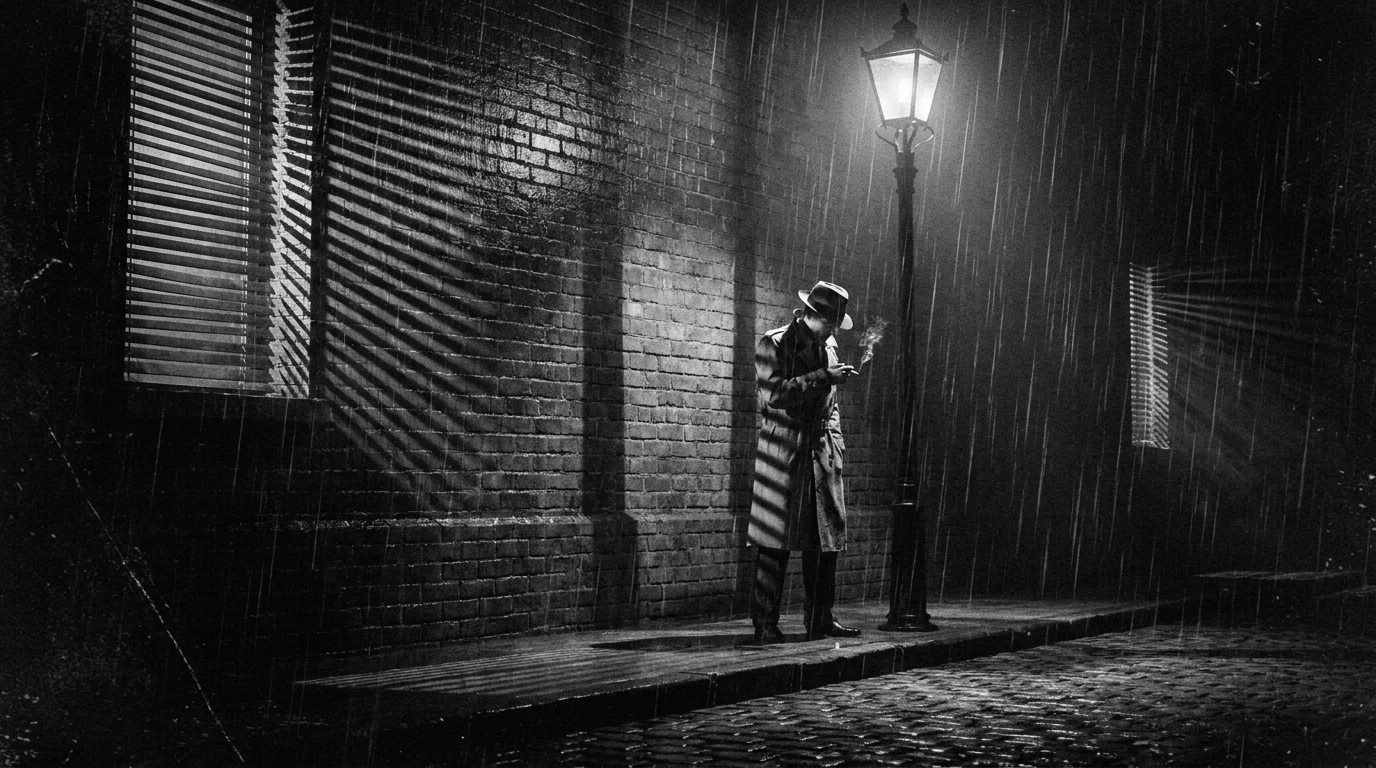 Film Noir A black-and-white film-noir LOOK (chiaroscuro shadow, venetian blinds, 1940s detective glamour).
 -
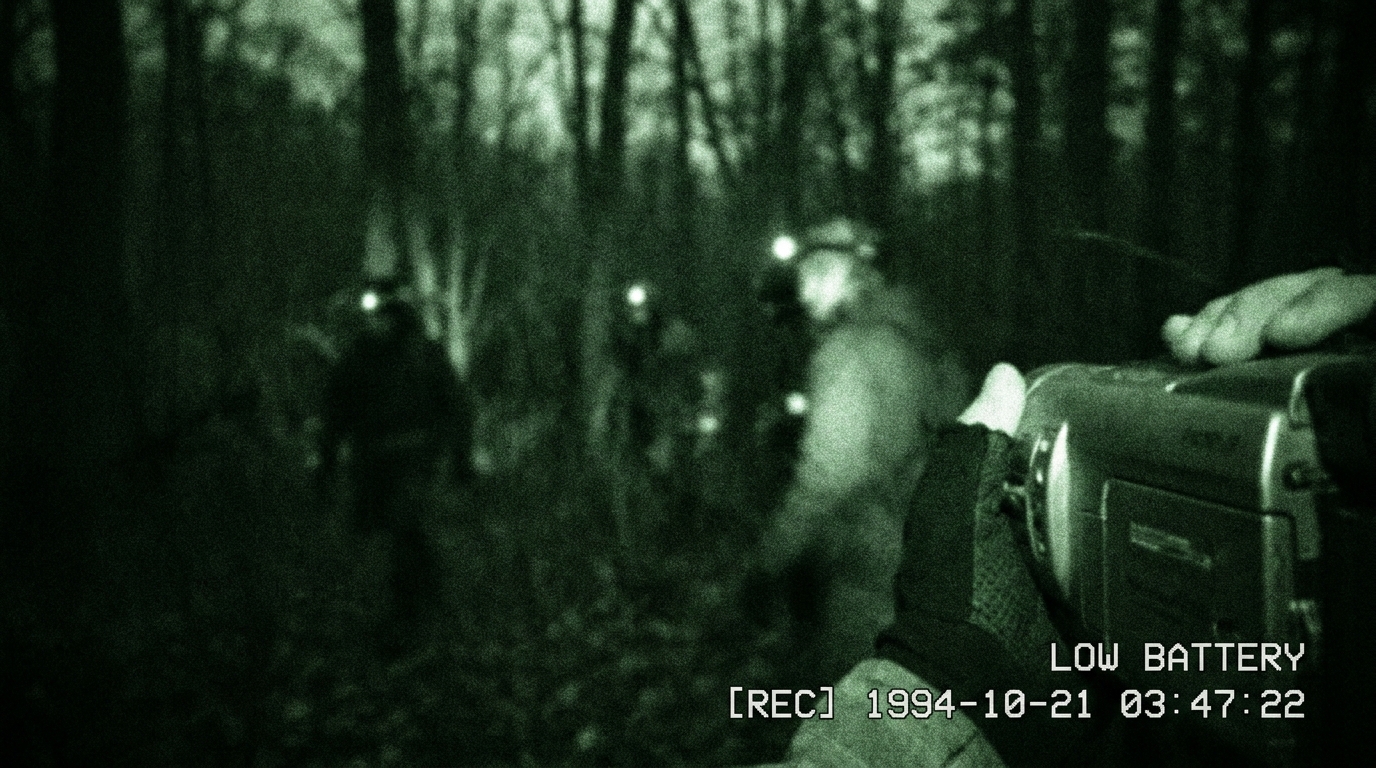 Found Footage A found-footage LOOK (shaky camcorder, night-vision, discovered-tape realism).
 -
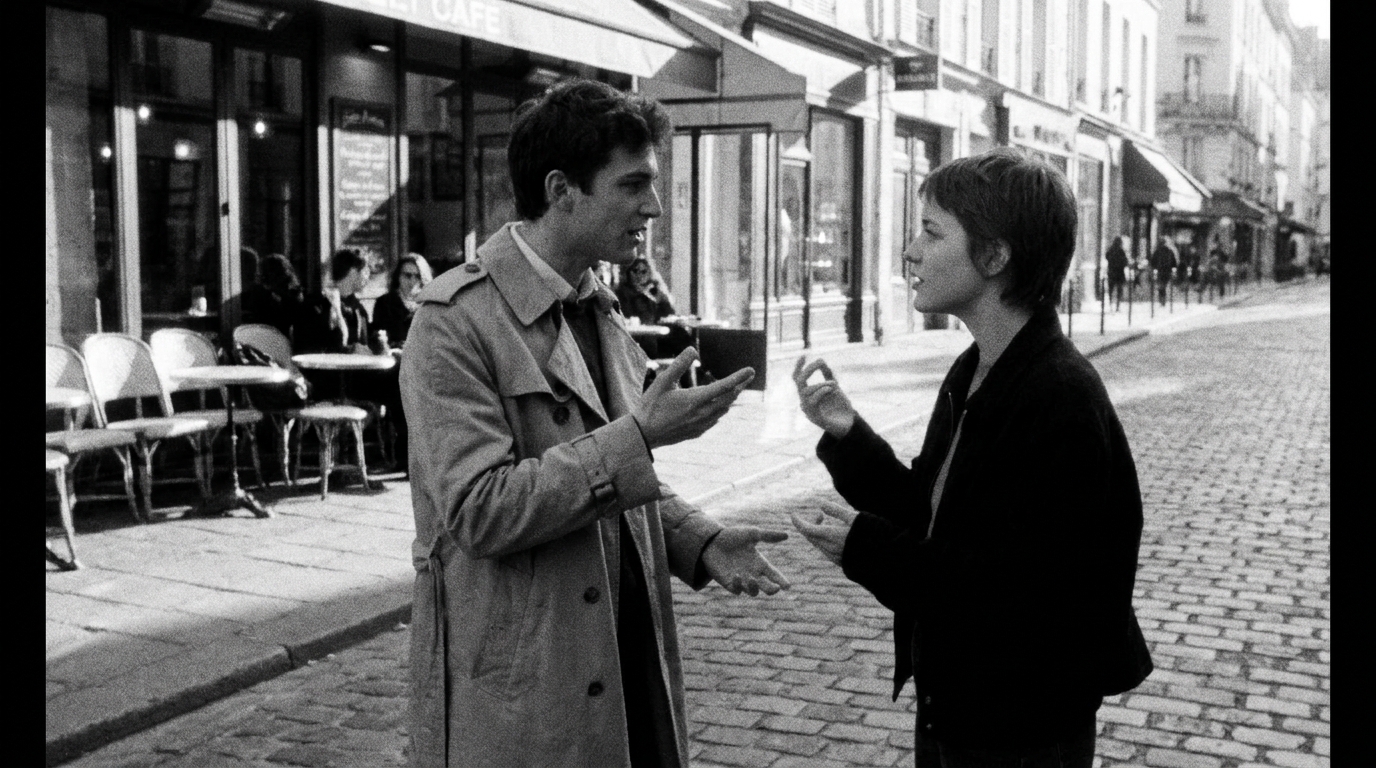 French New Wave A French-New-Wave LOOK (60s handheld black-and-white, jump cuts, café cool).
 -
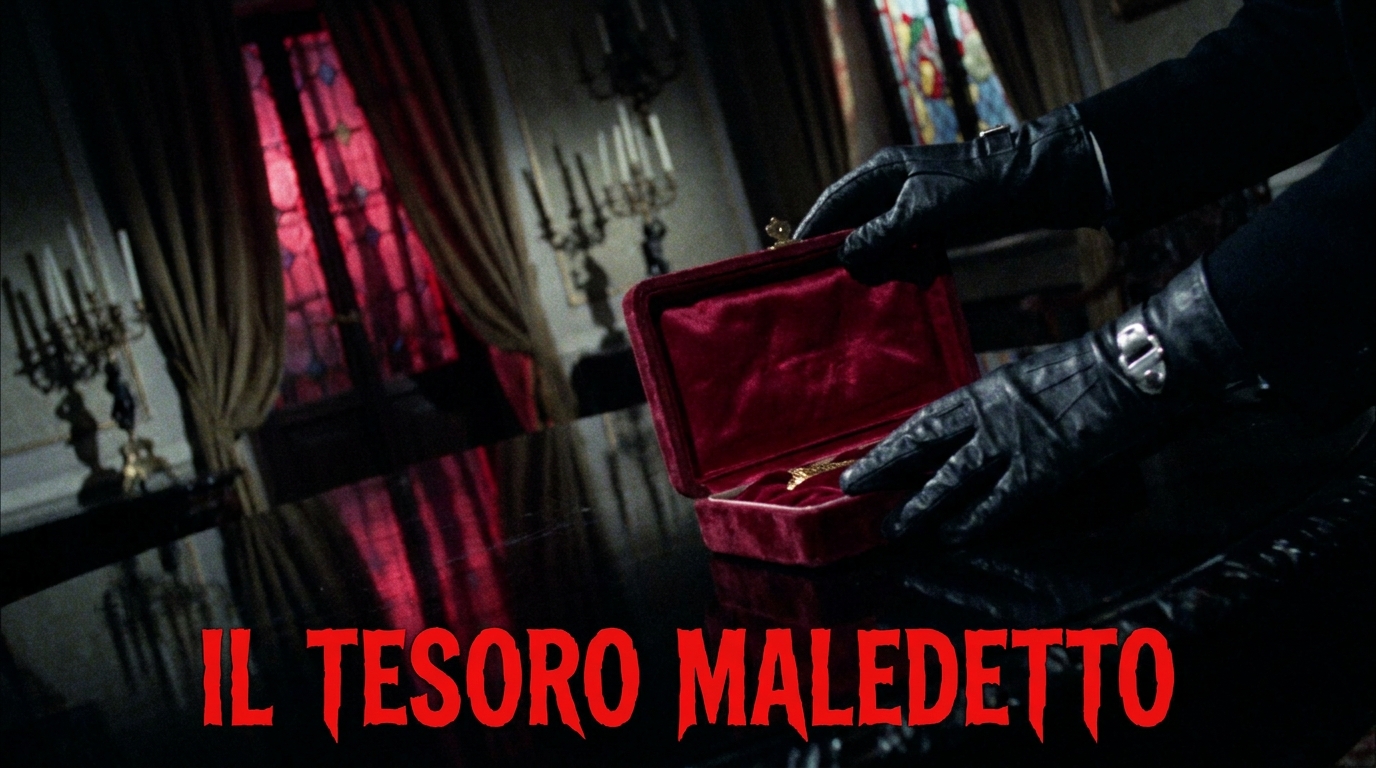 Giallo A giallo LOOK (1970s Italian horror: red/violet/green gel lighting, baroque suspense).
 -
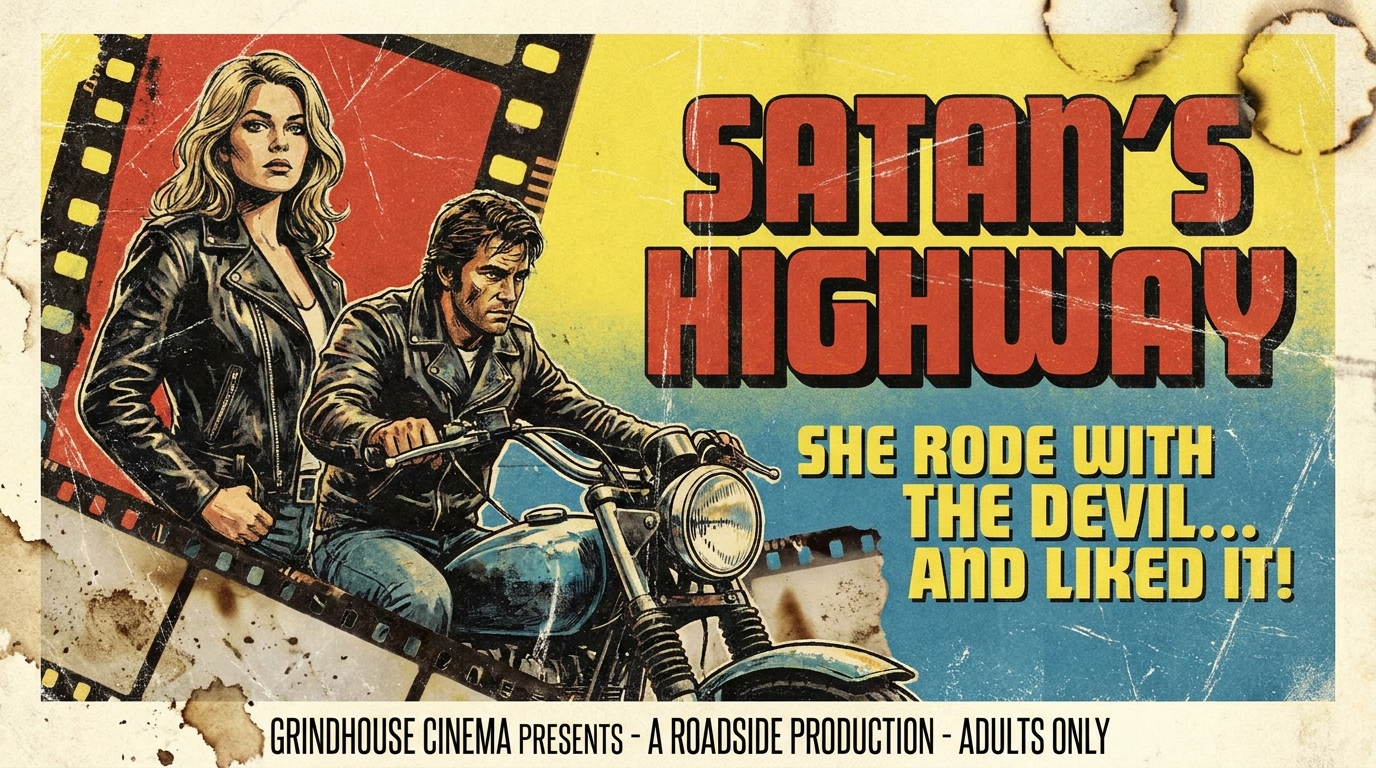 Grindhouse A grindhouse LOOK (1970s exploitation print: grain, scratches, lurid pulp energy).
 -
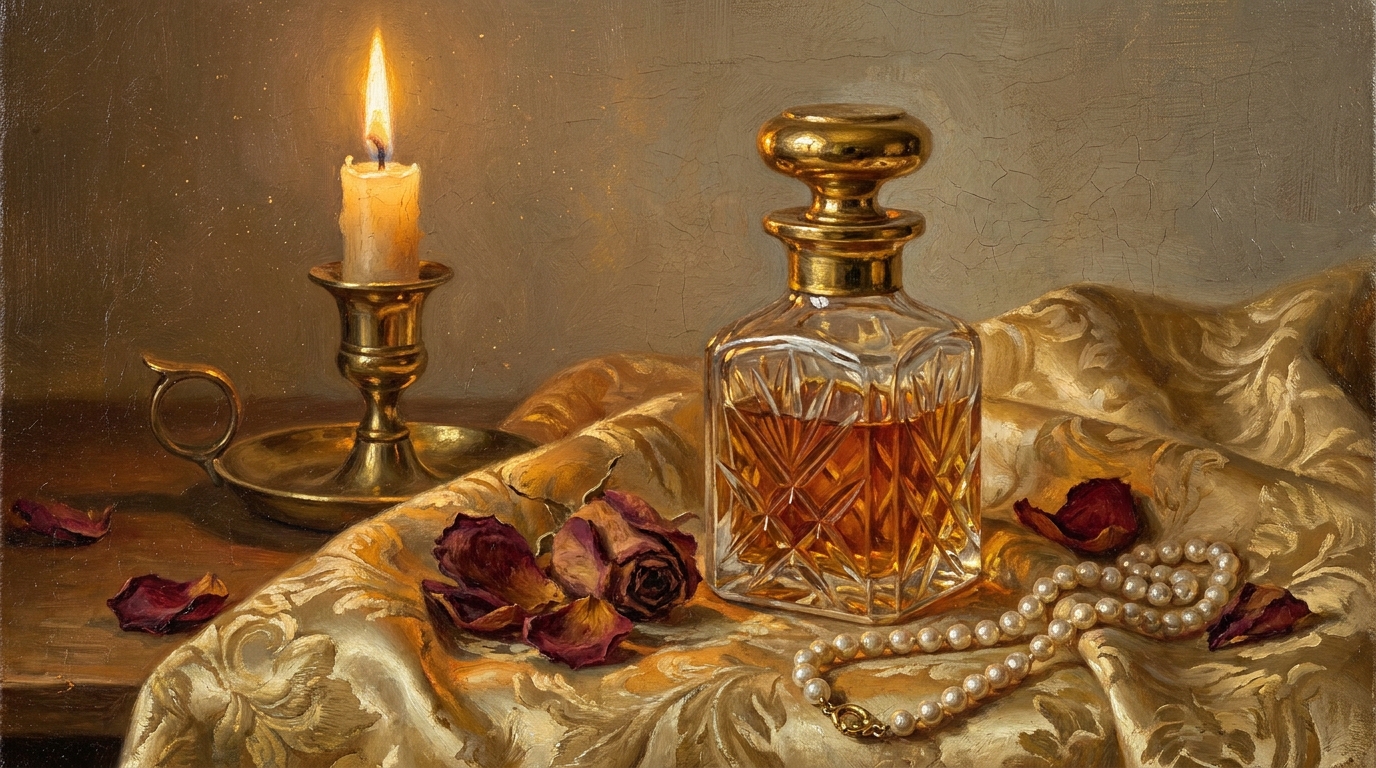 Renaissance Painting A Renaissance-oil-painting LOOK (living old-master paintings, chiaroscuro candlelight).
 -
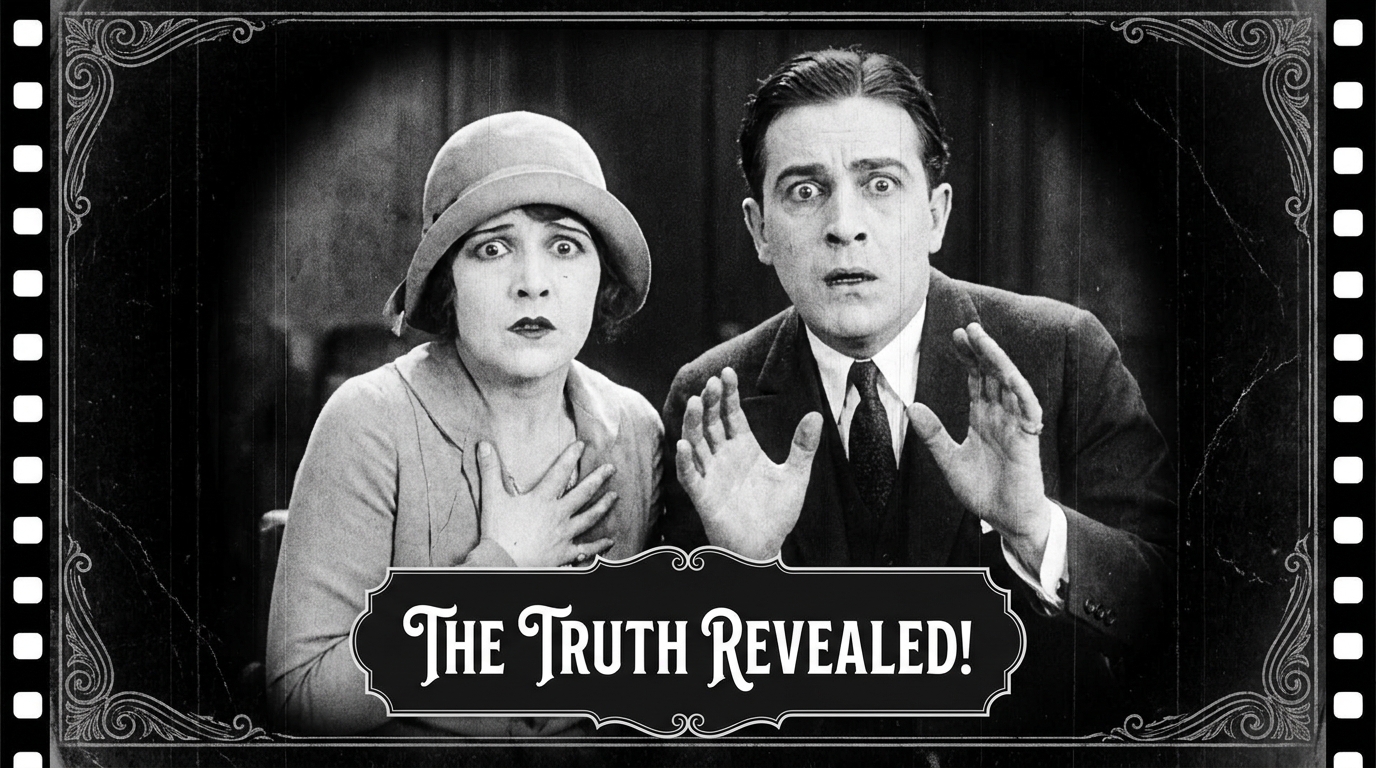 Silent Film A 1920s silent-film LOOK (tinted monochrome, pantomime, intertitles, no spoken words).
 -
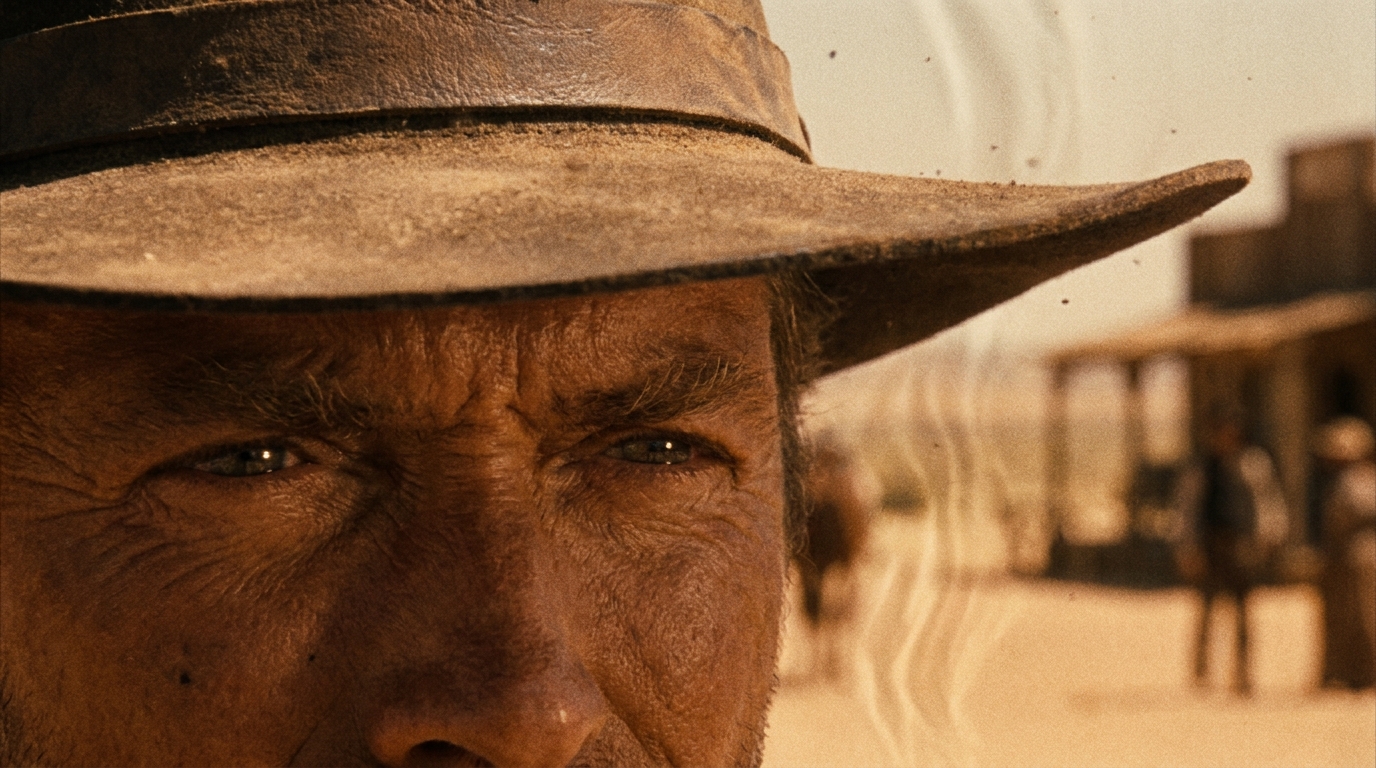 Spaghetti Western A spaghetti-western LOOK (sun-bleached desert standoff, extreme close-ups vs vast wides).
 -
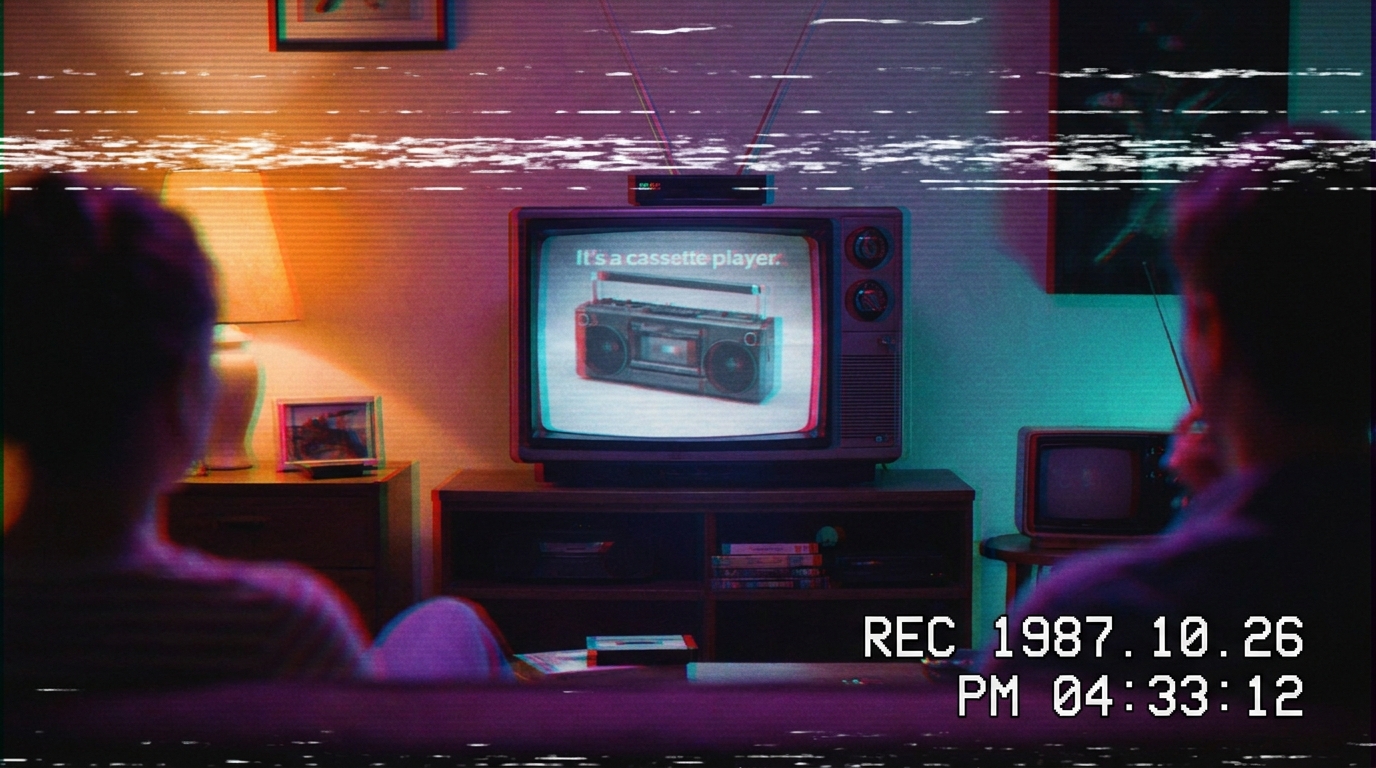 VHS Retro An 80s VHS-tape LOOK (scan lines, tracking glitches, analog nostalgia).
 -
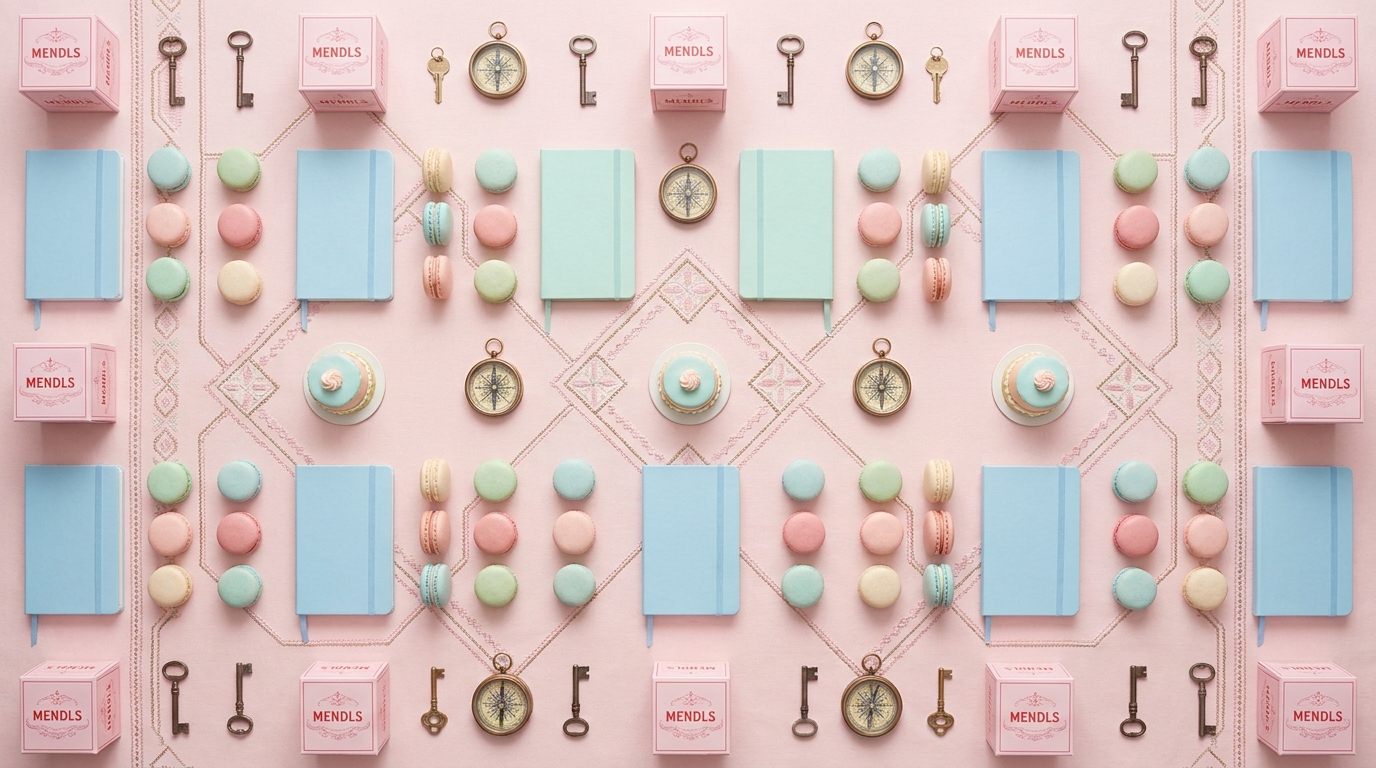 Symmetrical Pastel A symmetrical-pastel auteur LOOK (dead-center framing, pastel dollhouse design, deadpan whimsy).
How to create a cinematic looks video
-
Describe your video
Paste a link or type a one-line brief. Wavemaker reads it, pulls your brand, and plans the scenes, script, and pacing for you.
-
Pick a style
Choose one of the styles on this page. Each is a tuned recipe — look, cut rhythm, voice, and structure — applied automatically to your brief.
-
Generate and refine
Wavemaker writes the script, generates every shot and voiceover, and assembles a finished video. Tweak any scene in chat or on the canvas, then export.
Cinematic Looks video — FAQs
What's the difference from Film & Narrative?
Film & Narrative is about story structure; Cinematic Looks is about a consistent visual aesthetic (grade, light, texture) applied across the whole video.
Will the look stay consistent?
Yes — the chosen look is locked across every scene so the video feels like one cohesive piece.
Can I apply a look to my product?
Absolutely — these styles work on products, people, or places; the aesthetic is applied on top of your subject.