Education & Explainers Video Styles
11 AI education & explainers styles. Each one is a tuned recipe — click a style to see an example and start creating.
Make a complex idea clear. The Education & Explainers styles structure information into a clean narrative — a strong hook, a step-by-step body, and a takeaway — with visuals that illustrate the point instead of decorating it.
Drop in a topic, a document, or a URL and Wavemaker outlines the explanation, writes a tight script, and generates supporting visuals, data callouts, and a clear narrator so viewers actually understand and remember it.
-
 Animated Explainer An animated flat-2D-vector explainer (Kurzgesagt/Vox/TED-Ed concept animation).
 -
 Book Summary A book/big-idea summary ('X in 60 seconds' — opinionated distillation of a book's ideas).
 -
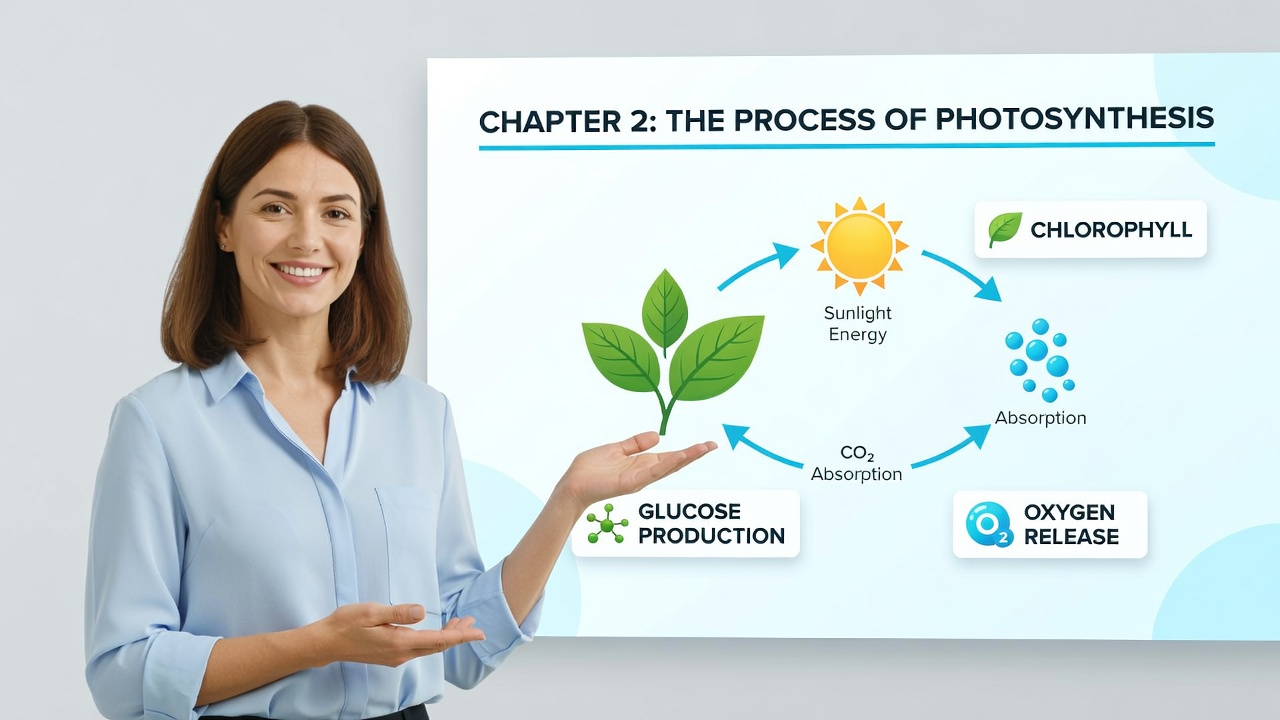 Course Lesson A structured e-learning lesson module (objective, concept build, example, recap).
 -
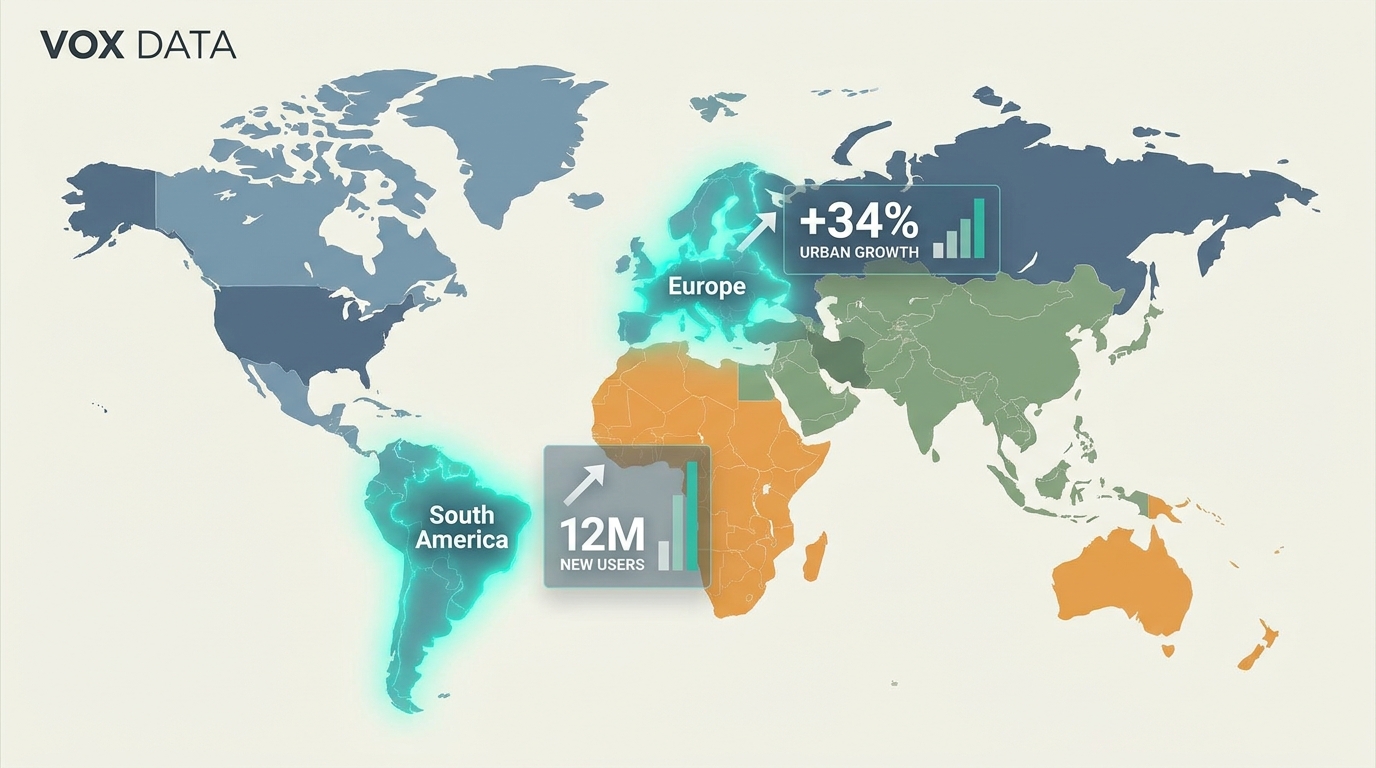 Data Visualization An animated data/stats/chart video (data-journalism motion graphics).
 -
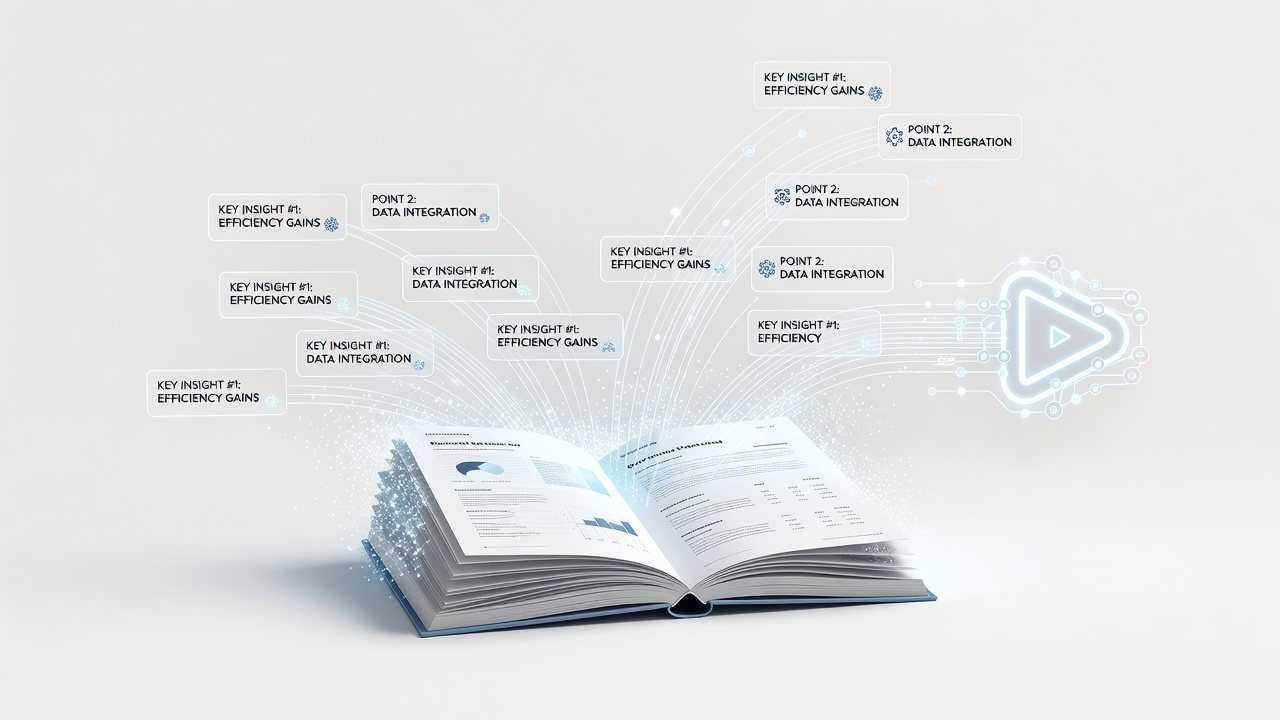 Document to Video Turn a written article/PDF/whitepaper into a narrated video.
 -
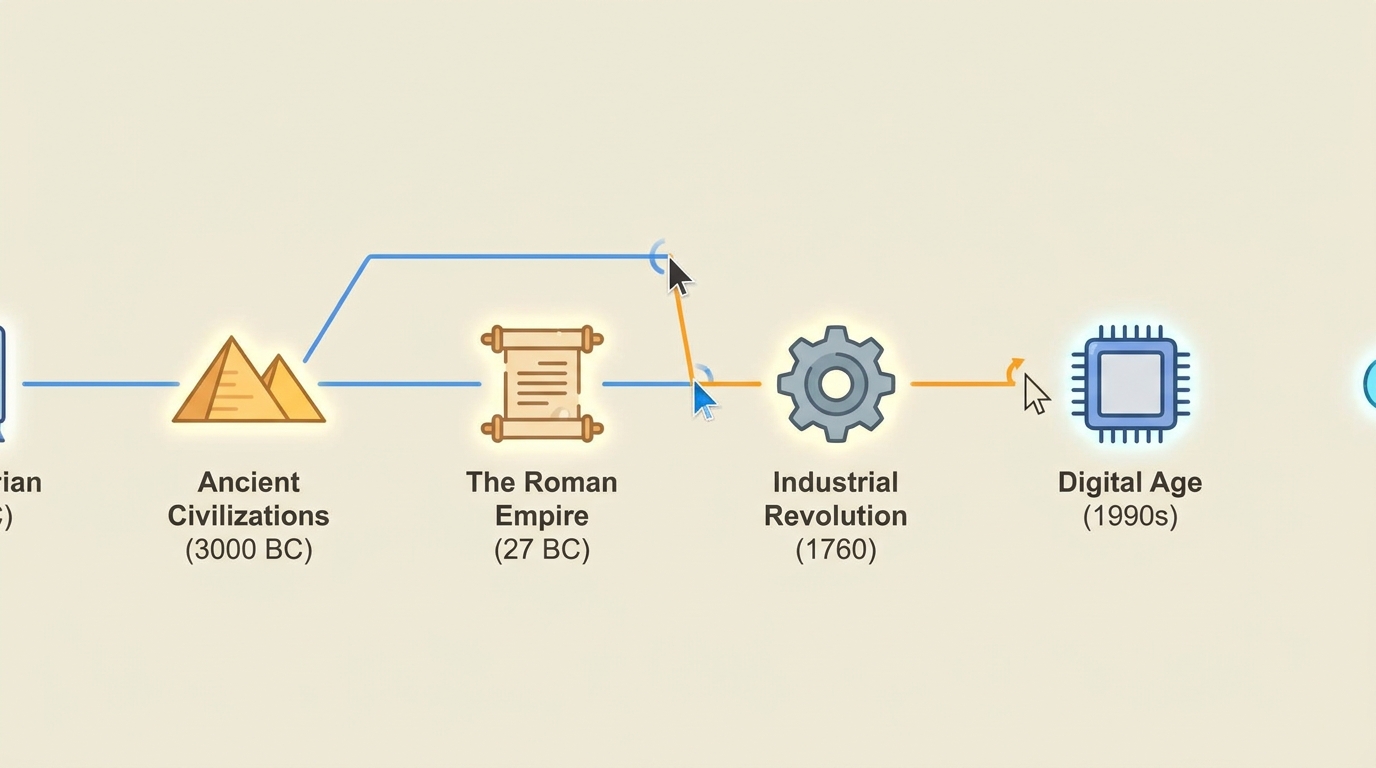 Historical Recap A 'story of X' historical recap told as a cinematic narrative.
 -
 How-To / Tutorial A step-by-step how-to / tutorial / SOP for a physical or general task.
 -
 Myth vs Fact A myth-vs-fact / debunking video (state belief, reveal it's wrong, correct it).
 -
 Science Visualization A cinematic-realistic science visualization (cosmology/physics/biology/chemistry) - wonder grounded in accuracy.
 -
 Screen Demo A software/app screen demo or walkthrough (proof of how it works).
 -
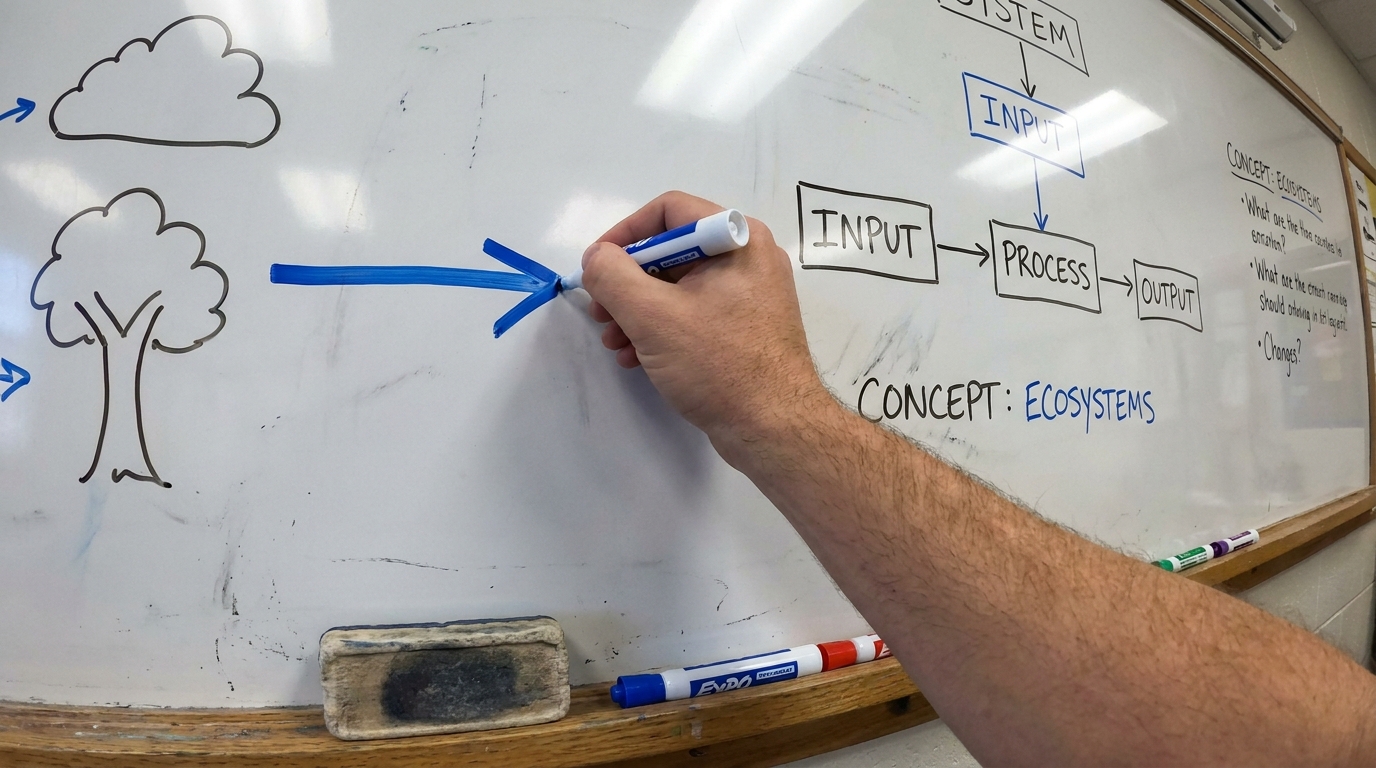 Whiteboard Animation A hand-drawing-on-screen whiteboard explainer (RSA Animate / Doodly).
How to create a education & explainers video
-
Describe your video
Paste a link or type a one-line brief. Wavemaker reads it, pulls your brand, and plans the scenes, script, and pacing for you.
-
Pick a style
Choose one of the styles on this page. Each is a tuned recipe — look, cut rhythm, voice, and structure — applied automatically to your brief.
-
Generate and refine
Wavemaker writes the script, generates every shot and voiceover, and assembles a finished video. Tweak any scene in chat or on the canvas, then export.
Education & Explainers video — FAQs
Can I turn a document into a video?
Yes — upload a PDF, doc, or paste text, and Wavemaker summarizes the key points into a structured explainer.
Does it narrate the explanation?
A clear voiceover narrates the script, and on-screen text reinforces the key terms and steps.
How long are explainers?
Most run 30–90 seconds. You can set a target length and Wavemaker fits the script and pacing to it.