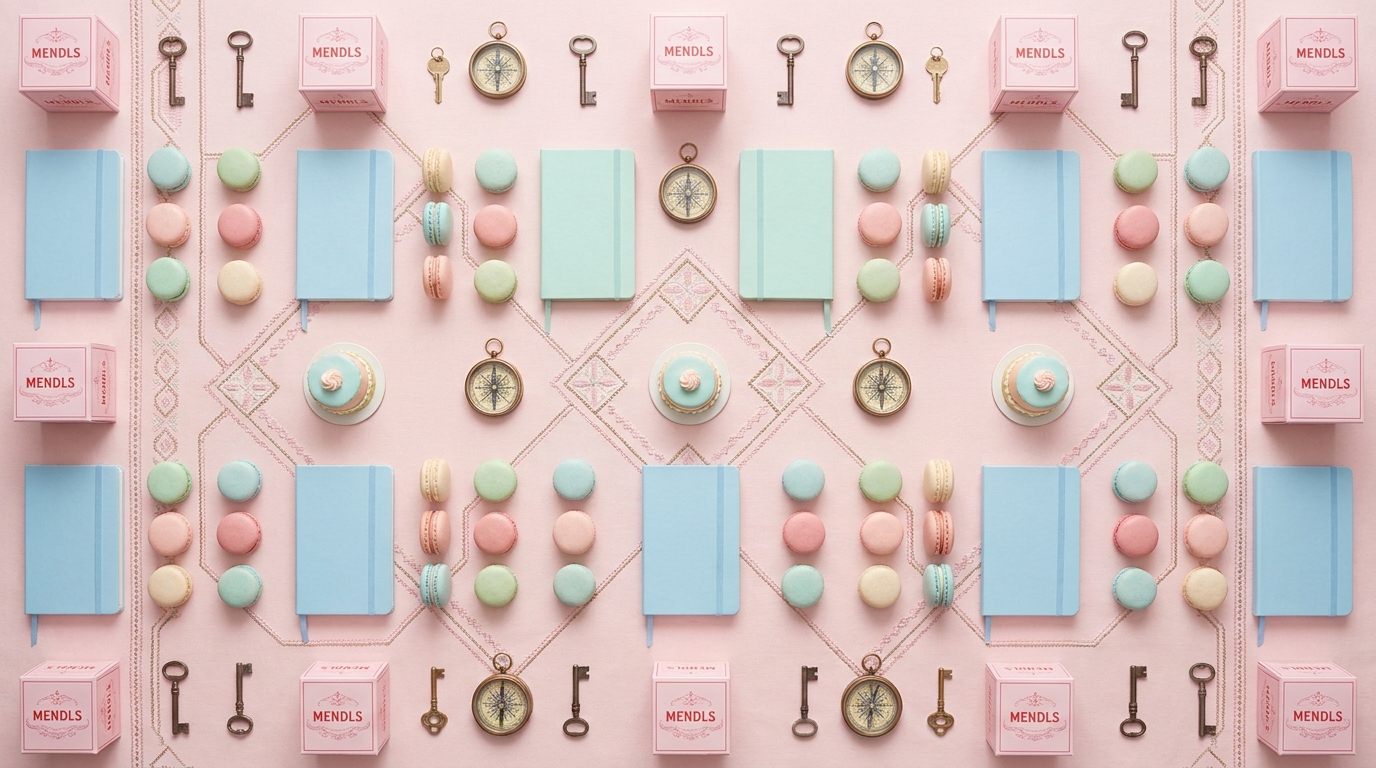
Symmetrical Pastel
A symmetrical-pastel auteur LOOK (dead-center framing, pastel dollhouse design, deadpan whimsy).
Generate a Wes Anderson-style brand film — perfectly centred symmetrical framing, pastel colour palette, whip pans between scenes, quirky deadpan characters, and title cards in Futura font
Opens the Wavemaker composer with this style pre-selected.
Symmetrical Pastel is an AI cinematic looks video style — a symmetrical-pastel auteur LOOK (dead-center framing, pastel dollhouse design, deadpan whimsy). Wavemaker generates the entire video for you — script, visuals, voiceover, and music — and assembles a finished, ready-to-share piece in minutes.
Pick Symmetrical Pastel, describe your idea or paste a URL, and Wavemaker applies the style's tuned recipe (its look, pacing, framing, voice, and structure) to your content. Refine any scene in plain language, then export in the aspect ratio you need (vertical, square, or widescreen).
How to create a symmetrical pastel video
-
Describe your video
Paste a link or type a one-line brief. Wavemaker reads it, pulls your brand, and plans the scenes, script, and pacing for you.
-
Pick a style
Choose one of the styles on this page. Each is a tuned recipe — look, cut rhythm, voice, and structure — applied automatically to your brief.
-
Generate and refine
Wavemaker writes the script, generates every shot and voiceover, and assembles a finished video. Tweak any scene in chat or on the canvas, then export.
Symmetrical Pastel — FAQs
What is the Symmetrical Pastel video style?
Symmetrical Pastel is a cinematic looks style on Wavemaker — a symmetrical-pastel auteur LOOK (dead-center framing, pastel dollhouse design, deadpan whimsy). Selecting it steers the whole generation — look, cut rhythm, voice, and scene structure — toward that result, so you get a consistent Symmetrical Pastel feel without configuring anything.
How do I make a Symmetrical Pastel video?
Open the Wavemaker composer, choose Symmetrical Pastel, describe your idea (or paste a link), and Wavemaker writes the script, generates the visuals and voiceover, and assembles the video. Tweak any scene in chat and export.
What aspect ratios can I export?
Vertical (9:16) for TikTok, Reels, and Shorts, square (1:1), and widescreen (16:9) for YouTube and the web. Some styles default to the ratio that performs best for their format.
What's the difference from Film & Narrative?
Film & Narrative is about story structure; Cinematic Looks is about a consistent visual aesthetic (grade, light, texture) applied across the whole video.
Will the look stay consistent?
Yes — the chosen look is locked across every scene so the video feels like one cohesive piece.
Can I apply a look to my product?
Absolutely — these styles work on products, people, or places; the aesthetic is applied on top of your subject.
More Cinematic Looks styles
-
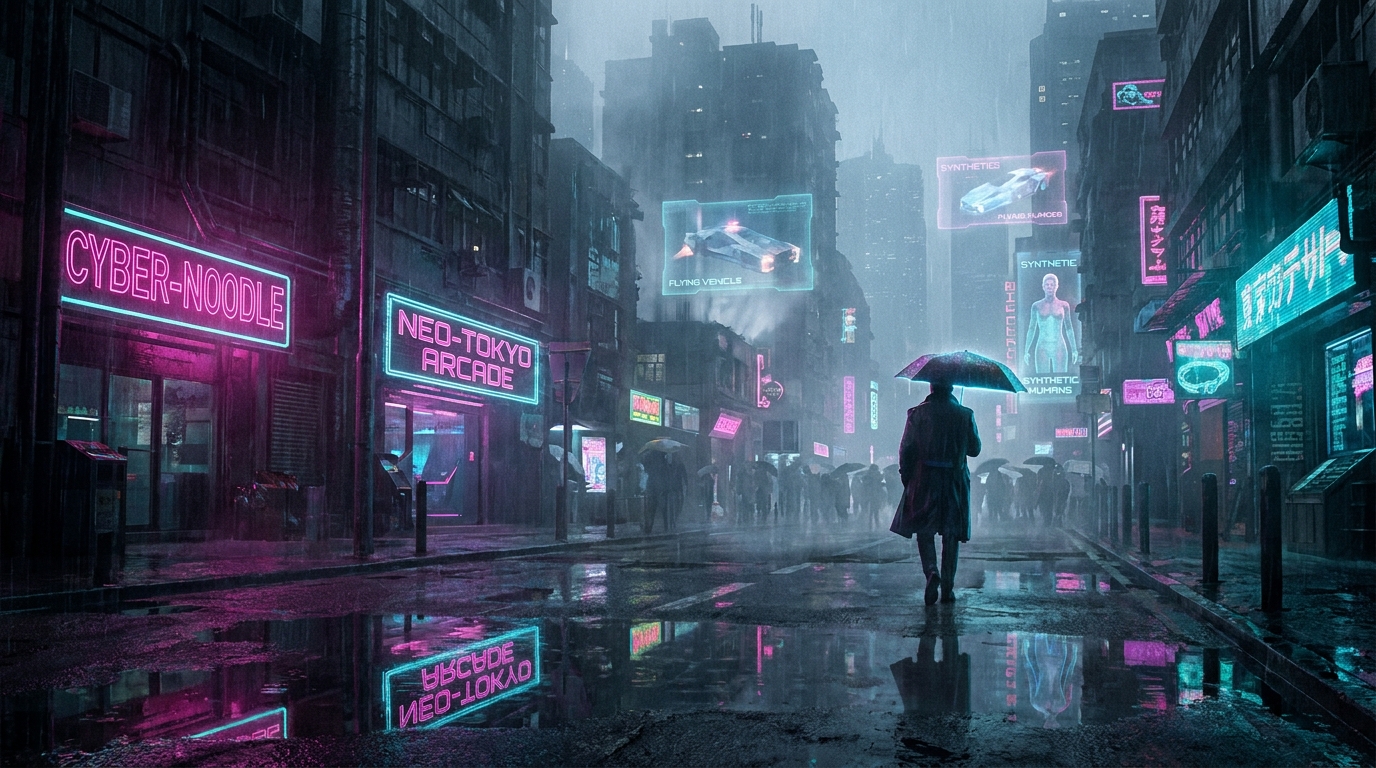 Cyberpunk A cyberpunk LOOK (neon-noir rain-slicked dystopian night city).
 -
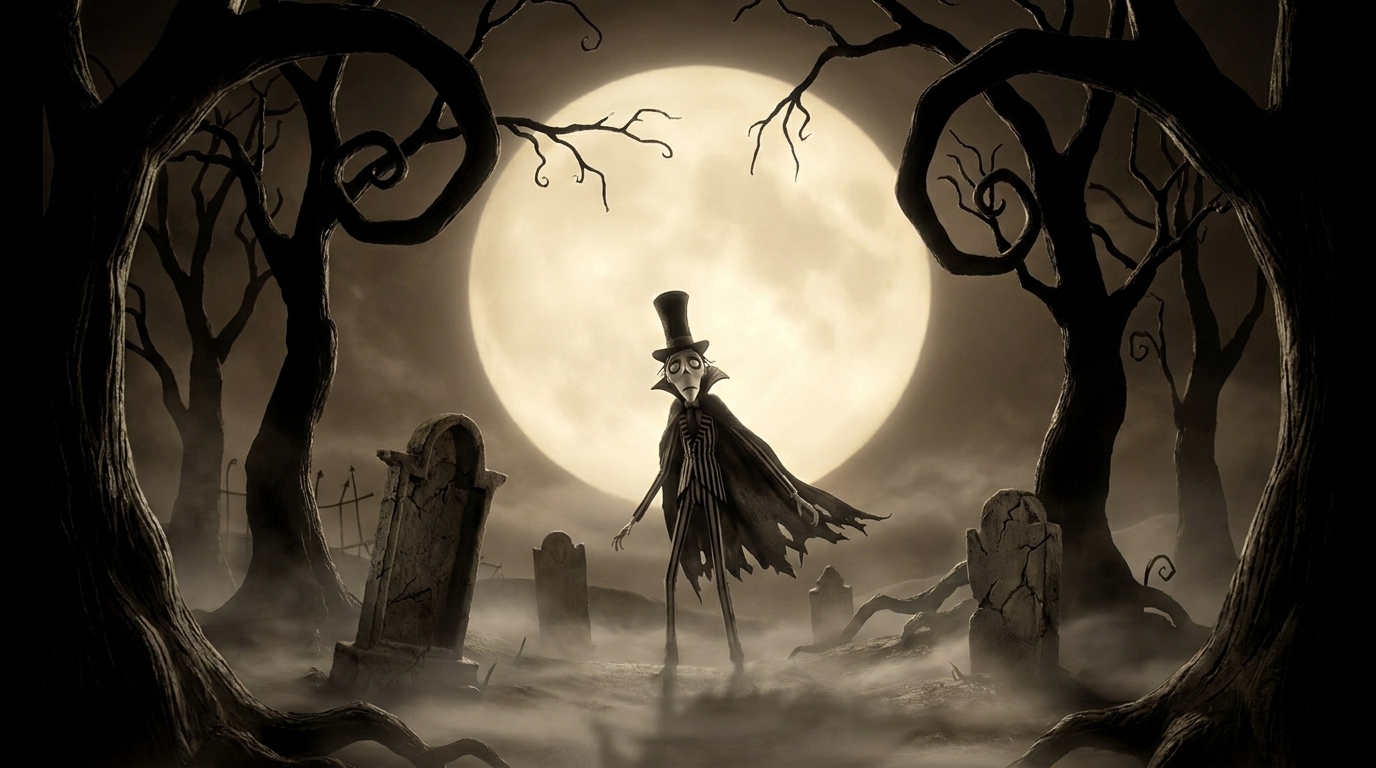 Dark Fairy Tale A dark-fairy-tale LOOK (gothic storybook: moonlit forest, beauty with menace).
 -
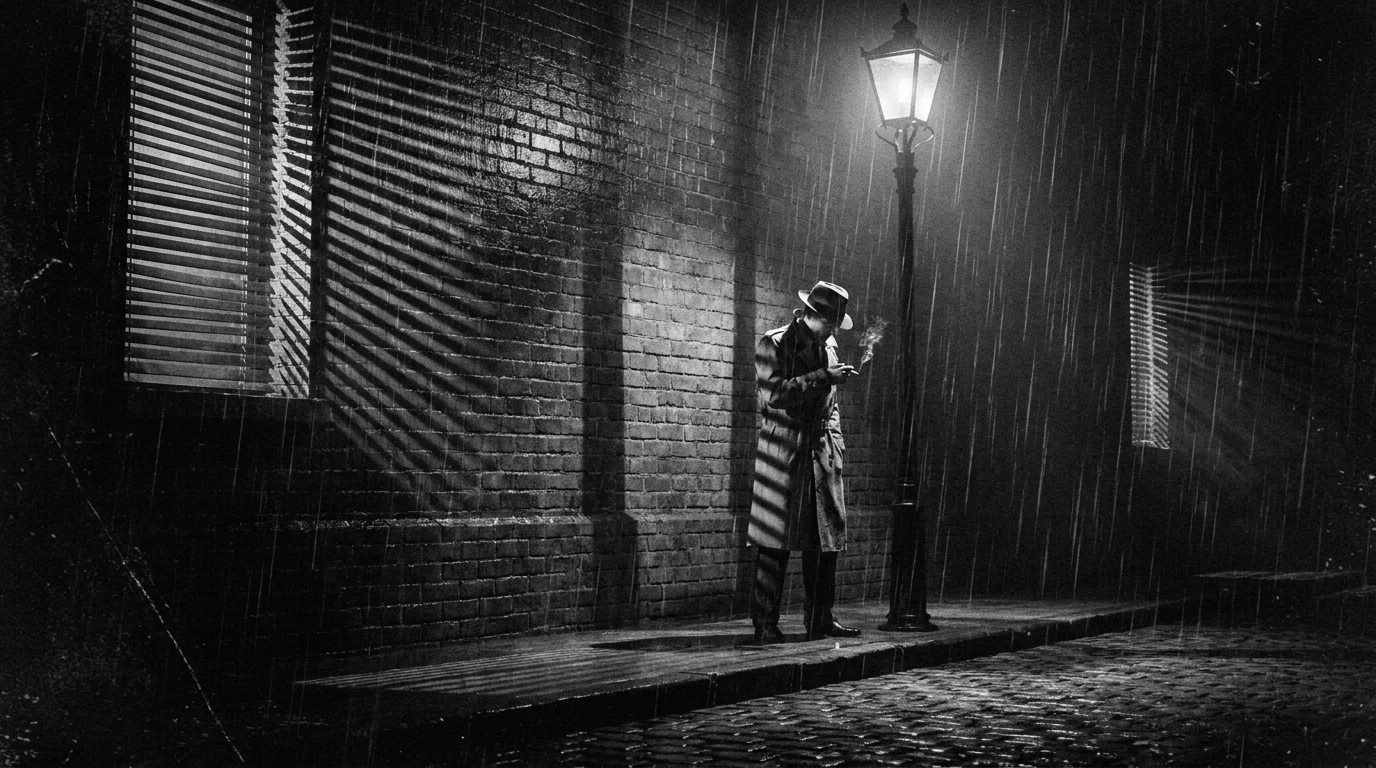 Film Noir A black-and-white film-noir LOOK (chiaroscuro shadow, venetian blinds, 1940s detective glamour).
 -
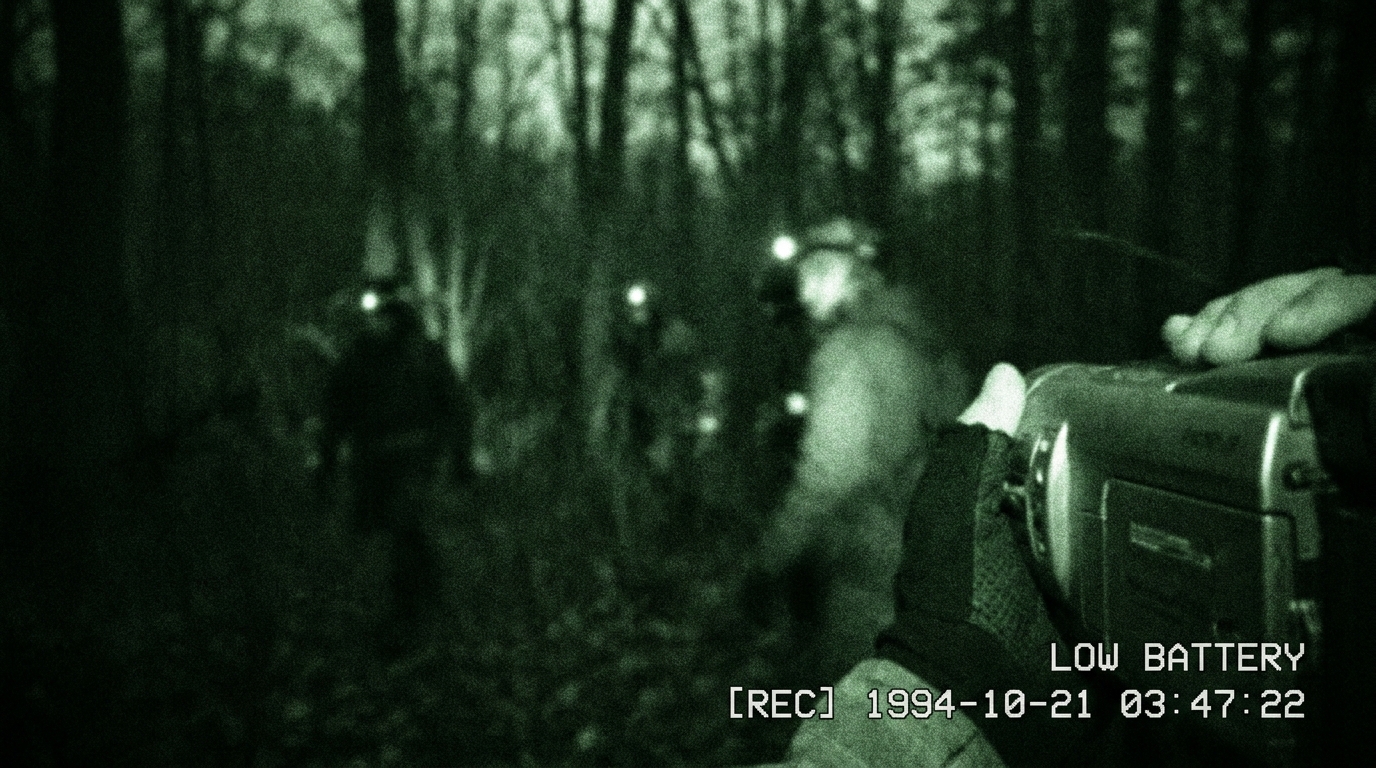 Found Footage A found-footage LOOK (shaky camcorder, night-vision, discovered-tape realism).
 -
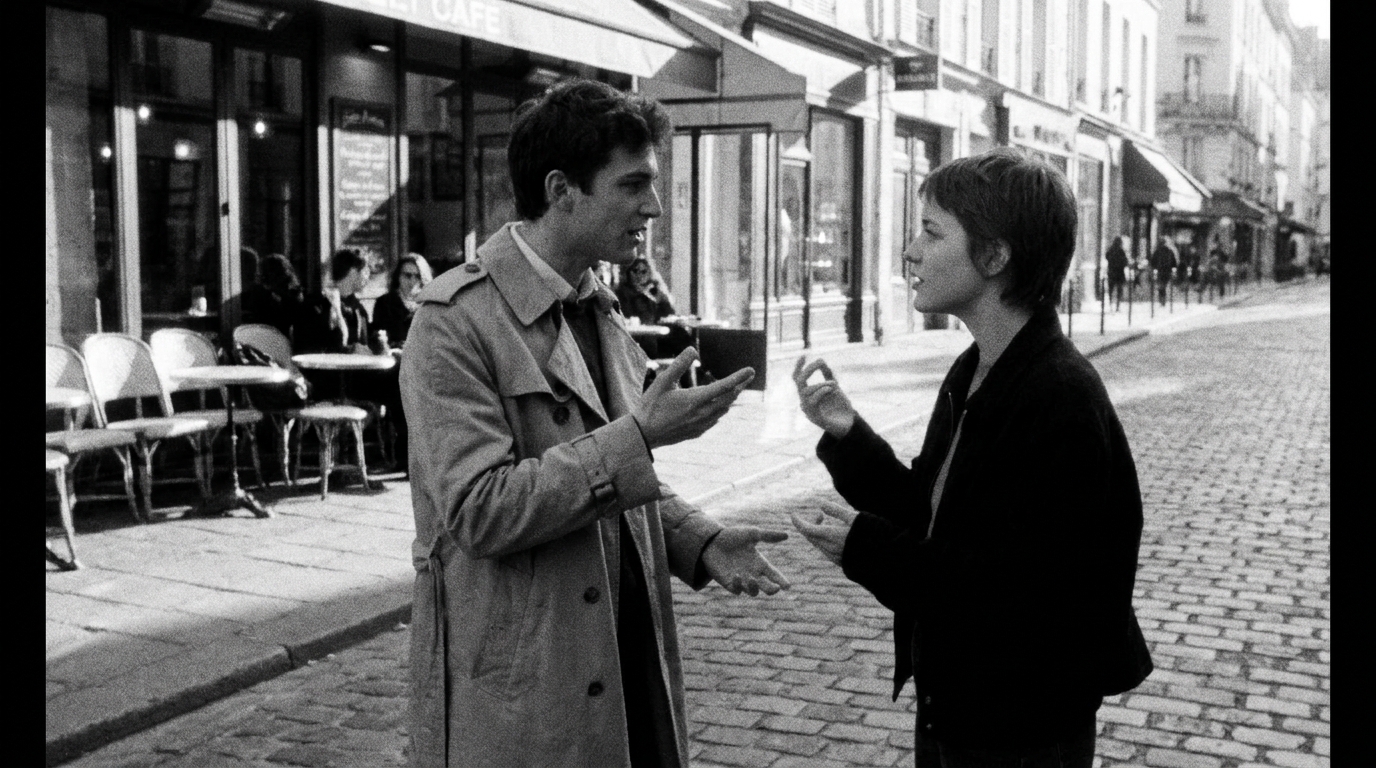 French New Wave A French-New-Wave LOOK (60s handheld black-and-white, jump cuts, café cool).
 -
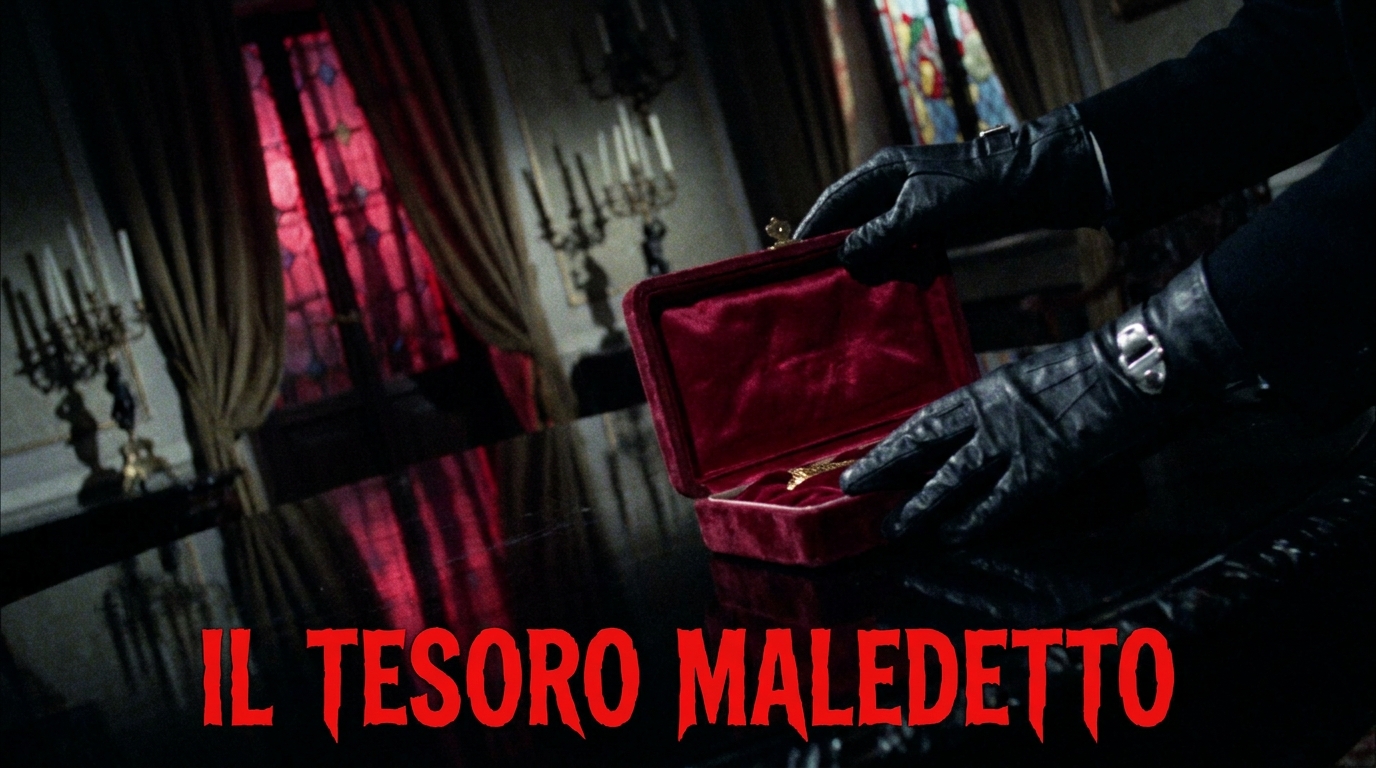 Giallo A giallo LOOK (1970s Italian horror: red/violet/green gel lighting, baroque suspense).