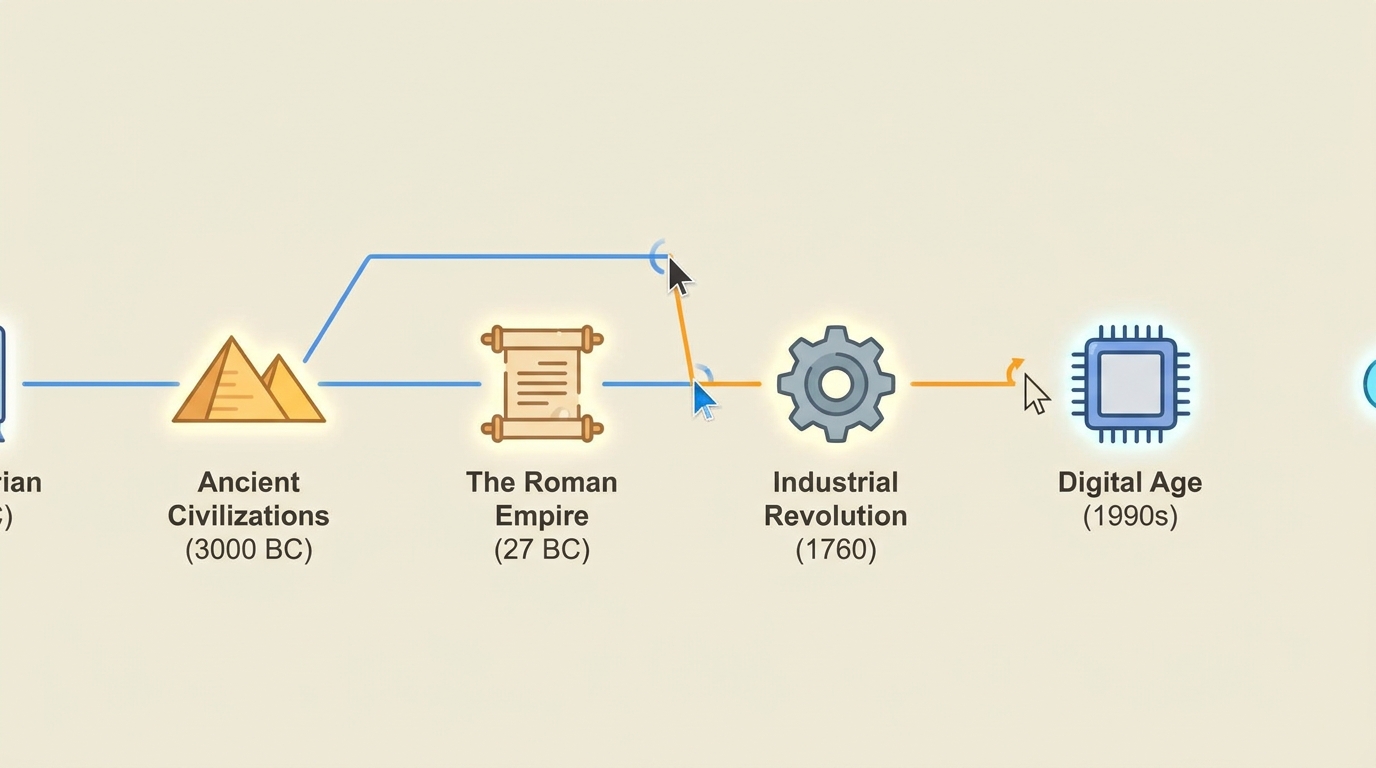
Historical Recap
A 'story of X' historical recap told as a cinematic narrative.
Make an animated historical or brand timeline — events appear chronologically from left to right with dates, icons, and brief text, each milestone connecting to the next with smooth motion and a building narrative
Opens the Wavemaker composer with this style pre-selected.
Historical Recap is an AI education & explainers video style — a 'story of X' historical recap told as a cinematic narrative. Wavemaker generates the entire video for you — script, visuals, voiceover, and music — and assembles a finished, ready-to-share piece in minutes.
Pick Historical Recap, describe your idea or paste a URL, and Wavemaker applies the style's tuned recipe (its look, pacing, framing, voice, and structure) to your content. Refine any scene in plain language, then export in the aspect ratio you need (vertical, square, or widescreen).
How to create a historical recap video
-
Describe your video
Paste a link or type a one-line brief. Wavemaker reads it, pulls your brand, and plans the scenes, script, and pacing for you.
-
Pick a style
Choose one of the styles on this page. Each is a tuned recipe — look, cut rhythm, voice, and structure — applied automatically to your brief.
-
Generate and refine
Wavemaker writes the script, generates every shot and voiceover, and assembles a finished video. Tweak any scene in chat or on the canvas, then export.
Historical Recap — FAQs
What is the Historical Recap video style?
Historical Recap is a education & explainers style on Wavemaker — a 'story of X' historical recap told as a cinematic narrative. Selecting it steers the whole generation — look, cut rhythm, voice, and scene structure — toward that result, so you get a consistent Historical Recap feel without configuring anything.
How do I make a Historical Recap video?
Open the Wavemaker composer, choose Historical Recap, describe your idea (or paste a link), and Wavemaker writes the script, generates the visuals and voiceover, and assembles the video. Tweak any scene in chat and export.
What aspect ratios can I export?
Vertical (9:16) for TikTok, Reels, and Shorts, square (1:1), and widescreen (16:9) for YouTube and the web. Some styles default to the ratio that performs best for their format.
Can I turn a document into a video?
Yes — upload a PDF, doc, or paste text, and Wavemaker summarizes the key points into a structured explainer.
Does it narrate the explanation?
A clear voiceover narrates the script, and on-screen text reinforces the key terms and steps.
How long are explainers?
Most run 30–90 seconds. You can set a target length and Wavemaker fits the script and pacing to it.
More Education & Explainers styles
-
 Animated Explainer An animated flat-2D-vector explainer (Kurzgesagt/Vox/TED-Ed concept animation).
 -
 Book Summary A book/big-idea summary ('X in 60 seconds' — opinionated distillation of a book's ideas).
 -
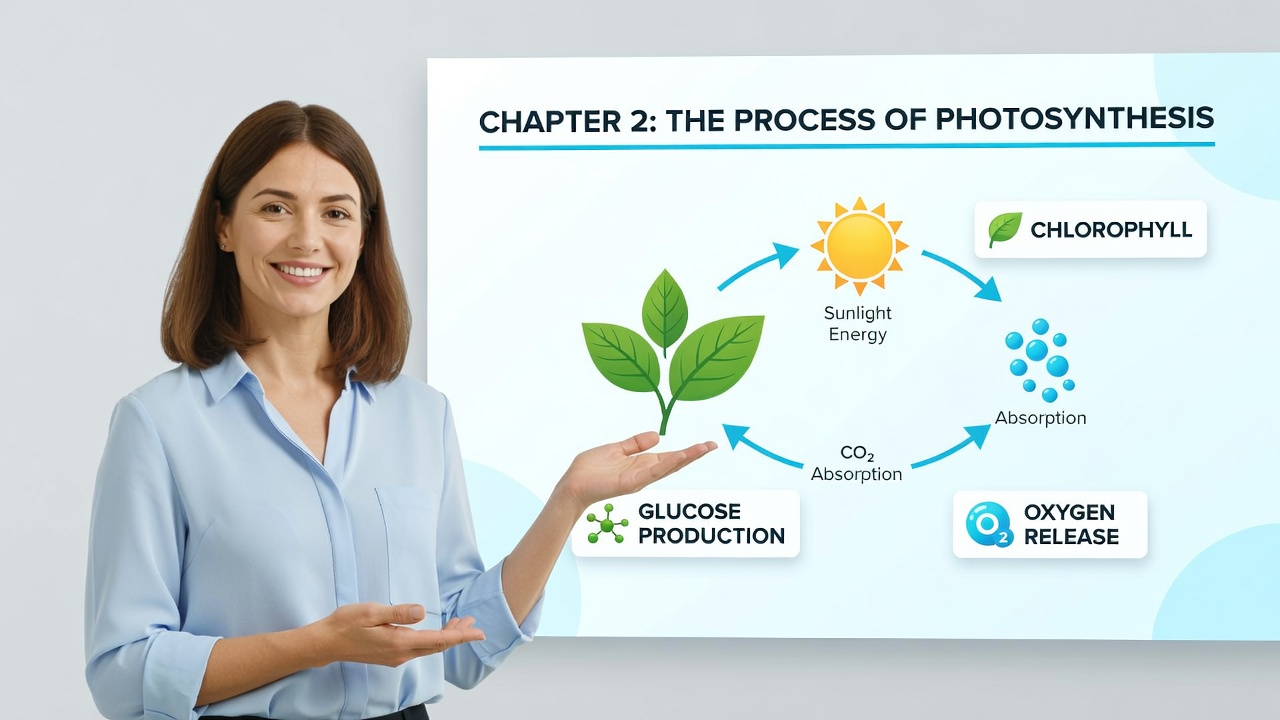 Course Lesson A structured e-learning lesson module (objective, concept build, example, recap).
 -
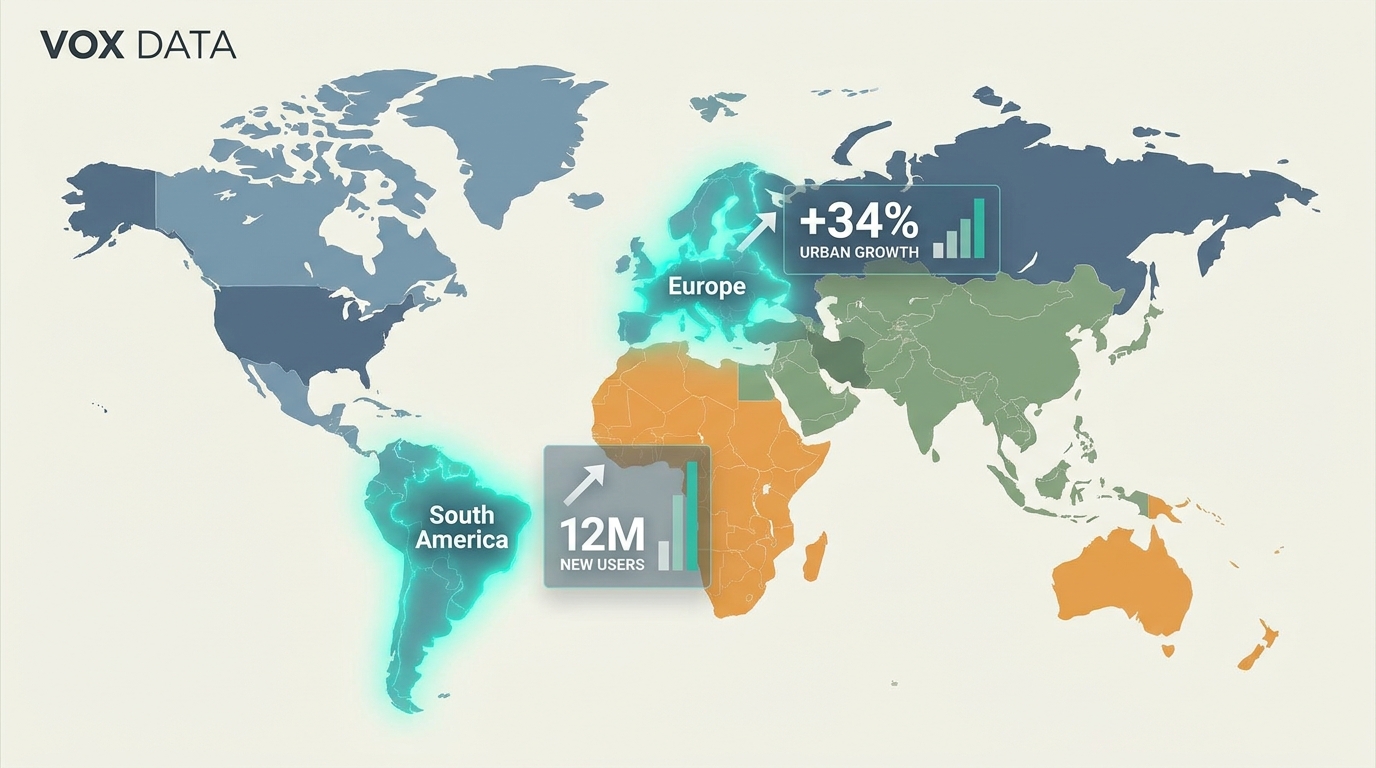 Data Visualization An animated data/stats/chart video (data-journalism motion graphics).
 -
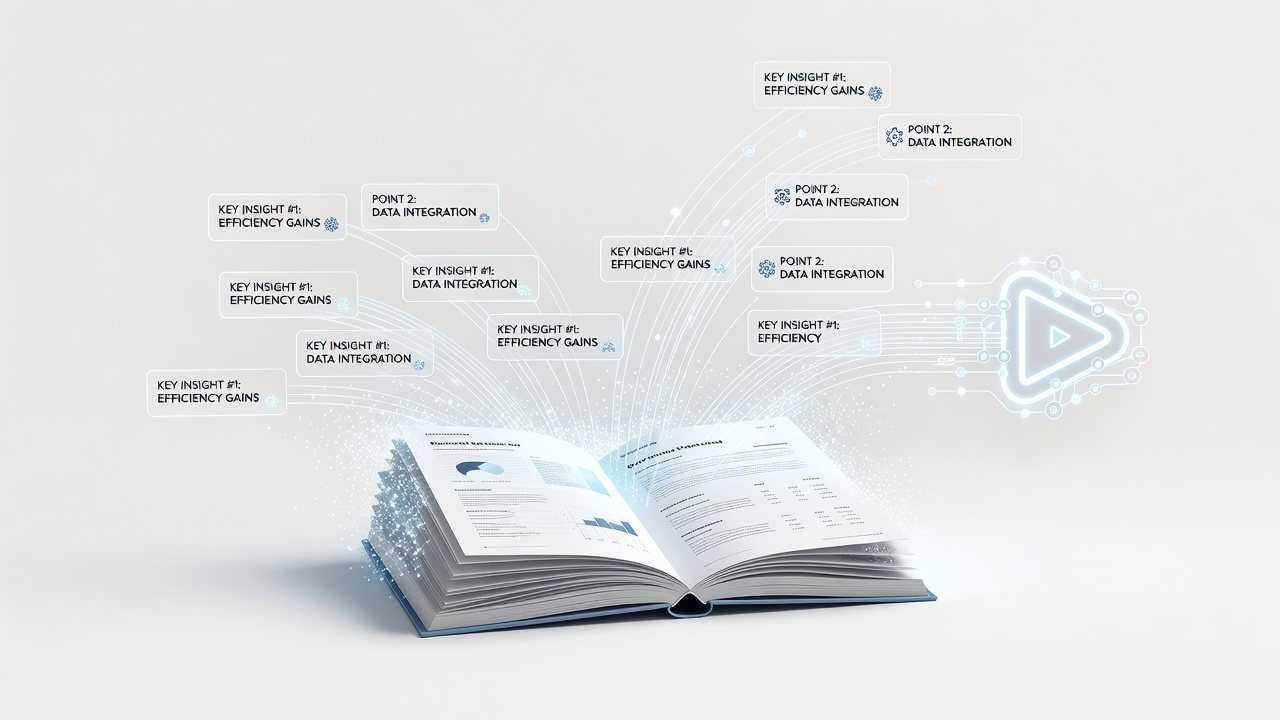 Document to Video Turn a written article/PDF/whitepaper into a narrated video.
 -
 How-To / Tutorial A step-by-step how-to / tutorial / SOP for a physical or general task.