Build an AI Video Pipeline Visually: The Workflow Builder, Toured
A screenshot walkthrough of Wavemaker's workflow editor — typed blocks, control flow (Map, Best of N, Retry Until, Approval Gates), the compiler that keeps you honest, the built-in copilot, and publishing to the Hub.

Wavemaker’s managed pipeline is one way to make video: describe what you want, and the orchestrator plans, generates, reviews, and assembles it. The workflow builder is the other way — you design the pipeline yourself, from typed blocks on a canvas, and it becomes a product you (or anyone) can run. Here’s the tour, screenshot by screenshot.
Three ways in (plus a ComfyUI door)
/workflows/new gives you three starting points — describe it in a sentence and let the assistant assemble a validated workflow, start from a blank canvas, or remix one of the templates. If you’re coming from ComfyUI, there’s a fourth: import a workflow from a .json export or a generated .png with embedded metadata.
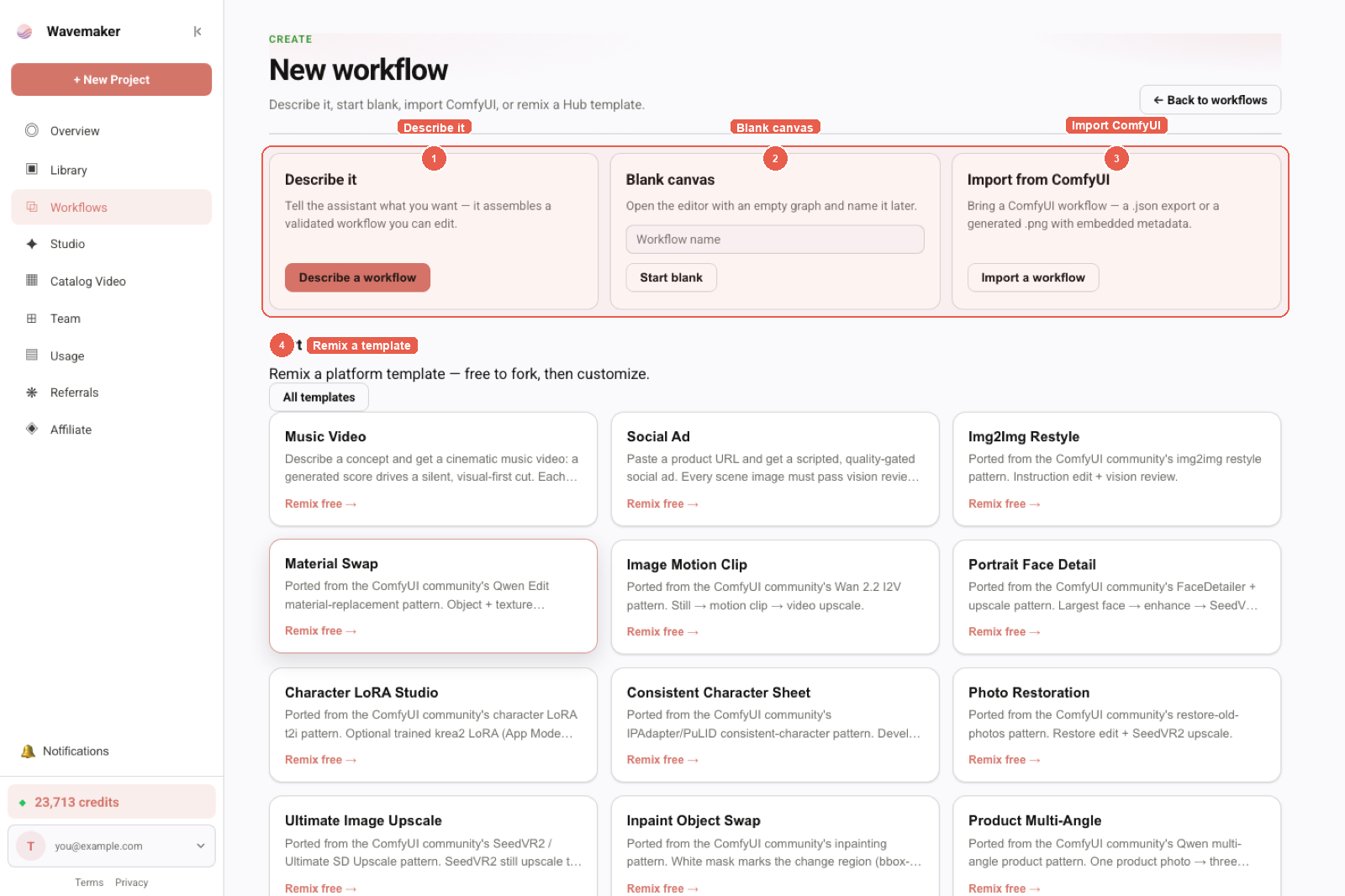
1 Describe it · 2 Blank canvas · 3 Import ComfyUI · 4 Remix a template.
Templates are real production pipelines, not toys — remixing Music Video or SaaS Product Explainer gives you the full graph to study and rewire.
The editor: blocks, canvas, spec
The editor is a three-panel IDE. Left: the block palette, organized by stage — Acquisition, Planning, Subject, Image, Video, Audio, Quality, Assembly, Utility — with per-block credit prices right on the card. Center: the canvas (with a JSON view one tab away). Right: the spec panel — the workflow’s public contract.
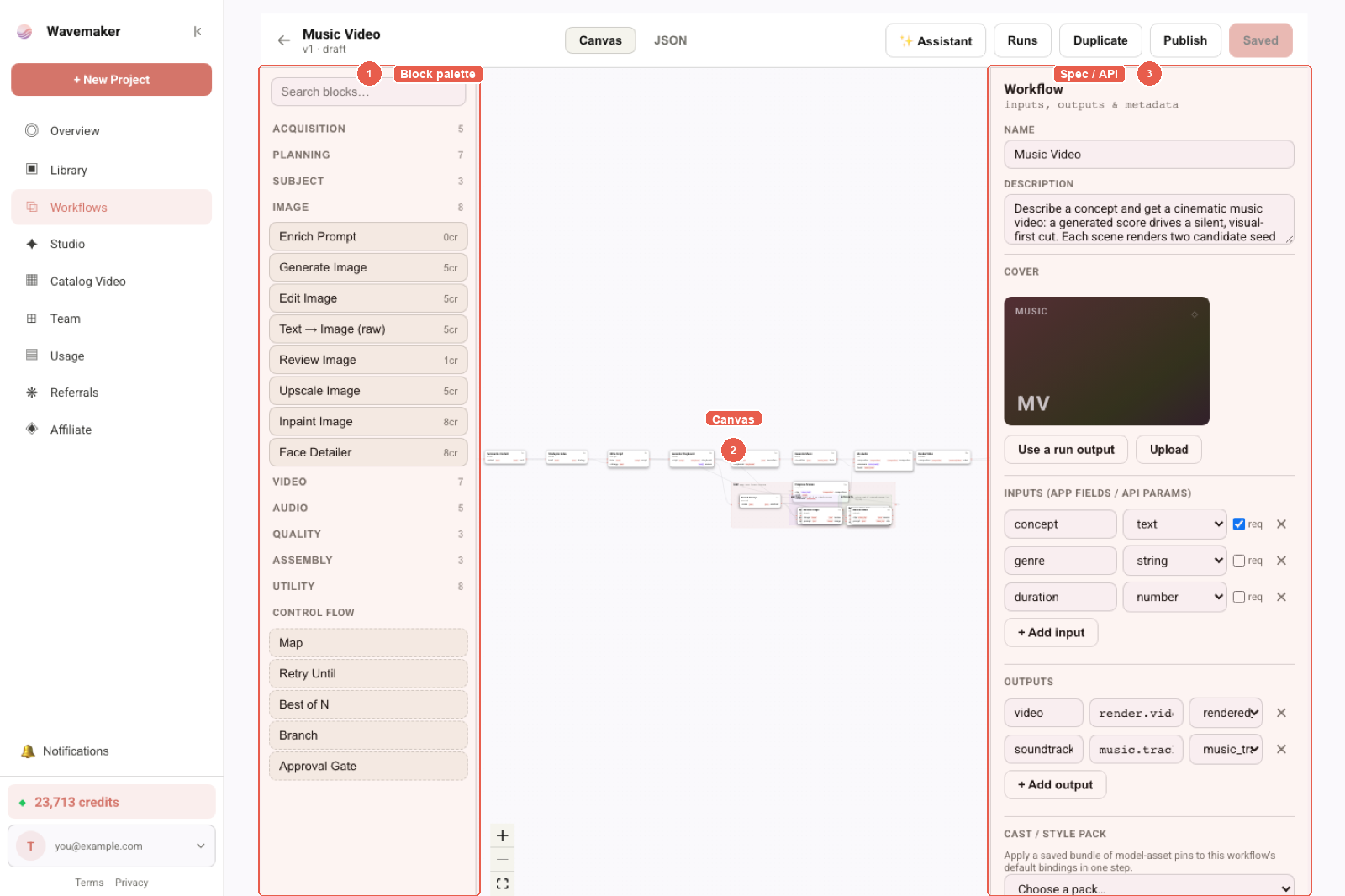
1 Block palette · 2 Canvas · 3 Spec / API — builder layout while editing.
Zoom in and the graph reads like the pipeline it is — each node is a typed step with named input and output ports, and edges only connect where the types agree:
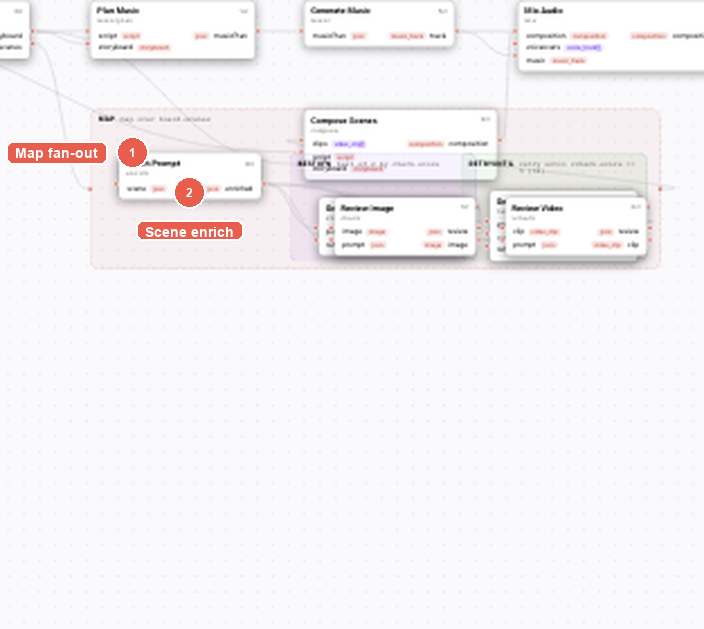
1 Map fan-out · 2 Scene enrich inside the map — typed blocks, wires, and quality contracts.
This particular graph (the Music Video template) shows the two ideas that make workflows more than a flowchart:
- Map — the shaded group fans out over
board.scenes: everything inside runs once per scene, in parallel. - Best of N — inside the map, each scene renders multiple candidate seed frames and keeps the higher-scoring one before animating it.
The palette’s Control Flow section has the rest: Retry Until (regenerate until a review gate passes, budget-bounded), Branch (conditional paths), and Approval Gate (pause the run for a human decision — over the API this becomes a kernel_run.awaiting_approval webhook).
The spec panel is your API
The right panel is where a graph becomes a product. Inputs you promote — with types (text, string, number, enums) and required flags — become, simultaneously:
- the form on the workflow’s Hub app page,
- the request body of
POST /api/v1/w/{slug}/runs, - and the schema of the
wf_<slug>MCP tool your agent sees.
Outputs declare what a successful run delivers (a rendered video, a soundtrack, artifacts). The cover — uploaded or picked from a real run output — is the workflow’s face on the Hub.
Nothing runs uncompiled: every save validates the graph (type mismatches, missing wires, budget problems) and the same compiler runs statelessly in CI via POST /api/v1/workflows/compile if you manage specs in git.
The copilot builds alongside you
The Assistant button opens the workflow copilot — a compiler-in-the-loop agent that chats through building, costing, and running the exact workflow you have open:
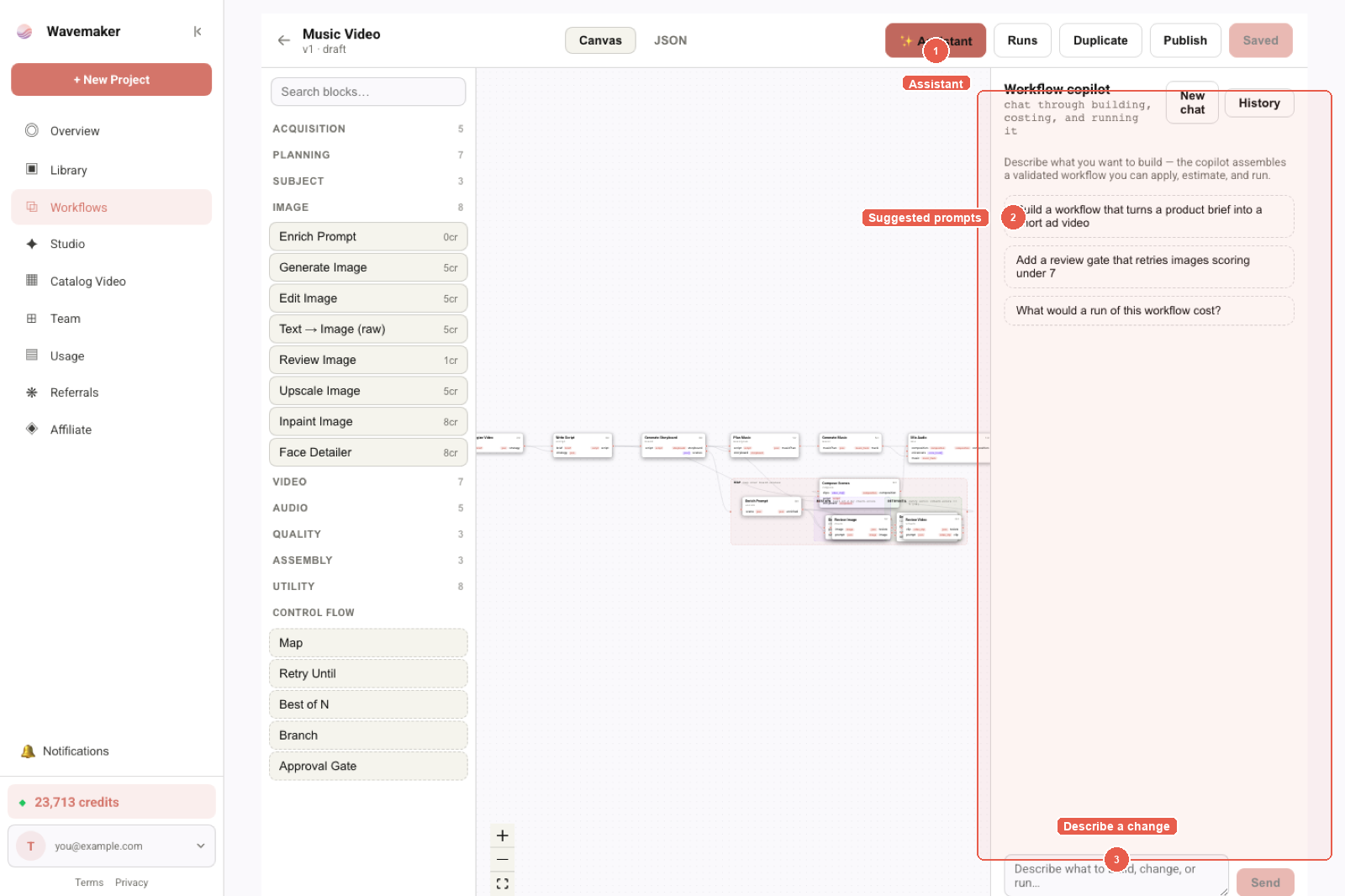
1 Assistant · 2 Suggested prompts · 3 Describe a change — copilot beside the graph.
It’s not a generic chatbot: it reads the block catalog, drafts real spec changes, validates them against the compiler, and self-repairs before proposing anything. Conversations persist per workflow, so you can leave and pick up the thread. The same drafting engine is exposed to external agents as the draft_workflow MCP tool — describe a pipeline from Cursor or Claude and get back a compiled spec (agent quickstart here).
Runs, then publish
The Runs panel executes the workflow right in the editor — per-node progress, per-node credit spend, artifacts as they land. Runs hold credits up front and settle to actual; unchanged upstream nodes are memoized and re-run free, which makes iterate-on-the-last-step cheap.
When it’s ready, Publish creates an immutable version and lists it on the Hub — as an app page, a REST endpoint, and an MCP tool, all at once. You choose whether it’s free to run or carries a per-run premium, and whether it’s open to forking. From there, the Hub tour covers the runner’s side of the story.
Where to go next
- Build one: wavemaker.io/workflows/new
- Docs: Building workflows, Workflow copilot, Publishing & earning
- The API surface behind all of it: Every Wavemaker Workflow Is Now an API Endpoint
Frequently asked questions
- What is a Wavemaker workflow?
- A typed, node-based AI pipeline: blocks for scraping, planning, image/video/audio generation, quality review, and assembly, wired on a visual canvas. Workflows compile to a validated spec, run on Wavemaker's engines with per-node credit accounting, and can be published to the Hub as runnable apps, REST endpoints, and MCP tools.
- Do I have to build workflows by hand?
- No. Three entry points: describe it (the copilot assembles a validated workflow from a plain-language description), remix a template, or start from a blank canvas. You can also import a ComfyUI workflow — a .json export or a generated .png with embedded metadata.
- What control flow do workflows support?
- Map (fan out over a list, e.g. one branch per scene), Best of N (generate candidates and keep the highest-scoring), Retry Until (regenerate until a review gate passes), Branch (conditional paths), and Approval Gate (pause for a human decision before continuing).
- How do workflow inputs become API parameters?
- Inputs you promote in the editor's spec panel (with types like text, string, number, enum) become the app page's form, the REST API's request body, and the MCP tool's schema when published — one definition, three surfaces.