Train a Character LoRA: Photos, Checkpoints, and Binding
A practical guide to training a character LoRA on Wavemaker—dataset rules, krea2 training, epoch grids, likeness consent, and binding into video workflows.
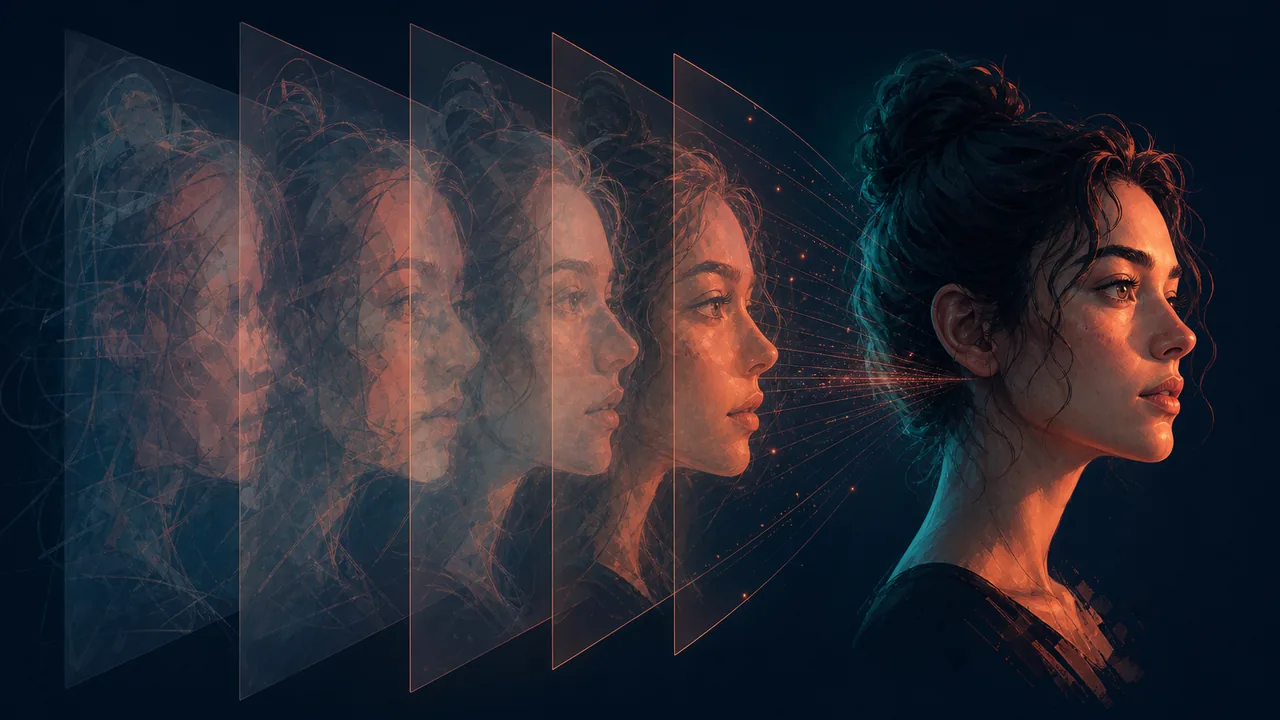
Train a character LoRA on Wavemaker by building a rights-cleared photo dataset, running an image_lora job on the krea2 path, choosing the best epoch from sample grids, and binding that version into workflows—not by auto-promoting the final checkpoint.
Character LoRAs vs “make them look similar once”
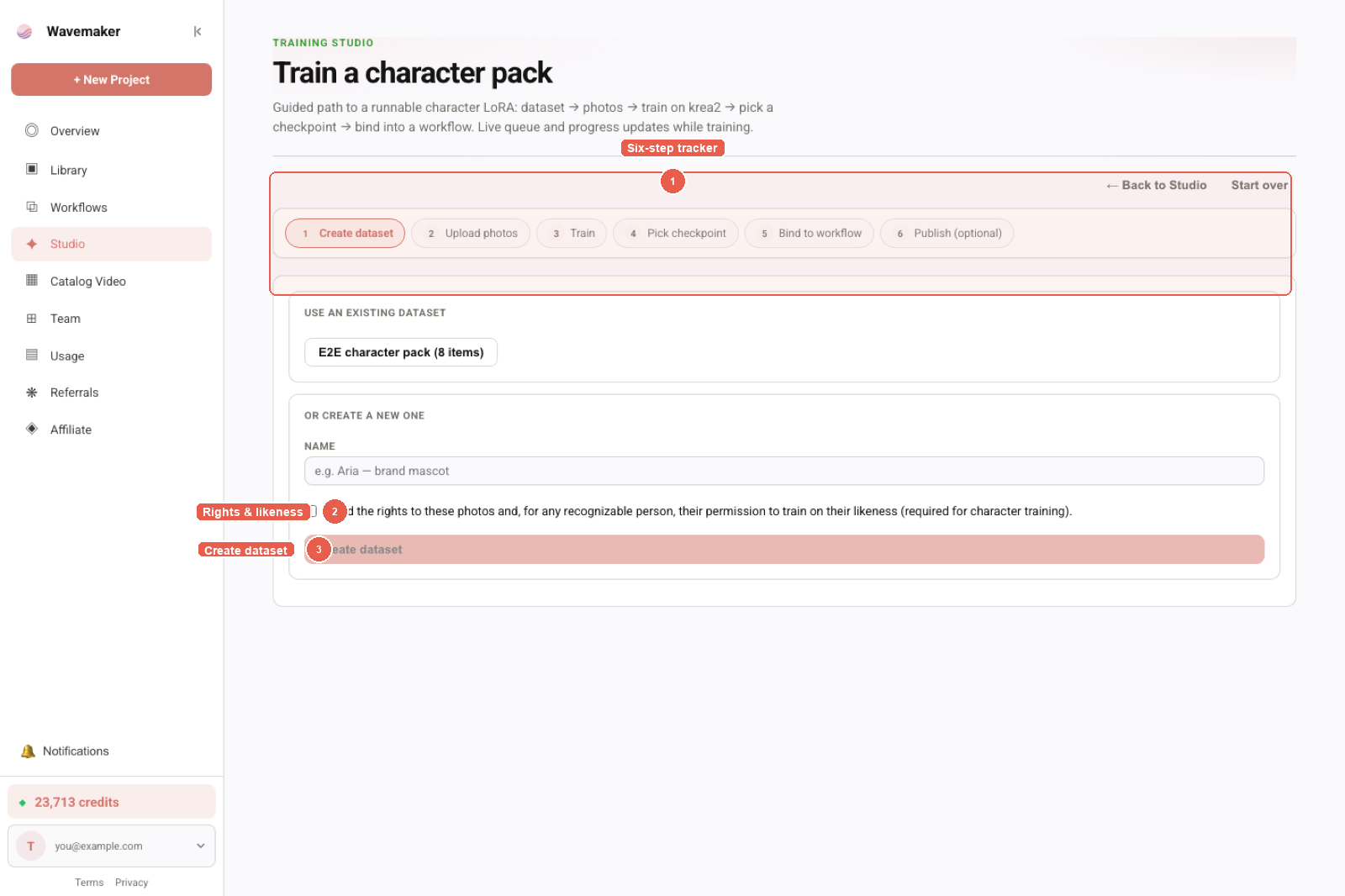
Training Studio recipe view — dataset, recipe, and train controls.
Single-shot reference images can work for one scene; serial content (episodes, ad variations, UGC-style batches) needs a reusable identity signal. A character LoRA encodes that signal so prompts + trigger token pull the same face/proportions across runs.
Wavemaker separates general consistency tactics (subject references, planning, review gates) from trained identity. For the broad video pipeline, read /blog/consistent-characters-across-scenes/. This guide stays on Training Studio mechanics for character LoRAs specifically.
Before you upload: rights, consent, and moderation
Character training is the strictest Studio path because likeness errors have real-world impact.
- Confirm you own or licensed every photo.
- For recognizable people, collect consent to train on their likeness—not just “we had a photoshoot.”
- Every item passes moderation; prohibited classes hard-block. Age uncertainty may flag for review rather than silently passing.
Voice for the same character is a separate dataset with its own consent schema—see voice training with consent when you want narration that matches casting.
Building the photo dataset
Open Training Studio → Datasets → create an image dataset (or launch /assets?recipe=character).
Quantity and variety
| Dimension | Guidance |
|---|---|
| Count | 15–40 strong images beats 200 near-duplicates |
| Angles | Front, 3/4, profile, over-shoulder—avoid 30 identical selfies |
| Lighting | Mix soft and directional; teach identity, not one studio setup |
| Wardrobe | Change outfits so the LoRA learns face/hair, not one jacket |
| Background | Some noise is fine; all-plain-gray sets can overfit backdrop |
Promote your own best generations from recent runs when you are building a stylized character iteratively—the generate → curate → train loop is first-class.
Captions and trigger words
After scan, auto-captions arrive—edit them. Describe pose, expression, and outfit while repeating a stable trigger token for the character name or codename. The model learns what the token means from consistent pairing with the face.
Poor caption hygiene is the top reason character LoRAs “look great on training photos, wrong everywhere else.” Pair this section with LoRA dataset preparation for product and style datasets too.
Run image_lora on krea2
On Train, select your dataset, job type image LoRA, preset character. Price displays before submit (from ~60 credits at default steps). Advanced settings (rank, learning rate, steps) exist within caps—touch them only when you have a hypothesis to test.
Progress shows phase and percent; failed jobs auto-refund. Training executes on hosted hardware—you do not SSH into a pod.
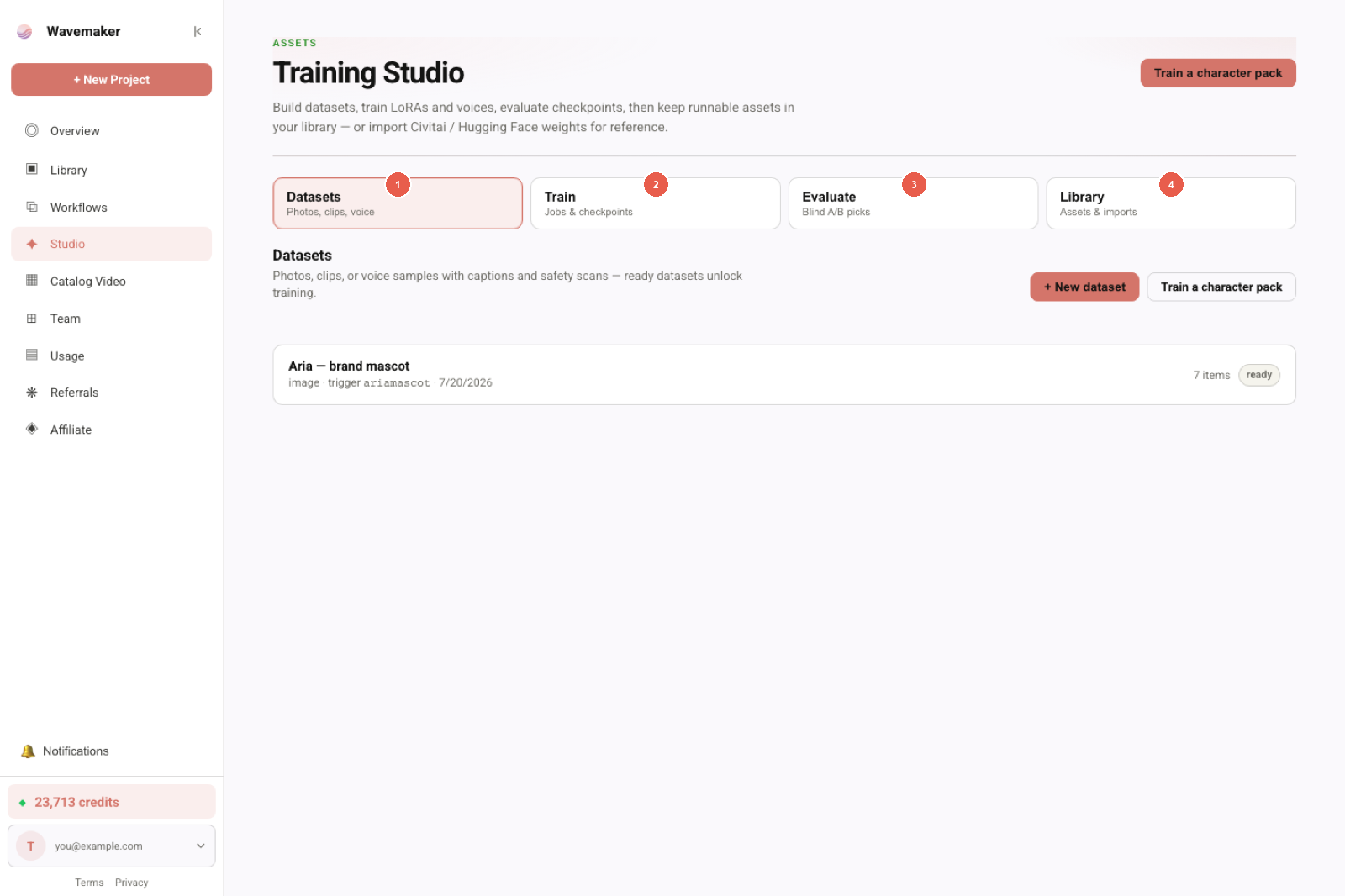
Assets library used when binding LoRAs and voices.
Pick the epoch that generalizes
Each epoch emits a grid with fixed prompts and locked seeds. Compare:
- Does the face stay on-model at new angles?
- Do teeth/skin texture explode (overcooked)?
- Does the trigger token alone summon the character without overfitting wardrobe?
Select the winner; it becomes a version. Unpicked epochs expire in 14 days. Never assume the last grid is best—picking the right LoRA epoch explains the failure mode in depth.
Optional: run Evaluate for blind A/B against an older version or a no-LoRA control—blind A/B testing LoRA checkpoints.
Bind the character into workflows
Library → your asset → Bind to a workflow image block. Workflows pin versions so v3 does not silently replace v2 on a published app.
Multi-character shoots: after each role has a trained asset, assemble a cast pack and apply it from the workflow spec panel.
Publishing to the Hub adds moderation and provenance attestation; eval-before-publish warns if you never promoted an A/B winner.
Video and motion: what image LoRA does not do
An image character LoRA stabilizes frames you generate on krea2/ltx paths. It does not automatically transfer motion habits to Wan clips. For motion-specific training, start a video LoRA job (video LoRA training for Wan) with clip datasets—different price floor (~200 credits) and different evaluation habits.
Import vs train for characters
Downloading someone else’s Civitai character LoRA into Library is fine for cataloging and future mounts; Flux/SDXL imports remain library-only until engine support ships. If you need a runnable character today, train on-platform or use weights already trained on krea2-compatible families.
Import Civitai LoRAs covers license attestation and honesty UX.
Agent/API loop
create_dataset → add_dataset_items (HTTPS URLs fetched server-side, size-capped, scanned) → POST /api/v1/training-jobs → webhook training_job.awaiting_checkpoint → pick_checkpoint. Agents should not finalize epoch choice without policy—humans or evaluation gates pick.
Connect builder MCP mode (agent-driven workflows) when chat should orchestrate bind + publish.
Checklist before you call it done
- Rights + likeness confirmations checked.
- Captions edited; trigger token consistent.
- Epoch chosen from grids, not habit.
- Weight smoke-tested in workflow (strength tuning).
- Optional blind A/B promoted a default version.
Wardrobe, hair, and accessory strategy
Character LoRAs encode whatever repeats in captions. If every photo mentions the same hat, the trigger token may summon that hat even when prompts omit it—decide intentionally whether accessories are part of identity or props. Hair color changes mid-dataset without caption updates teach contradictory signals; either split datasets (hero vs stunt look) or caption dye jobs explicitly.
For adult or stylized characters, moderation allows many photoreal faces when rights-clear—still avoid mixing prohibited classes. When in doubt, reduce dataset noise before adding more epochs.
Working with Hub templates and forks
The character recipe’s bind step can fork a Hub template so you inherit block layout, quality gates, and pricing transparency without wiring nodes from scratch. After fork, open the spec panel to confirm the LoRA pin targets the image block you actually use for hero frames—not a deprecated preview node left from remix lineage.
Publishing optional sample grids to Hub is a distribution choice, not a training requirement. Community tiers expose provenance; eval-before-publish nudges you to blind A/B when brand reputation matters.
Negative prompts and workflow-level guards
Training teaches identity; workflows still carry anti-slop and text-protocol negatives at generation time. A character LoRA does not grant readable text in frames unless your workflow intentionally allows diegetic copy. Keep review gates enabled for ad work—character consistency means nothing if anatomy review fails on export.
Seasonal campaigns without retraining every week
Version pins let you run Summer Campaign on v2 while testing v3 on staging graphs. Cast packs encode which version each role uses—refresh the lead pin when v3 wins an evaluation, without rewiring every block manually (cast packs).
When not to train a character LoRA
Skip training when you need one historical figure for a single news explainer and already have licensed reference stills—subject-reference workflows may be faster. Skip when your Civitai import is library-only SDXL and you refuse to train krea2—no mount means no runnable character. Train when you expect many generations with the same face under typed prompts.
Trigger token politics
Pick a trigger that is not a common English word—“Jordan” fights basketball semantics; sks_jordan_hero reduces collision. Document pronunciation for voice separately—image trigger does not control TTS.
Lighting and skin tone fairness
Under-represented lighting in datasets causes identity drift in production scenes with different key light. Intentionally include warm and cool keys; caption them so the model learns face independent of white balance mistakes.
Minors and casting
Do not train character LoRAs on minors for commercial casting without legal review beyond platform moderation. When age is ambiguous, moderation may flag—resolve before burning credits.
Export and archive
Keep a copy of source photos outside Wavemaker for rebuilds. Platform stores trainable items, but your creative brief may require local archives for brand audits.
Post-training workflow QA
Train when you expect many generations with the same face under typed prompts.
Field notes for production teams
Character LoRA is not a replacement for director notes—blocking, wardrobe continuity, and review gates in long video still matter. Link out to /blog/consistent-characters-across-scenes/ when stakeholders ask for “one knob” consistency; this guide is the knob for trained identity, not the whole pipeline. Schedule epoch review the same day grids land—fourteen-day expiry on unpicked checkpoints is real. Keep a changelog row: dataset hash, epoch picked, weight used in pilot, evaluation id if promoted.
Where to go next
- Train LoRA online without a GPU
- Pillar: /lora-training
- Docs: Training Studio, Model assets
- Hub discovery: Tour of the Workflow Hub
Frequently asked questions
- How many photos do I need for a character LoRA on Wavemaker?
- Image LoRA datasets allow 8–400 images; most character packs land in 15–40 well-captioned photos with varied angles, lighting, and wardrobe while keeping the same identity anchor. More duplicates rarely help; better captions do.
- Which engine should I train a character LoRA on?
- The character recipe trains image_lora on the krea2 runnable path—the same family most character workflows bind today. Video motion for that character may later use separate video LoRA jobs on wan/hunyuan, not the image checkpoint alone.
- Can I train on a real person's face?
- Only if you hold rights to the photos and, for recognizable people, their consent to train on their likeness. The character wizard requires an explicit confirmation; items also pass fail-closed moderation before training.
- What happens after I pick a checkpoint?
- The pick becomes a versioned asset in Library. Bind it to image nodes in workflows (pinned by version), save cast packs for multi-role graphs, or publish to the Hub after moderation. Wavemaker never auto-selects the last epoch.