ComfyUI Custom Nodes and Dependency Hell (Why We Don't Execute Them Online)
Custom nodes are arbitrary Python, version pins, and broken graphs — dependency hell that makes multi-tenant Comfy hosting fragile. Wavemaker transpiles supported intent instead of running node code.

ComfyUI custom nodes are the ecosystem’s superpower and its dependency hell: unreviewed Python, pin conflicts, and graphs that break when anyone updates a fork. Wavemaker does not execute custom nodes online — we transpile supported intent and list unmapped nodes honestly. Product framing: /comfyui. Engineering: why transpile.
What is dependency hell in ComfyUI?
Every shared workflow implicitly ships a bill of materials:
- Base ComfyUI commit
- Core models and VAEs
- Custom node repos (sometimes dozens)
- Python packages those nodes import
- CUDA/driver assumptions
Recipients git clone their way through READMEs, restart Comfy twice, and still hit “Missing node type” because one pack updated widget order. Creators feel this when a workflow that worked in March dies in August.
That is dependency hell — not a moral failure, a structural outcome of composable arbitrary code.
Why are custom nodes code execution?
Custom nodes register Python classes Comfy loads at startup. Running a graph that references SomeCoolNode means:
- Importing third-party modules
- Often downloading models or scripts at runtime
- Executing logic nobody on the host reviewed
For a personal machine, acceptable. For multi-tenant cloud, it is a security and support boundary problem — malicious nodes have appeared in the wild; benign nodes still expand blast radius.
Wavemaker’s line: no Comfy node runs on our servers, custom or core. See import report categories.
What shows up in the import report?
When JSON references unknown or unsupported class_type values:
- Listed under Not imported
- Copilot opens prefilled with that list — you choose whether to rebuild
Standard paths we do map (when present in graph topology):
- Common t2i / img2img chains through KSampler-like paths
- LoRA loaders when weights exist on runnable hosts
- Save/preview outputs for intent tracing
We do not map:
- ControlNet stacks
- Video wrappers (AnimateDiff / Wan / VHS-style graphs inside Comfy)
- Arbitrary custom nodes
- Subgraphs we do not model
Sampler seed/CFG/steps are dropped and listed — not emulated via hidden custom logic.
How is this different from hosted ComfyUI clouds?
Hosted Comfy vendors try to preinstall popular node packs and let you upload more. That maximizes compatibility and inherits hell:
- Version skew between user JSON and host image
- Support tickets per node
- Unbounded runtime behavior → pricing uncertainty
Transpile platforms trade node fidelity for typed blocks, quotes, and durability. Compare: ComfyUI alternatives, web-based.
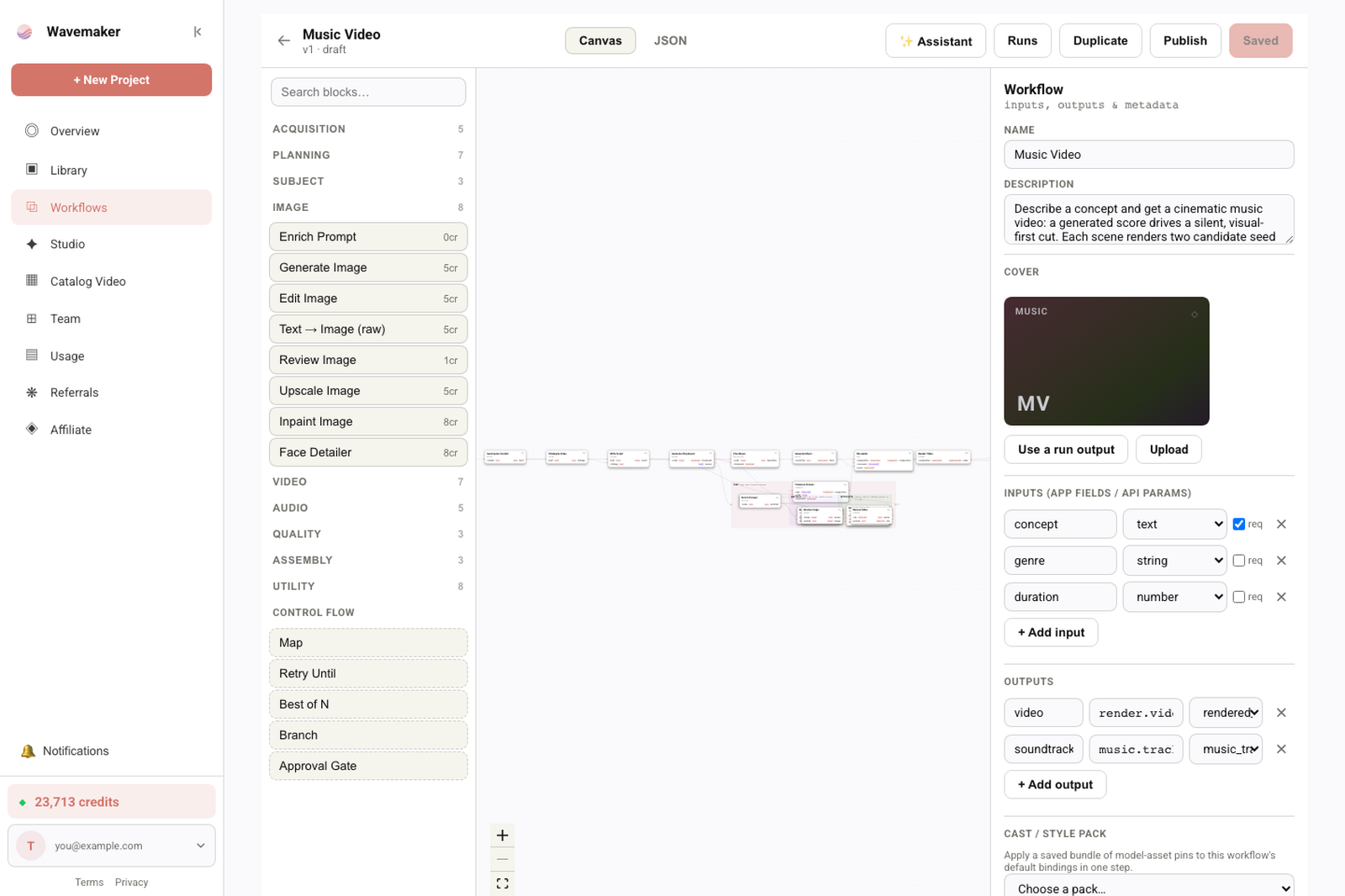
Builder layout controls while editing a workflow.
What about node packs that patch core classes?
Some packs monkey-patch core nodes or register aliases. Imports see the serialized class_type string in JSON — if your graph says KSamplerAdvanced from a pack, but our mapper expects standard topology, the node may land in Not imported even though vanilla Comfy runs it. Standardize on core nodes before export when productizing, or plan copilot rebuilds for pack-specific classes.
Rebuilding patterns that replaced custom nodes
Creators often used custom nodes for policy, not math:
| Comfy habit | Platform direction |
|---|---|
| Fixed seed grid | Best-of-N + review gate |
| ”If fail, regenerate” | Retry until gate (bounded) |
| ControlNet pose | Reference image + edit + approval |
| Face swap node pack | Subject/reference blocks + review (product-specific) |
| Video inside Comfy | Video blocks after image core |
Use the visual workflow builder tour and copilot — suggestions arrive as diffs you apply.
Reducing hell when you still need Comfy locally
If you maintain golden graphs on desktop Comfy:
- Pin node commit hashes in README tables
- Export API JSON for smallest diffs — formats guide
- Separate “lab” graphs from “product” graphs you transpile
- Import LoRAs to Training Studio before graph import — LoRA workflows
Security checklist before you run someone else’s JSON locally
Even on your GPU, treat foreign workflows as code:
- Read node list before queue
- Sandbox or scan custom repos
- Never run admin Comfy on secrets-bearing machines
Online transpile avoids remote execution of that code — but you still should not paste secrets into prompts on any platform.
Supply-chain hygiene for node git URLs
README files that say git clone ten repos are supply-chain nightmares. Even if you stay on Comfy locally, pin commits and scan repos. When you productize, transpile removes runtime dependency on those repos for runners — only platform blocks execute. Creators still benefit from shorter support surface: “unsupported node” becomes a copilot task with clear scope.
Use local or hosted Comfy — alternatives comparison. Transpile a simpler core for product/API instead.
What should internal runbooks say about custom nodes?
Runbooks should state plainly: Wavemaker production runs do not execute Comfy custom nodes; attempts to “fix” import by renaming class types to standard names without changing topology will fail compile or produce wrong intent. The approved path is copilot-assisted rebuild or Comfy R&D export. Security reviews should record that third-party node Python never loads in the multi-tenant kernel, which differs from hosted Comfy vendors’ answers.
Creator checklist escaping dependency hell
- Freeze node pack list with commit hashes for local Comfy
- Maintain parallel “product” graph using mostly core nodes
- Import product graph; screenshot report
- Copilot-rebuild only Not imported items
- Publish Hub app; stop emailing JSON zips
Glossary: dependency hell terms
- Custom node — third-party Python registered as a Comfy node class
- Node pack — git repo installing multiple custom nodes
- Widget drift — UI JSON positional values misaligned after upgrade
- Transpile residue — nodes listed as Not imported after mapping
- Runnable host — platform engine that can load adapters at run time
Teams that document these five terms onboard new hires faster and file fewer false “import broken” tickets when the report is doing its job.
Enterprise procurement sometimes asks for a single sentence: Wavemaker does not execute Comfy custom-node Python in multi-tenant production; it transpiles supported graph intent (including common WAN/AnimateDiff-style video chains) to typed blocks with an import report listing ControlNet graphs, custom nodes, and subgraphs as unsupported, plus sampler/CFG/steps as dropped settings (image seed may ride). That sentence prevents months of false expectations during pilot programs.
Keep a pinned link to /comfyui in your team Slack when debates restart every release cycle.
How should platform teams talk to Comfy-native engineers?
The cultural gap is real: Comfy-native engineers measure success in node compatibility and pixel match; product engineers measure quoted runs, typed inputs, and graphs that compile next quarter. A useful internal FAQ bridges both — “We transpile intent; we never execute your node Python in production.” Link the import walkthrough and this post when onboarding hires who only know hosted Comfy vendors. When someone proposes “just spin up Comfy in Kubernetes,” redirect to economics: unknowable loop counts, unbounded GPU time, and support ownership for every git-installed pack.
Document two tiers of graphs: R&D (anything goes locally) and product (mostly core nodes, API JSON export, import report screenshot attached to Hub listing). Reviewers reject product tiers that still list twelve custom nodes as not imported without a copilot rebuild plan. That process reduces dependency hell for runners even when creators still enjoy infinite nodes on their own GPUs.
What procurement questions should security ask?
Security questionnaires often ask whether third-party code runs on shared infrastructure. For Wavemaker production runs, the accurate answer is that Comfy custom node Python does not execute in the multi-tenant kernel — graphs transpile to manifested platform blocks with compile-time validation. Contrast with hosted Comfy offerings that install community packs on shared images. Include the import report categories (ControlNet graphs / custom nodes / subgraphs not imported; sampler settings dropped; video chains may map) as evidence of fail-closed behavior. Pillar page for external sharing: /comfyui.
When transpile is the right exit ramp
Choose Wavemaker when:
- Runners will never install your node folder
- You want API/MCP and Hub economics — Comfy to product
- You accept import reports instead of silent breakage
Stay on Comfy when:
- Graph is the custom node stack (research, niche samplers, in-Comfy video)
Your future self support ticket volume drops when runners stop cloning twelve git repos.
What does a clean product graph look like?
A clean product graph is intentionally boring: core checkpoint loaders, standard sampler topology, prompts you are willing to promote, LoRAs already imported on runnable hosts, and no ControlNet stacks or exotic custom nodes you already know will not map. Export API JSON after muting experimental branches. Import once, archive the report screenshot with your Hub listing, and copilot-rebuild only entries still marked Not imported. That rhythm keeps desktop freedom while shipping a quoted, typed workflow to runners who will never git clone your node folder — the exit ramp /comfyui describes in product terms.
Where to go next
- Import: Import ComfyUI workflows
- Troubleshoot: Workflow troubleshooting
- Run online: Run ComfyUI workflows online
- Pillar: /comfyui
Dependency hell ends when your shareable artifact stops being “clone these twelve repos” and starts being a quoted, typed workflow — with eyes open about what did not map.
Frequently asked questions
- Why doesn't Wavemaker support custom ComfyUI nodes?
- Custom nodes are third-party Python executed inside the graph runtime — importing them would require executing unreviewed code on shared infrastructure. We map supported standard nodes to platform blocks and list everything else in the import report.
- Can I recreate custom node behavior on Wavemaker?
- Often partially — via platform blocks, review gates, best-of-N, edit steps, or video blocks. The builder copilot opens prefilled with unmapped nodes to suggest replacements; there is no automatic custom-node translator.
- What happens to my graph if it uses ControlNet custom packs?
- ControlNet and similar conditioning stacks are reported as not imported. You rebuild with references, edit blocks, or human approval gates — not hidden emulation.
- How do I escape dependency hell when sharing workflows?
- Transpile to a platform with typed blocks and versioned manifests, or document exact node commit hashes for hosted Comfy. Wavemaker is the transpile path — see /comfyui.